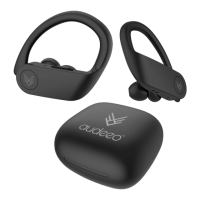
BLUETOOTH
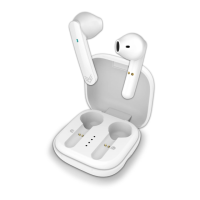
audeeo Refresh
BLUETOOTH
audeeo Refresh
3
Quick Start Guide
3.5 Single Earphone Mode
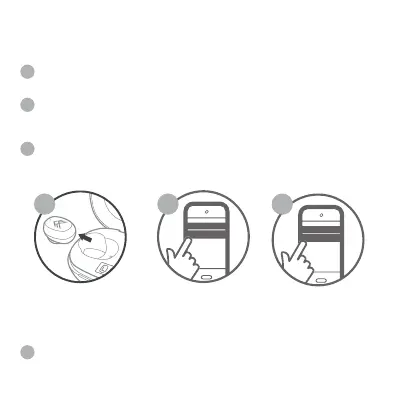
Remove either the RIGHT or LEFT earphone from the Charging
Case Station or only turning one of the earphone ON.
Turn ON by touching and holding the Multi-Function button (A) until
you hear the prompt. After a few seconds the earphones will go into
pairing mode (flashing GREEN & RED).
Open your Bluetooth setting on your device and pair again if
needed. The earphones will appear as “audeeo Refresh” in the list of
available Bluetooth devices. Select “audeeo Refresh” and connect.
NOTE: Last track function and Volume up&down function will not work in single
earphone mode.
1 2 3
1
1
2
3
4
Button Functions
ANSWER & HANG UP CALLS
When there is an incoming call, touch the Multi-Function Button (A)
ITEM: AOREFR


 To Next Page