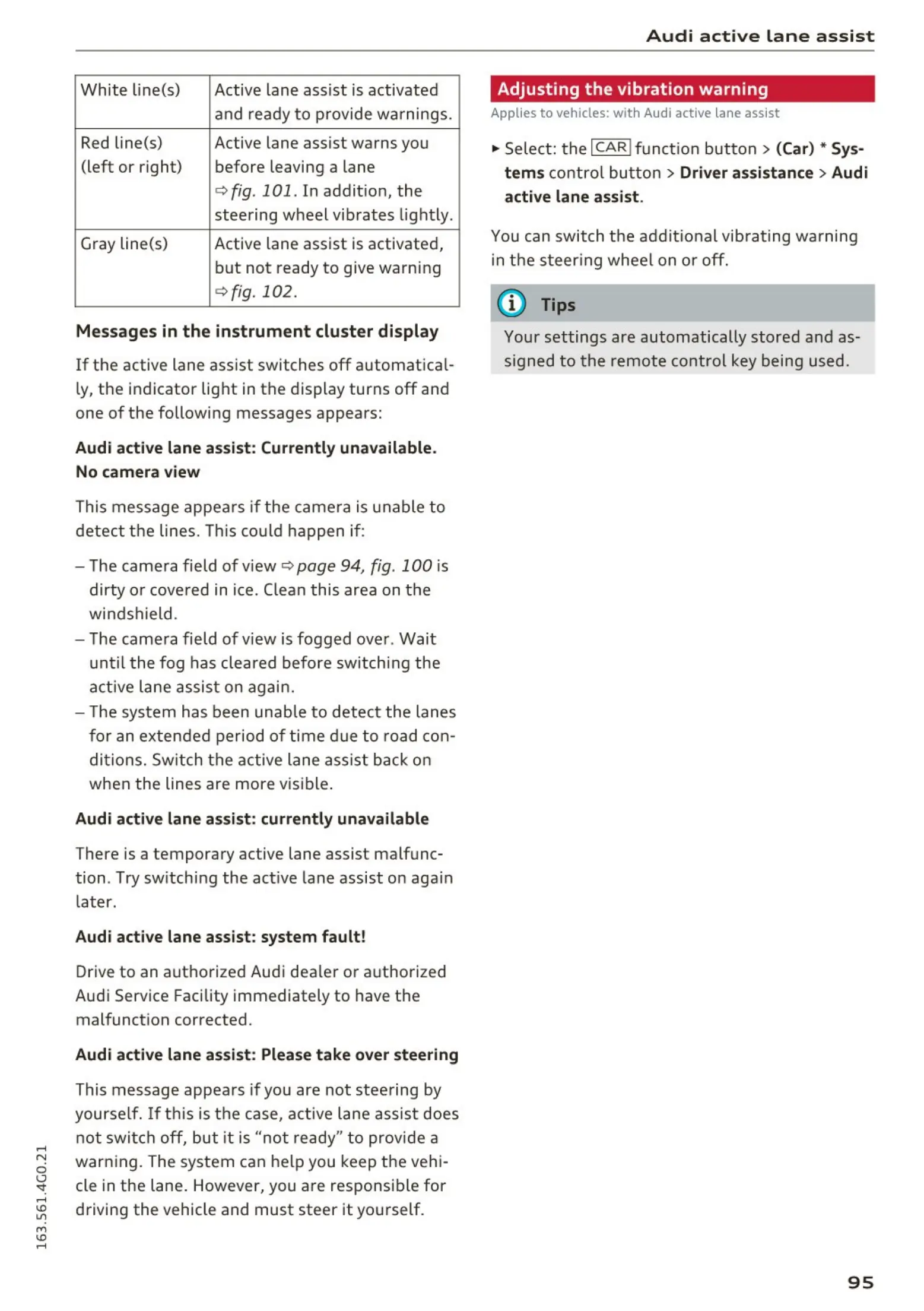
White line(s) Active lane assist is activated
and ready to provide wa rnings.
Red line(s) Active lane assist wa rns you
(left or right) before leaving a lane
c:> fig . 101. In addit io n, the
steering wheel vib rates light ly.
Gray line(s) Active lane assist is activated,
but not ready to give warning
c:> fig. 102.
Messages in the instrument cluster display
If the active lane ass ist switches off a utomat ica l-
ly, the indicator light in the d isplay turns off an d
one of t he following messages appears:
Audi active lane assist: Currently unavailable .
No camera view
This m essage appea rs if the cam e ra is unable to
detec t t he lines. This could ha ppen if :
- The came ra field of view
c:> page 94, fig. 100 is
dirty or cove red in ice. Clea n this are a on t he
wind shield.
- The came ra field of view is fogged ove r. Wai t
unt il the fog has clea red before sw itch ing the
active la ne assis t on ag a in.
- The system has been unab le to detec t the lanes
for an extende d period of ti m e du e to road con -
dit ions. Switch t he act ive lane ass ist back o n
when the lines are more visible .
Audi active lane assist: currently unavailable
There is a temporary active lane assist malfunc-
tion . Try sw itching the act ive la ne assist on aga in
later.
Audi active lane assist: system fault!
Drive to an autho rized Audi dea ler o r a ut horized
Audi Service Facility immediately to have t he
malfunct ion corrected.
Audi active lane assist: Please take over steering
This message appea rs if you are not st eer ing by
yourse lf . If thi s is th e case, active la ne assi st does
not swit ch off, but it is "no t ready" t o pr ovide a
war ning. The system ca n he lp you keep t he vehi-
cle in the lane . However, you a re responsi ble for
d riving the vehicle and must steer it yourself.
Audi active lane assist
Adjusting the vibration warning
Applies to vehicles: w ith Audi active lane assist
., Sele ct: t he I CAR ! functio n butt on > (Car) * Sys-
tem s
con tro l but to n > Driver assistance > Audi
active lane assist.
You can switch t he addi t io nal vib rat ing wa rning
in t he st eer ing whee l on o r off.
(D Tips
Your settings are automatically store d a nd as -
s igned to t he remo te co ntrol key being used.
95















 To Next Page