41 42
FIRMWARE UPDATE PROCEDURE
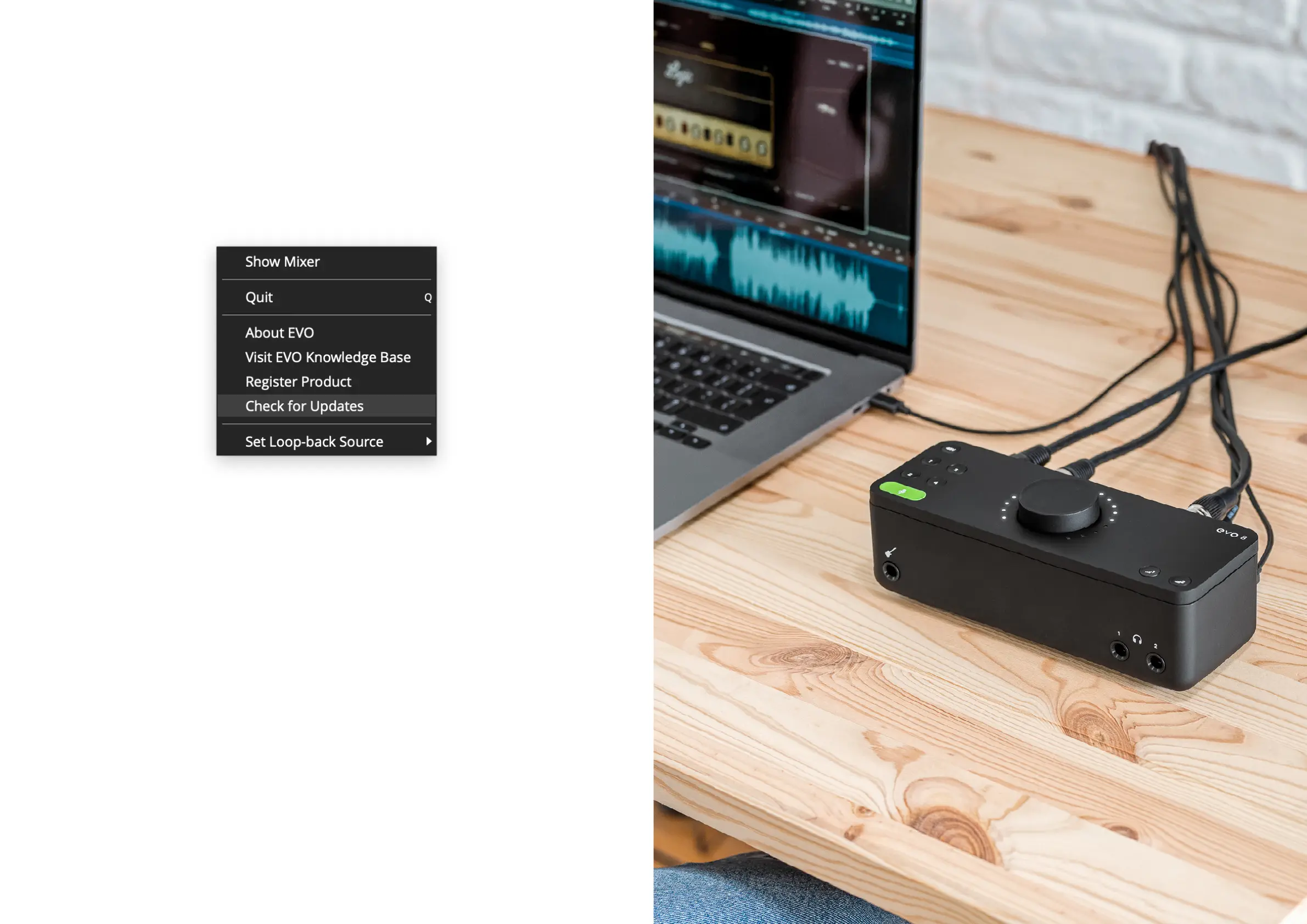
To update your rmware, go to the EVO Application menu and select Check
for Updates.
FIRMWARE UPDATE FIRMWARE UPDATE
Provided you have an internet connection, the EVO app will now check with
our update service to see if there are any new rmware updates for your
EVO 8.
If a rmware update is available, you’ll be prompted to install it directly
from our update service. This should take no longer than a minute or so. We
recommended that all speakers are switched o before updating.
During the update procedure, the unit will restart multiple times.


 To Next Page