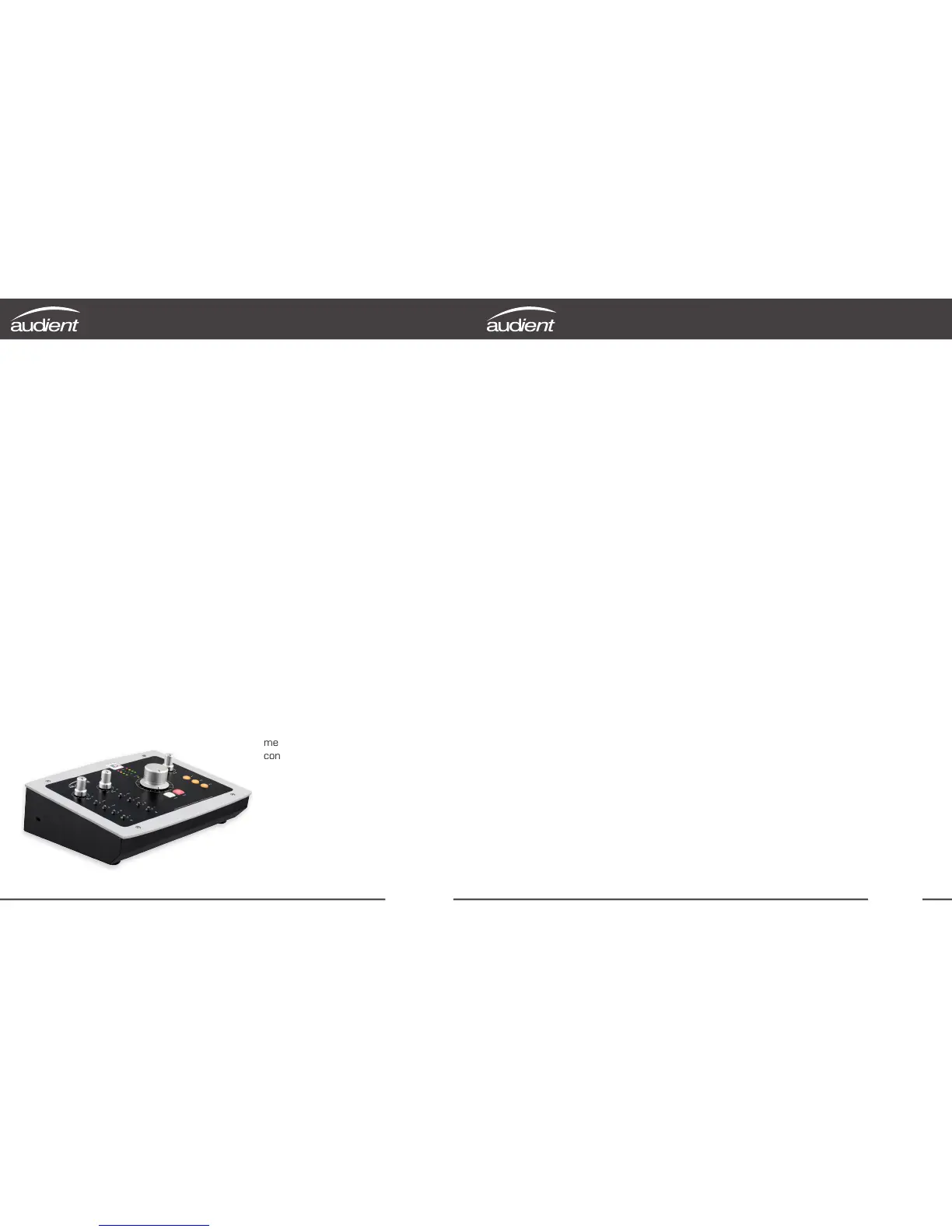
iD22 is the culmination of years of
experience in high-performance
analogue and digital circuit design.
iD22 will transform your DAW into a
world-class recording system by connecting
directly to your microphones, computer
and monitors.
iD22 provides two classic audient (class-a)
microphone preamplifiers, ALL NEW pristine
AD/DA converters that have been designed
to deliver impeccable detail and impressive
depth during both tracking & mixing.
iD22 is expandable via ADAT i/o - perfect
for partnering with an ASP008 for 10-ch
recording (total 10-in, 12-out + headphones).
Our console-style monitor controller
functionality and USB2.0 connectivity
complete the ergonomic desktop package.
Features include:
• 2-in, 6-out high performance
24-bit/96kHz AD/DA converters
• 2 x superb class-a mic preamplifiers
& 1 x discrete JFET instrument input
• Fully balanced insert points for
integrating outboard gear
• High current headphone amplifier fed
by an independent DAC
• 4 assignable line outputs for monitoring
& processing
• User defined monitoring functionality
with hardware control
• USB2.0 class compliant connectivity
with integrated DSP mixer
• Ergonomic desktop package featuring all
metal construction and solid aluminium
control knobs
Welcome & Thank You
Thank you for purchasing
this audient product!
Introduction
Box Contents 1
iD22 Overview 2
Safety Information 3
Declaration of Conformities 5
Quick Start Installation: 6
System Requirements 6
Connection to Computer 6
Installation on Mac OSX 6
USB Status LED 7
Audio MIDI Setup (OSX) 7
Updating Firmware 8
Hardware Features: 9
Microphone & Line Inputs 9
Instrument Input 10
Balanced Inserts 10
Direct ADC Access 11
Input Stage Block Diagram 12
Assignable Line Outputs & DAC 13
Output Routing Ideas 14
Headphone Output
15
Digital Inputs / Outputs 16
Monitor Control Section
17
Switch Operation 18
Metering & Kensington Lock 18
Output Stage Block Diagram 19
iD Mixer Application: 20
Input Channel Types 20
Channel Naming Tape 20
Channel Strip Features 21
Stereo Linking
21
Master Section Features 22
Channel Views 23
Volume Control 23
Programming F Keys 24
System Panel - Settings Module
25
Digital I/O Formats 25
Clock Source & Lock 25
Talkback Assign 25
Mono Monitoring Modes
25
Dim & Alt. Speaker Trims 25
Setting Up & Using Talkback 26
Output Routing Matrix
27
Analogue Outputs 27
Digital Outputs
27
Save & Load Mixer Presets
28
iD DSP Mixer Block Diagram 29
Keyboard Shortcuts 30
Operation with Pro Tools 31
Operation with Logic Pro 32
Operation with Cubase / Nuendo 34
Operation with Ableton Live 36
Troubleshooting 37
FAQ 39
Specifications 40
Dimensions 41
Warranty & Contact 42
Service 43
Glossary 44
iD22 | Contents
Contents



 To Next Page