EasyManua.ls Logo

Audio Technica ATH-SQ1TWBK - User Manual

Audio Technica ATH-SQ1TWBK
38 pages
Print Icon
To Next Page IconTo Next Page
Loading...
https://tehnoteka.rs
Uputstvo za upotrebu (EN)
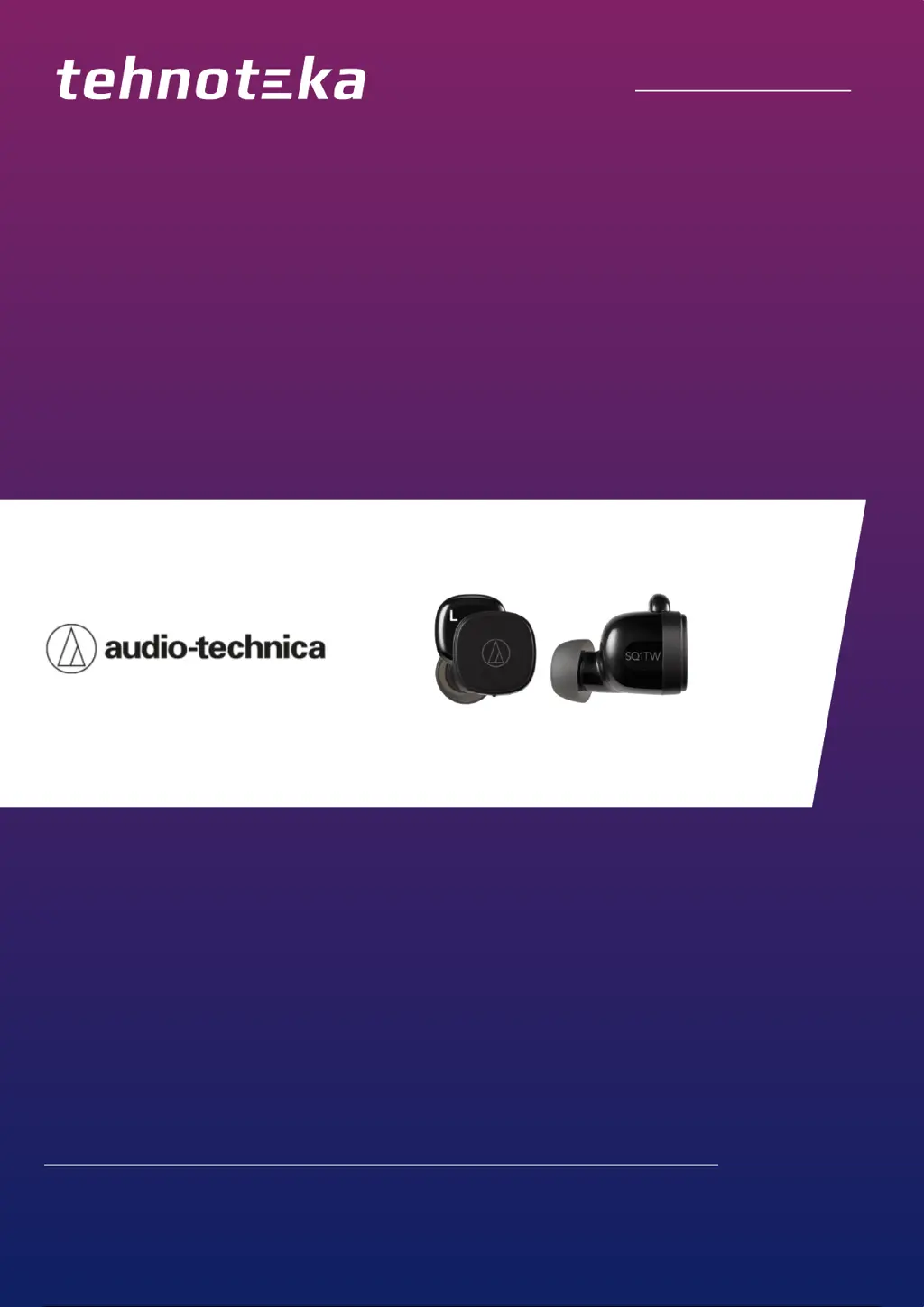
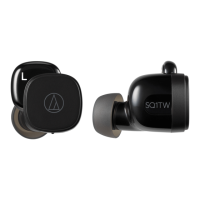
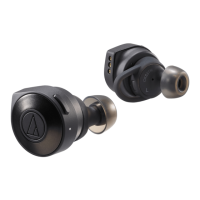
AUDIO-TECHNICA slušalice ATH-SQ1TWBK
Tehnoteka je online destinacija za upoređivanje cena i karakteristika bele tehnike,
potrošačke elektronike i IT uređaja kod trgovinskih lanaca i internet prodavnica u Srbiji.
Naša stranica vam omogućava da istražite najnovije informacije, detaljne karakteristike
i konkurentne cene proizvoda.
Posetite nas i uživajte u ekskluzivnom iskustvu pametne kupovine klikom na link:
https://tehnoteka.rs/p/audio-technica-slusalice-ath-sq1twbk-akcija-cena/
1 / 38

Questions and Answers

  • K
    Kelly GonzalezAug 13, 2025
    What to do if my Audio Technica ATH-SQ1TWBK won't pair?
    • E
      Emily ArmstrongAug 13, 2025
      If you're having trouble pairing your Audio Technica Wireless Headphones, here are some steps you can take: * Ensure your Bluetooth device uses Ver. 2.1+EDR or higher. * Keep the headphones and Bluetooth device within 1 meter (3.3 feet) of each other. * Configure the Bluetooth device profiles. * Remove existing pairing information for the device and pair again. * Place the headphones in the charging case, close it, then remove them and try again. * Confirm that the headphones are not connected to another Bluetooth device. * If all else fails, reset the product.
  • E
    Earl DavisAug 16, 2025
    Why is there no sound from my Audio Technica Wireless Headphones?
    • K
      Kristin BurgessAug 16, 2025
      If you can't hear any sound or the sound is faint from your Audio Technica Wireless Headphones, here are a few things to check: * Ensure that both the headphones and the connected Bluetooth device are powered on. * Increase the volume on both the headphones and the Bluetooth device. * Verify that the connection between the headphones and the Bluetooth device is established via A2DP (audio connection). * Try disabling and then re-establishing the pairing between the devices. * Reduce any obstructions between the headphones and the Bluetooth device. * Make sure the sound output of your Bluetooth device is set to the headphones.
  • A
    Anthony SheltonAug 20, 2025
    Why can't I hear the caller on my Audio Technica Wireless Headphones?
    • D
      Dylan SchneiderAug 20, 2025
      If you cannot hear the caller or their voice is too quiet on your Audio Technica Wireless Headphones, try the following: * Ensure that both the headphones and the Bluetooth device are powered on. * Increase the volume on both the headphones and the Bluetooth device. * Check that the headphones and Bluetooth device are connected via HFP/HSP (phone connection). * Disable pairing and then re-pair the headphones with the Bluetooth device. * Switch the sound output of the Bluetooth device to the headphones.
  • H
    Hailey MccartyAug 25, 2025
    What to do if my Audio Technica ATH-SQ1TWBK are distorted?
    • T
      Timothy DayAug 25, 2025
      If the sound from your Audio Technica Wireless Headphones is distorted, noisy, or cuts out, reduce the volume on both the headphones and the connected Bluetooth device.
  • M
    Michelle CampbellAug 27, 2025
    How to fix Audio Technica ATH-SQ1TWBK Wireless Headphones only playing in one ear?
    • B
      Barbara StuartAug 28, 2025
      If sound only comes out of one earcup of your Audio Technica Wireless Headphones, ensure the headphones have remaining battery level. Also, place the headphones in the charging case and close the cover, then remove the headphones and perform the operation again.
  • G
    Gabrielle WilliamsonSep 1, 2025
    How to charge Audio Technica Wireless Headphones charging case?
    • C
      Caitlyn CombsSep 1, 2025
      To charge your Audio Technica Wireless Headphones charging case, securely connect the included USB charging cable and charge the product in a well-ventilated place (10 to 35°C (50 to 95°F)) away from direct sunlight.
  • S
    Shannon MurraySep 4, 2025
    What to do if my Audio Technica ATH-SQ1TWBK Wireless Headphones won't charge?
    • B
      Bonnie MartinezSep 4, 2025
      If your Audio Technica Wireless Headphones are not charging, make sure that the product is placed correctly in the charging case, close the charging case cover, charge the charging case and wipe dirt off the charging terminal with a dry cloth.
  • T
    Thomas MclaughlinSep 8, 2025
    How to fix Audio Technica ATH-SQ1TWBK Wireless Headphones not turning on?
    • M
      Michael GentrySep 8, 2025
      If your Audio Technica Wireless Headphones are not getting power, charge the product.

Summary

Safety Precautions

Cautions for Headphones

Essential warnings and precautions for safe use of the headphones.

Cautions for Charging Case

Important safety guidelines for handling and using the charging case.

Notes on Use

Part Names and Functions

Charging the Battery

Power Supply Control

Bluetooth Connectivity

Standard Pairing Procedure

Steps to pair the headphones with a Bluetooth device manually.

Wearing the Product

Touch Sensor Operation

Unlocking the Sensors

Product Usage

Listening to Music

How to play, pause, skip tracks, and control volume for music playback.

Phone Call Management

Guide for answering, rejecting, and ending phone calls using the headphones.

Cleaning and Maintenance

Resetting the Product

Troubleshooting Common Issues

Power and Pairing Problems

Solutions for issues related to power supply and Bluetooth pairing failures.

Audio Quality Issues

Troubleshooting steps for no sound, faint sound, or distorted audio.

One-Sided Audio Issues

Solutions for when sound only comes out of one headphone.

Call Quality Issues

Solutions for problems hearing the caller or the caller's voice being too quiet.

Charging Failures

Steps to resolve problems with the charging case or headphones not charging.

Product Specifications

Audio Technica ATH-SQ1TWBK Specifications

General IconGeneral
ConnectivityBluetooth
Bluetooth Version5.0
Frequency Response20 - 20, 000 Hz
Operating Range10 m
ColorBlack
Impedance16 Ω
Water ResistanceIPX4
Driver Size6 mm
Driver Diameter6 mm

Related product manuals