2120
Why is “Format” important?
CDs operate at a sampling frequency of 44100.0 Hz. Compressed
MP3 and AAC music les and audio streams are typically
encoded at three dierent quality levels—128kbps, 256kbps
(iTunes Plus), and 320kbps—and are most often reconstructed
as 44100.0 Hz les. Similarly, many music downloads and CDs
ripped as Apple Lossless or FLAC les are reconstructed to
44100.0 Hz. If you have higher resolution les, it is important
to choose the correct higher sample rate in order to maximize
the benet of those les. For the best performance with
sampling rates above Beetle’s 96kHz ceiling, files should
be played at a rate mathematically related to their native
resolution. For instance, a 192kHz le should be played at
96kHz (i.e., 2 x 96000.0 = 192000.0).
Some programs (such as NPR) use 48000.0 Hz. These 24-bit/
48000.0 Hz les can sound amazingly close to higher sample-
rate les. Some “high-res” les use 88200.0 Hz because it is a
multiple of the CD standard sample rate (i.e., 2 x 44100.0 =
88200.0). Some “high-res” les use 96000.0 Hz because it is a
multiple of the sample rates used on DVDs, Blu-rays, and in
the computer world (i.e., 2 x 48000.0 = 96000.0).
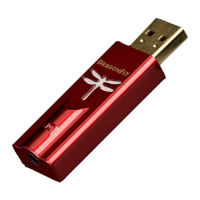
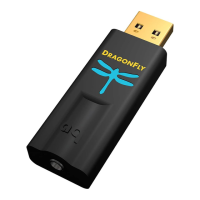
Beetle’s LED lights up in dierent colors to indicate status or
sample rate:
Red: Standby Green: 44100.0 Hz Blue: 48000.0 Hz
Amber: 88200.0 Hz Magenta: 96000.0 Hz
1
2
3
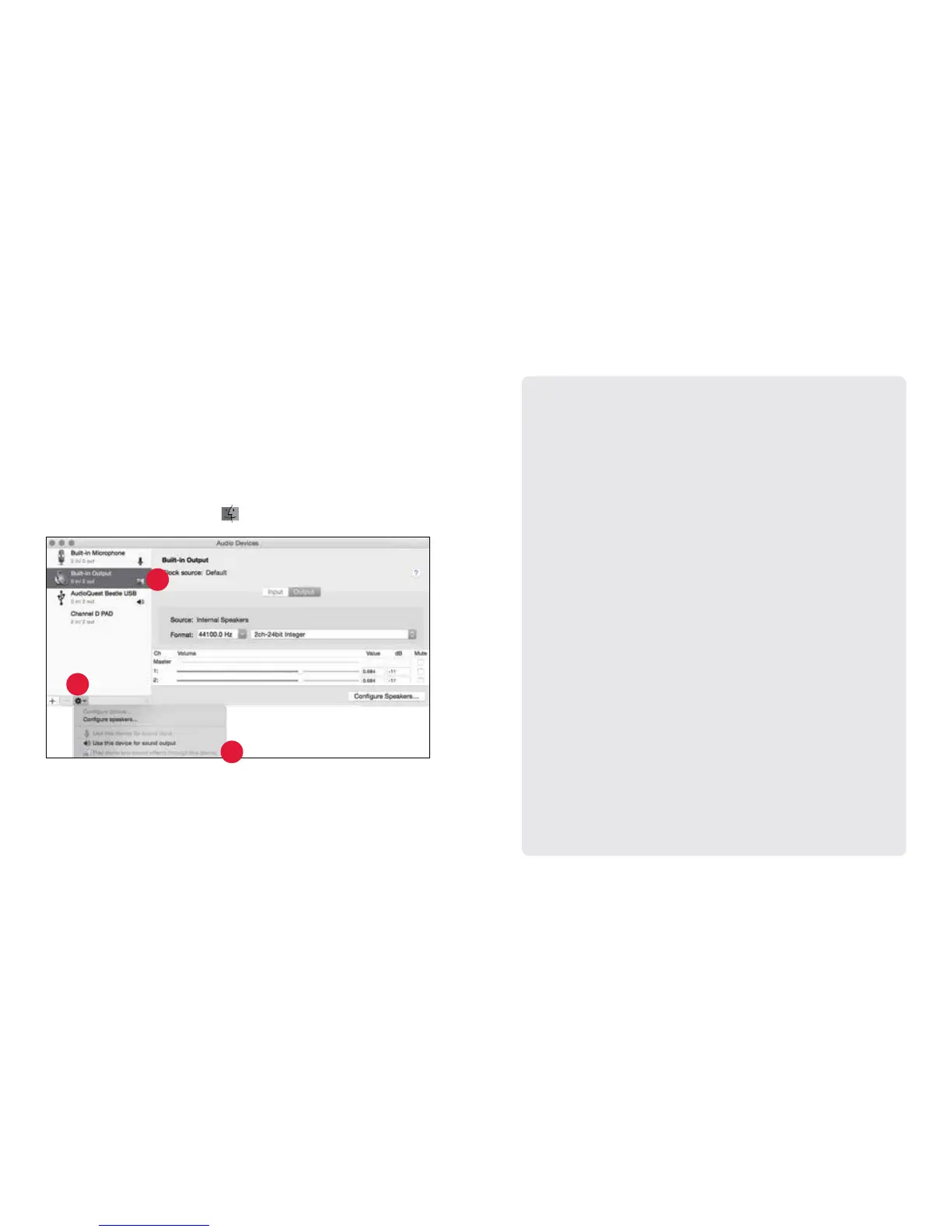
Making certain that sound eects are routed to the computer’s
speakers and not to Beetle:
1. In the already open “Audio Devices” window, click rst to highlight
“Built-In Output.”
2. Click on the gear icon drop-down menu.
3. Check that “Play alerts and sound eects through this device” is
grayed out.
4. If it is not, click to select it so the
now appears next to “Built-In Output.”
Plug in earbuds, headphones, or use a cable to connect Beetle to your
powered speakers or amplier, and you are ready to listen!


 To Next Page