2322
3
4
Windows 7, 8.1 and 10
Be sure to check that your computer’s OS and device drivers are up to date. For more
information please consult Microsoft for software updates and the manufacturer of
your computer for device driver updates.
Setup For USB and Optical
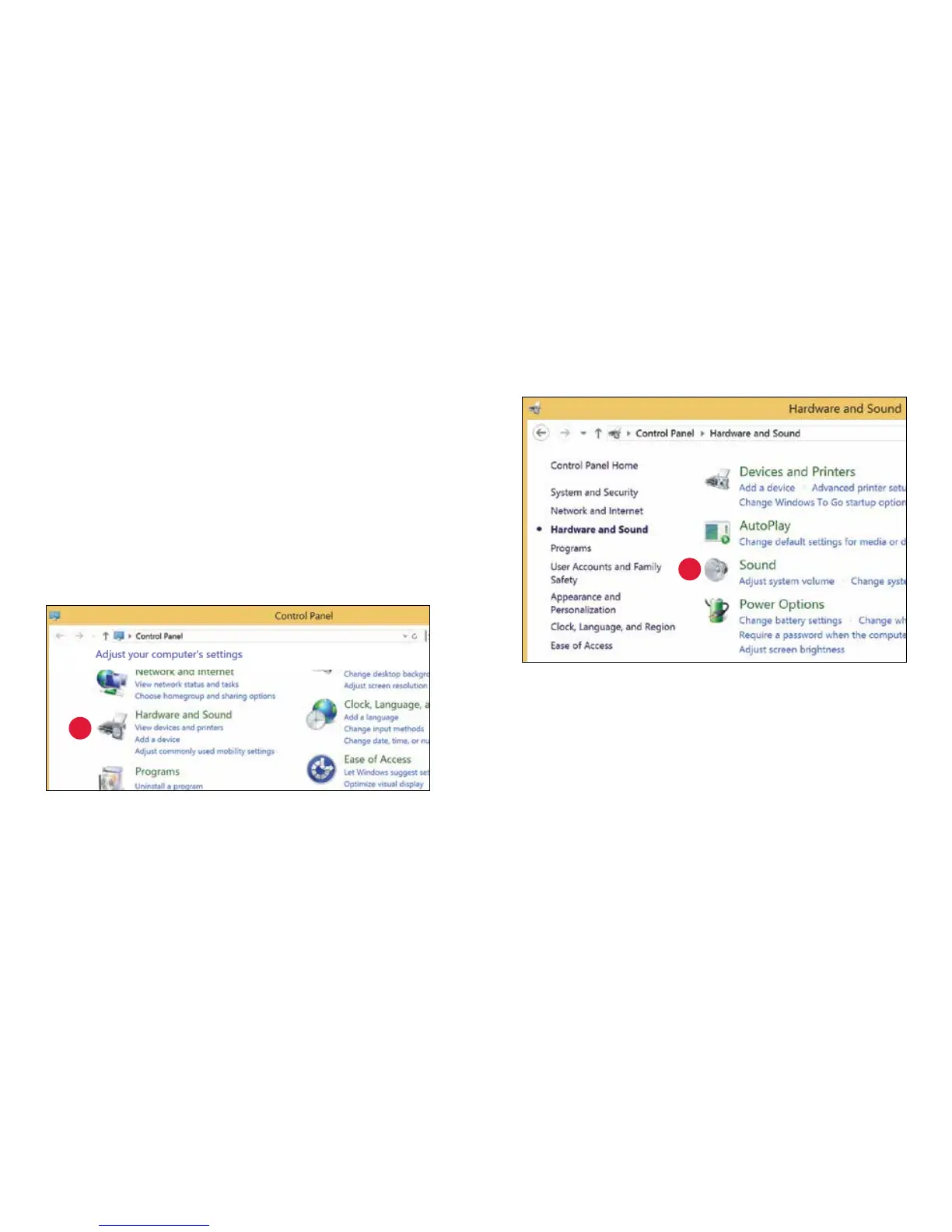
Using “Control Panel” “Sound” settings to send audio to Beetle,
while keeping alerts and sound eects on the computer’s speakers:
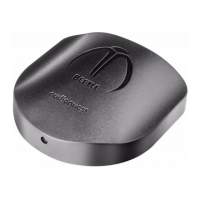
1. Insert an optical or USB cable in between Beetle and your computer’s
USB port.
2. Go to Start menu and launch “Control Panel.”
3. Open “Hardware and Sound” panel.
4. Select “Sound.”


 To Next Page