Repeat a section between point A and B within a Title/Chapter/Track.
1) Press the A-B button to choose a starting point (A).
3) Press the A-B button a third time to cancel and exit.
2) Press the A-B button again to set an ending point (B) and complete the setting. The selected section A-B will
be repeated.
Press the ANGLE button repeatedly to switch between different camera angles that are available on the disc.
This function may not be available on all discs.
A-B REPEAT
ANGLE
REPEAT
Press once to repeat chapter.
Press twice to repeat title.
Press the third time to repeat all.
During playback, press the RANDOM button repeatedly to turn the random mode On or Off.
Press the AUDIO button repeatedly to select different channels.
Press the STOP button to pause the playback. Then press the WIDE button repeatedly to select the aspect ratio.
Press the SUBTITLE button repeatedly to switch between different subtitle languages that are available on the disc.
This function may not be available on all discs.
RANDOM
AUDIO
WIDE
SUBTITLE
1
2
3
4
5
6
7
8
9
10
Tt:02 ch:01
Tt: ch:
Tt: ch:
Tt: ch:
Tt: ch:
Tt: ch:
Tt: ch:
Tt: ch:
Tt: ch:
Tt: ch:
Exit Start Next
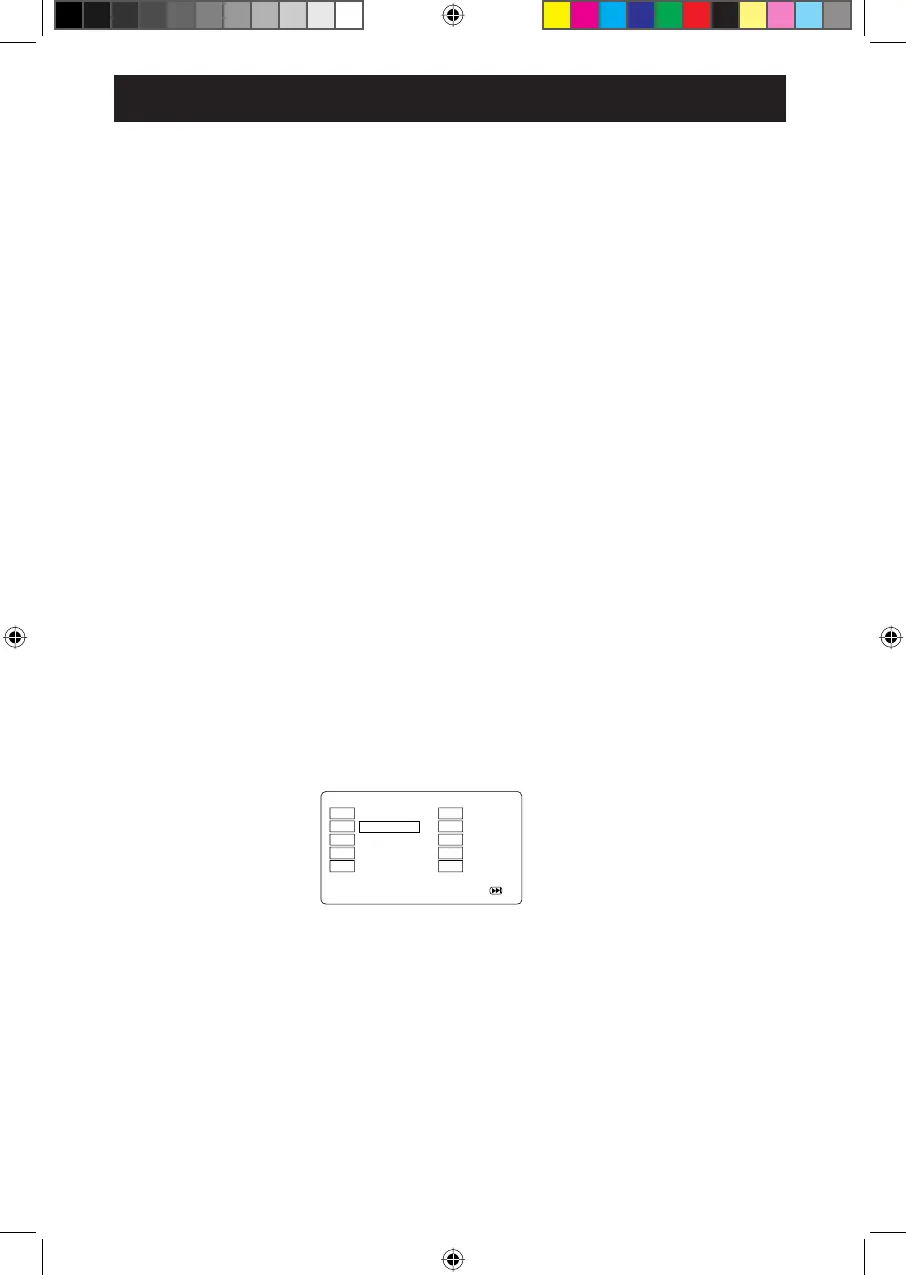
1) During DVD playback, press the PROG (program) button. The Program menu will appear as the below:
PROGRAM
4) Press the PROG button again to exit.
2) Using the navigation and numeric buttons, you can select and set the desired Tt (Title), Ch (Chapters), Tracks
(for CD) or the movie (music) you want. During setting, press the CLEAR button to clear the incorrect input.
3) Using the navigation buttons, highlight and select the START button at the bottom of the screen. Press the
ENTER button on the remote to start the program playback.
1) During playback, press the GOTO button to search for a title/chapter on the disc.
2) Press the GOTO button again to display the search menu.
3) Press the LEFT or RIGHT navigation buttons repeatedly to select the title/chapter.
4) Press the 0-9, 10+ numeric buttons to select title/chapter.
GOTO
OPERATIONS--DVD PLAYBACK
11
In STOP mode, press the N/P button to switch between PAL, NTSC and AUTO (multi).
N/P
Press the MENU button and the chapter menu of the current DVD will appear on the screen. Use the navigation
buttons to select the desired option. Then press the ENTER button to confirm the selection. This function may not
be available on all discs.
MENU
Press repeatedly to cancel repeat mode.


 To Next Page