17
By default, the interface creates a Playlist having a name that is the same
as the name of the iPod. This Playlist is the very rst on the list of Playlists
shown while browsing in Playlist mode. This Playlist contains all the songs
on the iPod. Once a Playlist is selected an Artist may be selected within
that Playlist using the Artist Mode. Albums by the selected Artist within
the selected Playlist may be selected in Album Mode. “ALL ARTIST” and
“ALL ALBUM” designate all available content in those categories.
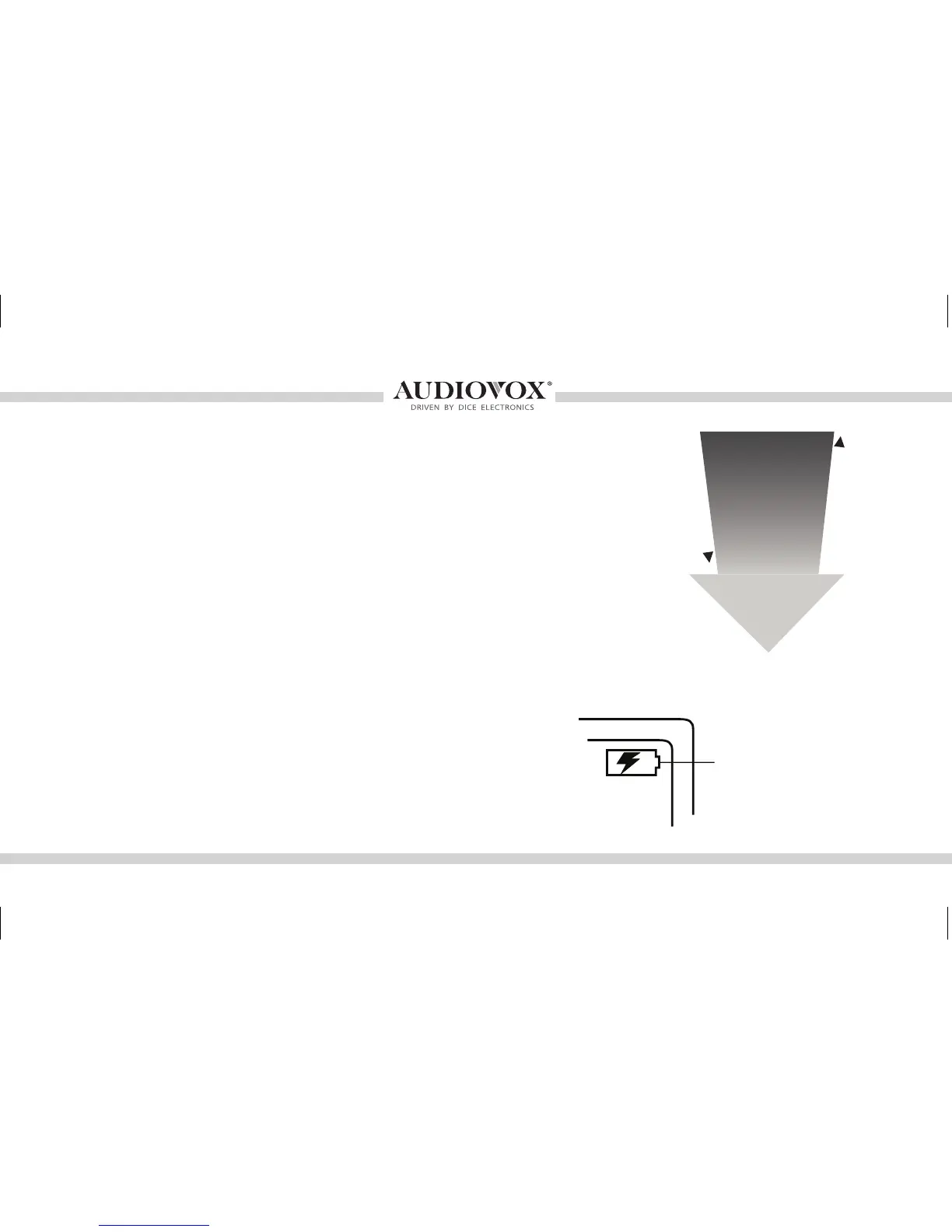
The interface automatically charges the battery of the iPod when
connected and your vehicle ignition key is in the ACC/ON position.
Charging may be shown by an
icon that appears on the upper
right corner of the iPod screen.
May vary by model.
Less browsable content
More browsable content
iPod content browsing
Charging
Playlist
Artist
Album
Song
OMA-MBR-1500-BMW-012012_rev012012.indd 17 1/23/2012 9:32:33 PM



 To Next Page