28
Accessing the auxiliary input
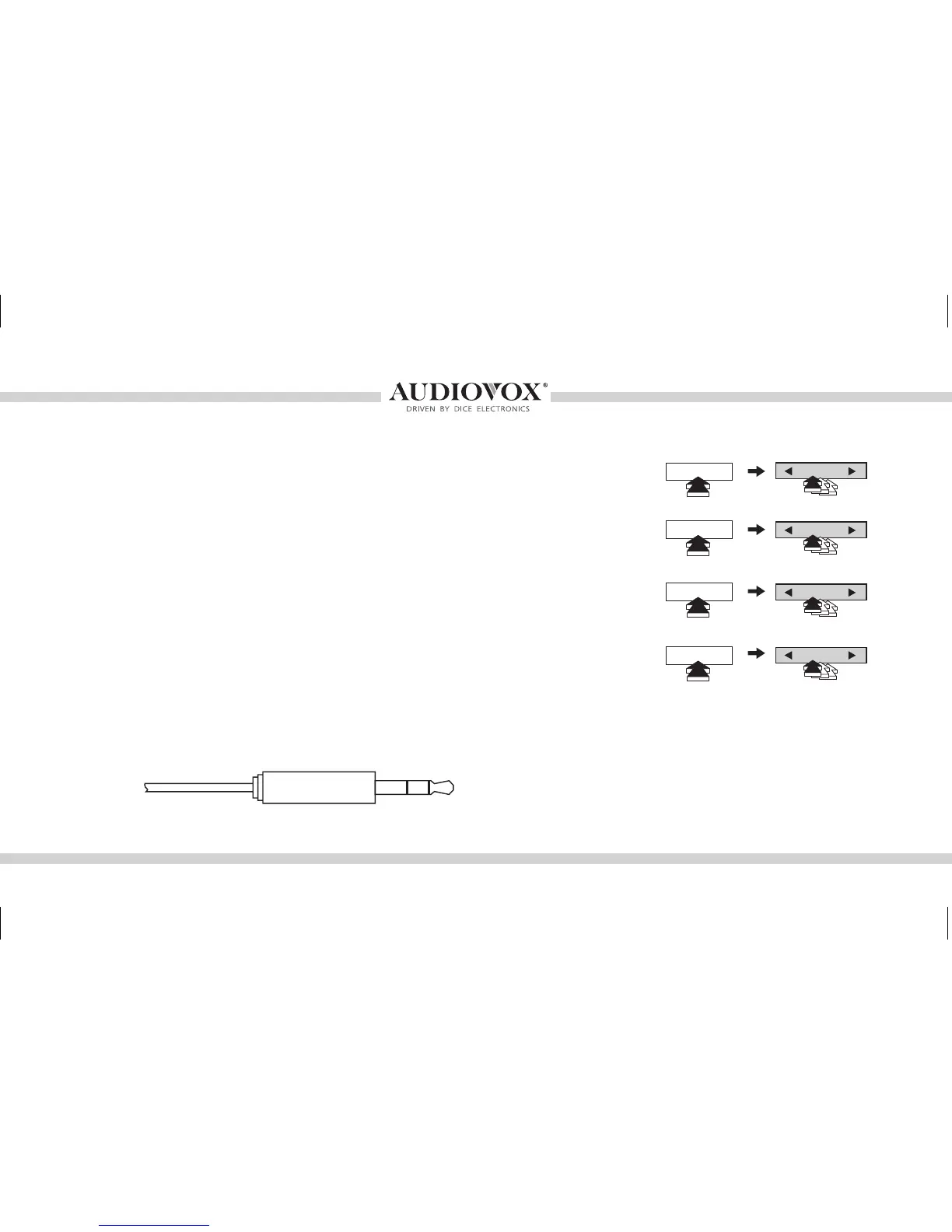
• An auxiliary audio device can be connected to the MediaBridge
unit through it’s 1/8” headphone jack.
• In AUX mode, music is controlled only through the auxiliary
audio device.
• Audio equilizer setting can be adjusted while in auxiliary mode
by selecting DISC 1-4 and using the TRACK button to increase
or decrease levels. DISC numbers and corresponding setting
are shown on the right chart.
CHANGE VOLUME SETTING
CHANGE BASS SETTING
CHANGE MID EQ SETTING
CHANGE TREBLE EQ SETTING
1/8” mini stereo jack (not included)
Sleeve (Ground)
Ring (Right audio)
Tip (Left audio)
DISC 1
DISC 2
DISC 3
DISC 4
TRACK
TRACK
TRACK
TRACK
OMA-MBR-1500-BMW-012012_rev012012.indd 28 1/23/2012 9:32:34 PM



 To Next Page