24
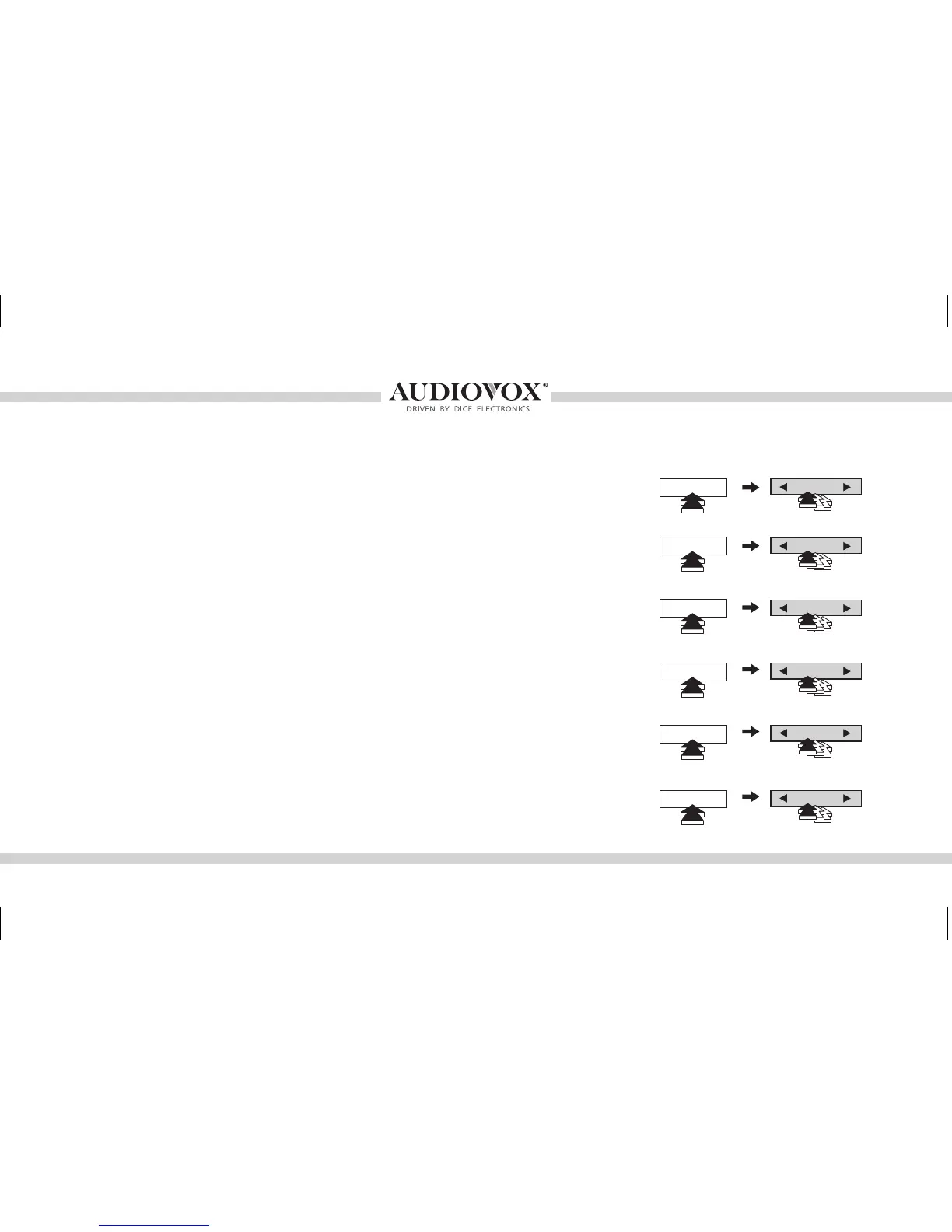
DISC 1
DISC 2
DISC 3
DISC 4
DISC 5
DISC 6
CHANGE SONGS
CHANGE FOLDER
CHANGE FOLDER
CHANGE FOLDER
CHANGE FOLDER
CHANGE FOLDER
• Select DISC 1, then use the track buttons to change from song to
song.
• Select DISC 2-6 to browse Folders and use the track buttons to
navigate through the folders on your USB ash drive.
• The MediaBridge unit will recognize the rst 8 levels of folders, with
up to 200 accessible folders within each folder. Only the rst 1000
les will be read in each folder, the rest will be ignored.
• Songs play in the order they were added to the ash drive.
• Use the Random feature on radio to shufe all songs on the ash
drive. This may take a long time to complete if the ash drive is more
than 4GB.
Controlling the MediaBridge USB memory source
TRACK
TRACK
TRACK
TRACK
TRACK
TRACK
OMA-MBR-1500-BMW-012012_rev012012.indd 24 1/23/2012 9:32:34 PM



 To Next Page