25
Controlling the MediaBridge SIRIUS source
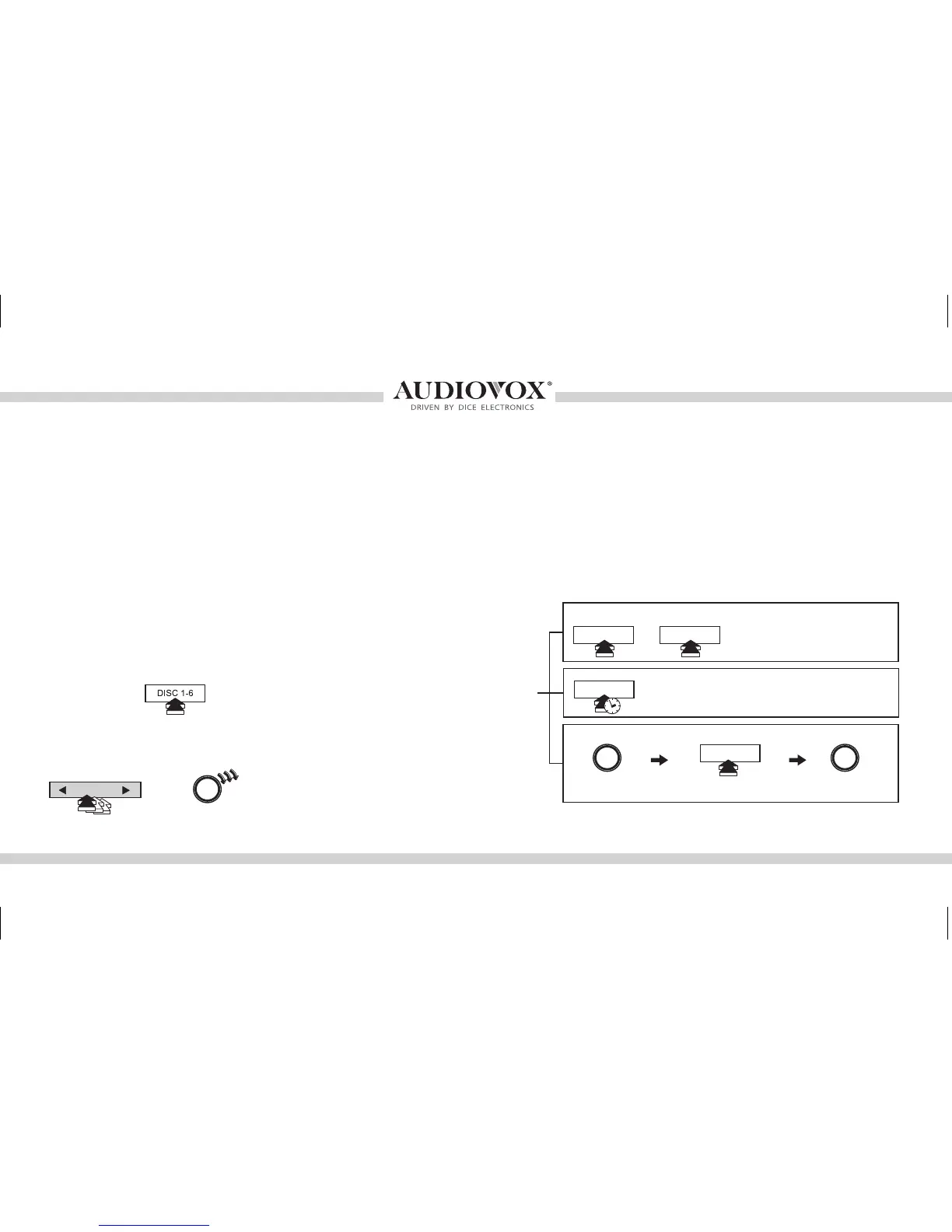
The MediaBridge integration kit features SIRIUS connectivity (requires additional tuner). Use the TRACK buttons or jog DIAL
to browse between subscribed channels.
To store a subscribed channel to memory:
• Single line radio: Tune to desired station. Press RANDOM button and select which DISC button (preset 1-6) to save to.
Press RANDOM button once more to store the station.
• Navigation radios: Tune to desired station. Press and hold the desired DISC button (preset 1-6) to save as preset.
• Mini Navigation radio: Tune to desired station. Press jog DIAL, press desired DISC button (1-6), press DIAL to save.
To recall a memorized channel: Simply press the desired DISC (preset 1-6).
Note: If a SIRIUS CONNECT compatible tuner is not detected, then a “No Tuner” message is displayed. Go to Channel 000 to view the SIRIUS Tuner ID for activation. The 12
digit SID display format is shown in two parts as SID “123456-” followed by “-789ABC”.
Common control:
Mini Navigation radios
Press DIAL Press DISC button 1-6 within
5 seconds
Press DIAL
to store station
Non-Navigation radios
To store stations to buttons 1-6
Sirius mode:
to recall PRESET 1-6 stations -
Navigation radios
then
to store current station to PRESET 1-6.
When done, press RND again to deselect.
to store current station to PRESET 1-6.
to change channelor
RND
DISC 1-6
DISC 1-6
DISC 1-6
TRACK
OMA-MBR-1500-BMW-012012_rev012012.indd 25 1/23/2012 9:32:34 PM



 To Next Page