21005 V3
7.3 Microphone/Inputs
Decide on input configuration;
There are three inputs, each of which can be configured as microphone (factory
setting) or line (for example; tape deck or pre-amplified microphones).
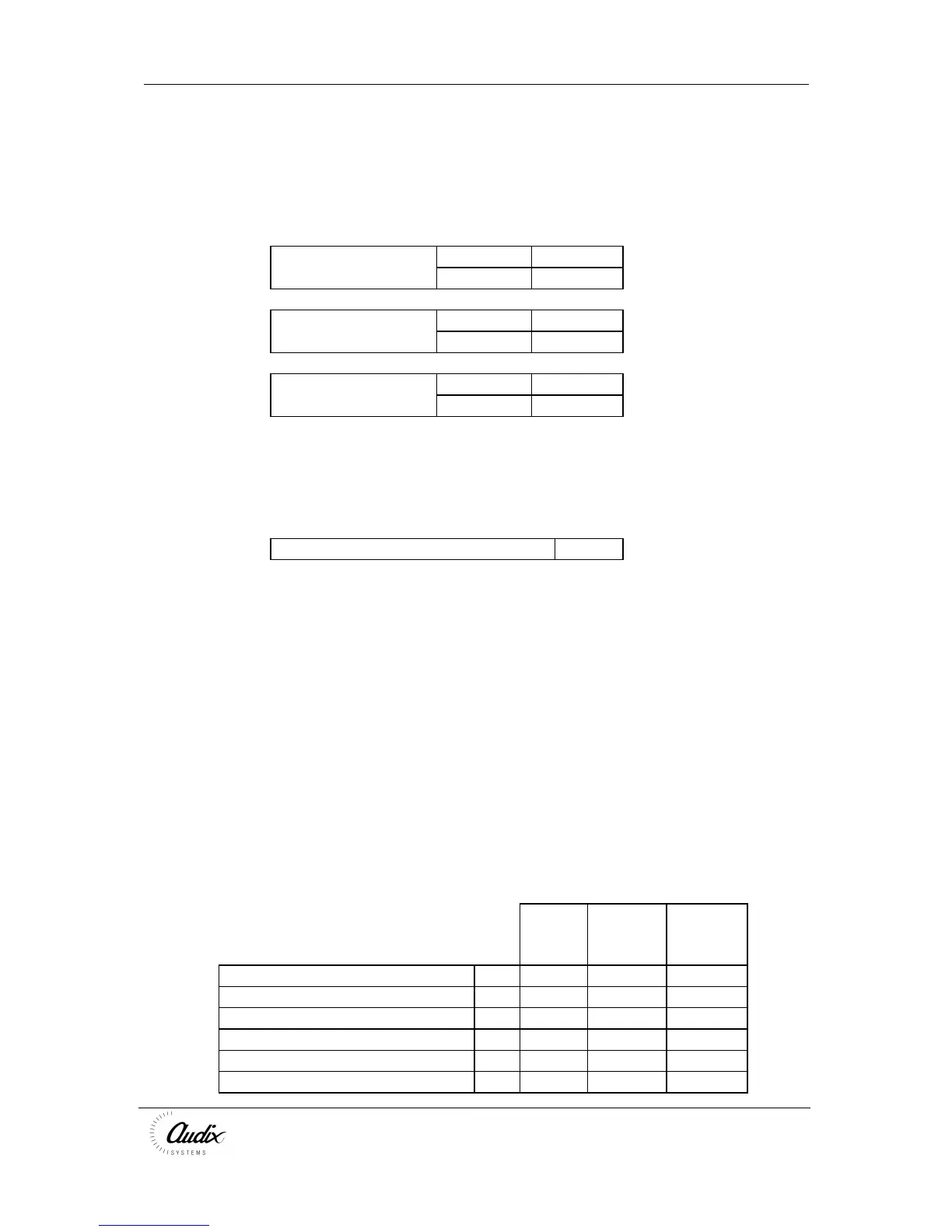
Mic Line
Input 1 J9 [1-2]* J9 [2-3]
J10 [1-2]* J10 [2-3]
Input 2 J4 [1-2]* J4 [2-3]
J5 [1-2]* J5 [2-3]
Input 3 J7 [1-2] * J7 [2-3]
J8 [1-2] * J8 [2-3]
* Factory Fit
Chime Disable
The COMPACT is supplied with the chime enabled.
Fit jumper to disable chime J6
7.4 Amplification
Decide on output configuration
Dual Channel (2 x 60W)
The COMPACT is a Dual-channel system allowing announcements to some zone(s)
whilst maintaining music to other zones music AND with 60W output per channel
(factory setting).
IMPORTANT; All the speaker zones when added together must not exceed 60W.
Single Channel (120W)
The COMPACT can be configured to provide a single channel of 120W which cuts
the music to all zones when a live broadcast is made.
IMPORTANT; All the speaker zones when added together must not exceed 120W.
Power amplifier configuration
2x60W



 To Next Page