21005 V3
5 Operation
5.1 Factory Settings
When your new COMPACT is delivered from the factory it has the following
configuration;
Three zones each with background music
Total Power (all zones combined) 60W
Dual-channel providing announcements to some zone(s) whilst maintaining music to
other zones.
All inputs set to mic line level
100V speaker lines enabled for all functions (music and broadcast)
Music source routed to zones
Chime (“Bing-Bong”) enabled
Priority settings (not configurable);
1 Mic/line 1
2 Mic/line 2
3 Mic/line 3
4 Music
5.2 Using The Menu Controls
# 1 2 3
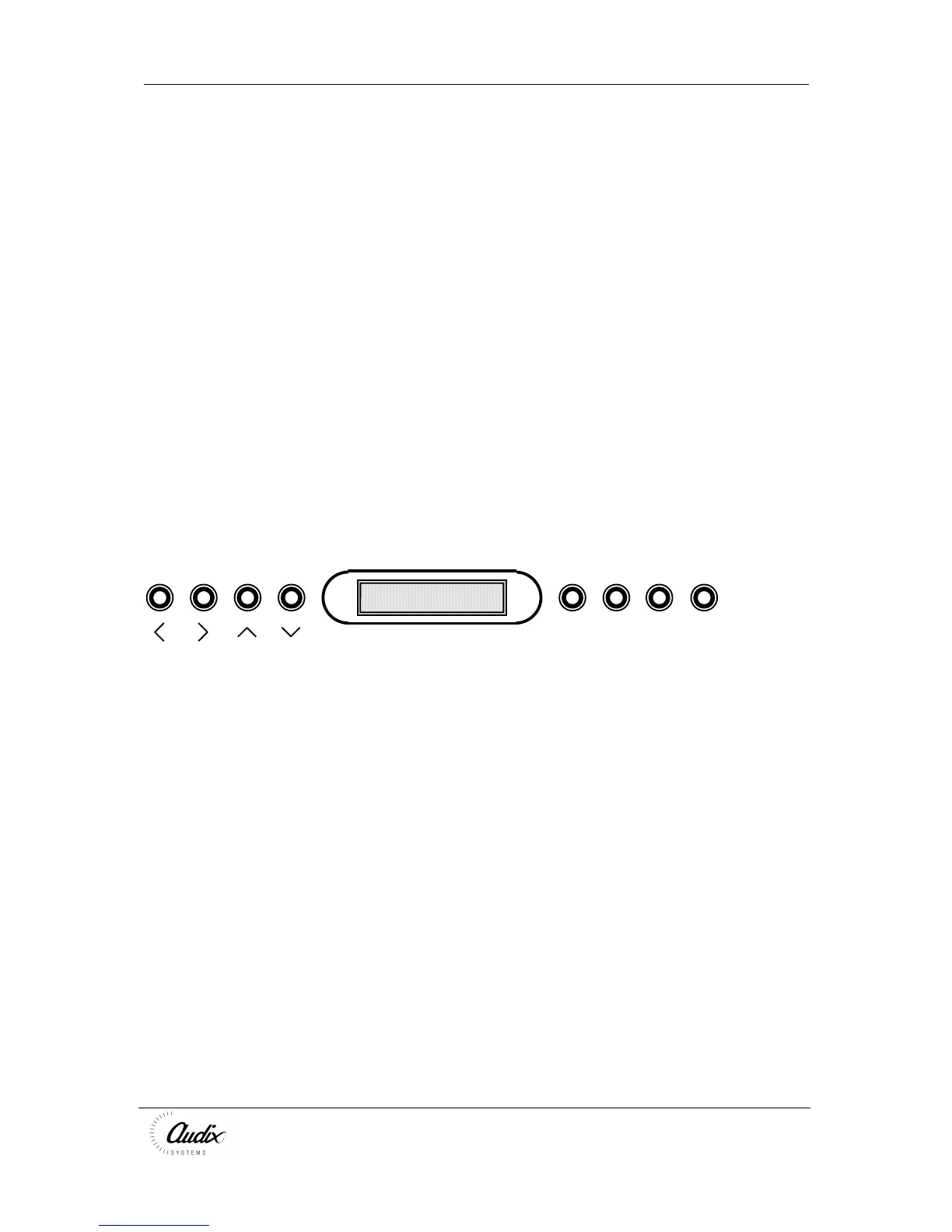
The COMPACT is designed to be setup via the menu controls on the front of the unit.
5.3 Accessing the Menu
Press any button on the front panel.
Enter your PIN number (supplied with the unit)
Use the >
>>
> and <
<<
< controls to scroll through the menus in the following order;
• Music Volume
• Input 1 Volume
• Input 2 Volume
• Input 3 Volume
• Music Bass
• Music Treble
• Inputs Bass
• Inputs Treble
• Chime Volume
• All Volume
If a button is not pressed the menu switches to “PRESS 1 TO LOCK” with a bar
display showing the signal volume. Pressing any button displays the current menu
screen. Pressing “1” saves the current settings and returns the unit to its’ default
menu.



 To Next Page