21005 V3
4 Installation
4.1 Microphone
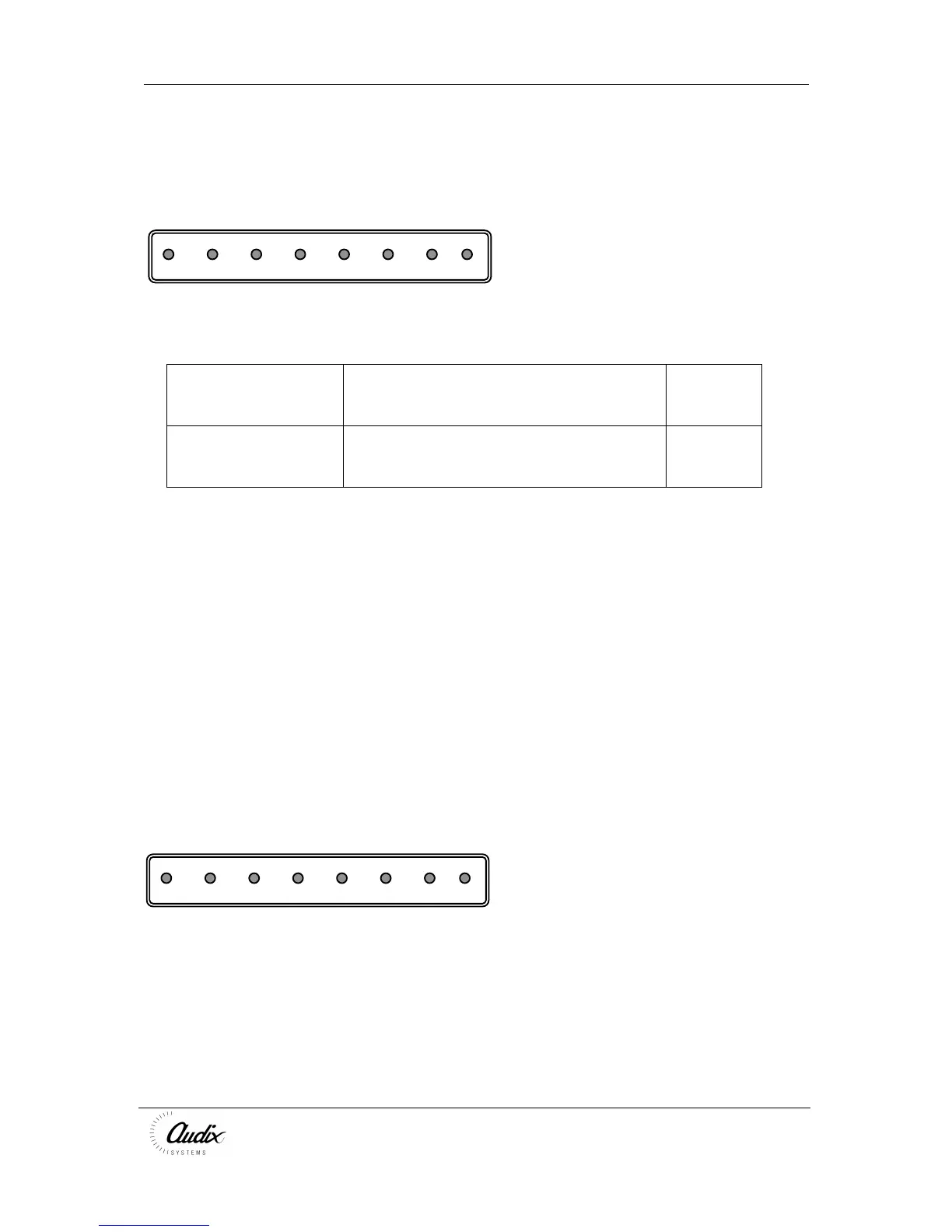
Input #
Scr + - 1 2 3 led 0V
Call zone
Standard cabling requirements:-
Microphone Type Cable Requirement Belden
Equivalen
t
Compact 3ZM 1 off 0.5mm² screened, twisted pair.
3 off 0.5mm² screened pair
(up to 100M).
8778
Wire each microphone connector as follows;
Scr Mic line screen
+ Mic line white
- Mic line Blue
Call Zone
1 Purple
2 Green
3 Yellow
LED Red
0V Black
4.2 Battery/Volume Restore
Batt
mf - + 1 2 3
Vol Restore
+
4.3 Battery Backup
The COMPACT can be supplied by a battery (22 - 28V DC) which automatically cuts
in when the mains fails.
Connect the terminals of the battery to the + and -.
4.4 Mains Fail Indicator
The COMPACT can provide a supply for a Mains Fail buzzer of indicator



 To Next Page