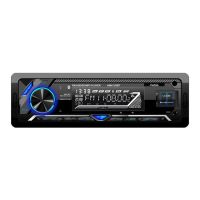
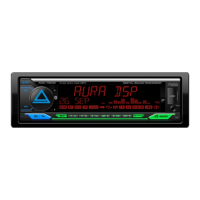
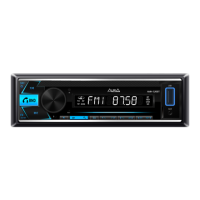
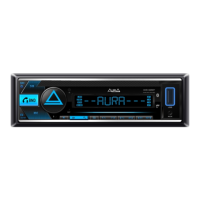
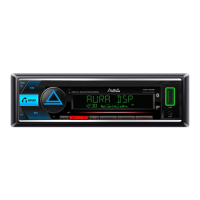
Volume adjustment
Rotate the volume control handle to set the desired level.
Choosing a source
Press the button (1) / SRC to switch between sources
Reproduction: Radio -> USB -> Aux in -> Bluetooth.
Settings menu
Press the volume adjusting button (6) and rotate to select the necessary settings
section: Audio (sound settings), Display (display settings), tuner (radio settings),
Bluetooth (Bluetooth settings).
To select the desired section, press the volume control handle.
9
IMPORTANT! Before entering the Audio menu (sound), when the name Audio
is displayed on the screen, press and hold the volume control button (6) to select
the 2-or 3-strip configuration of the crossover: 2 WAY (ordinary) or 3 WAY (network).
Turning on / off
Press any button to enable the device.
Press and hold the button (1) / SRC to turn off.
Main operations
Audio
Custom - Manual setting 24 canalizer 24 (from -9 dB to +9 dB).
Settings are possible at frequencies: 45/63 / 100/125 / 160 /250 / 315/400 / 500
/630 /800 /1 / 1.25 / 1.6 / 2.5 / 3.15 / 4 /5 /6 /6 /6 /6 , 3 /8 /10 / 12.5 / 16 /20.
EQ reset - reset settings of the equalizer.
Q-factor - installing the value of the quality factor (quality).
Values: 1 / 1.5 / 2.5 / 3.5.
Bass boost
Inclusion and configuration of low frequency reinforcements (5 levels).
Loudness
Inclusion and configuration of subtlepent (2 levels).
:
Natural, Rock, Pop, Easy,
Top 40, JAZZ, Powerfull.
EQ SETTING



 To Next Page