7ENGLISH
•Only shred credit cards by feeding them vertically i nto the middle of the entry, releasing when
shredding begins. Never feed more than one credit card at a time.
OPERATION
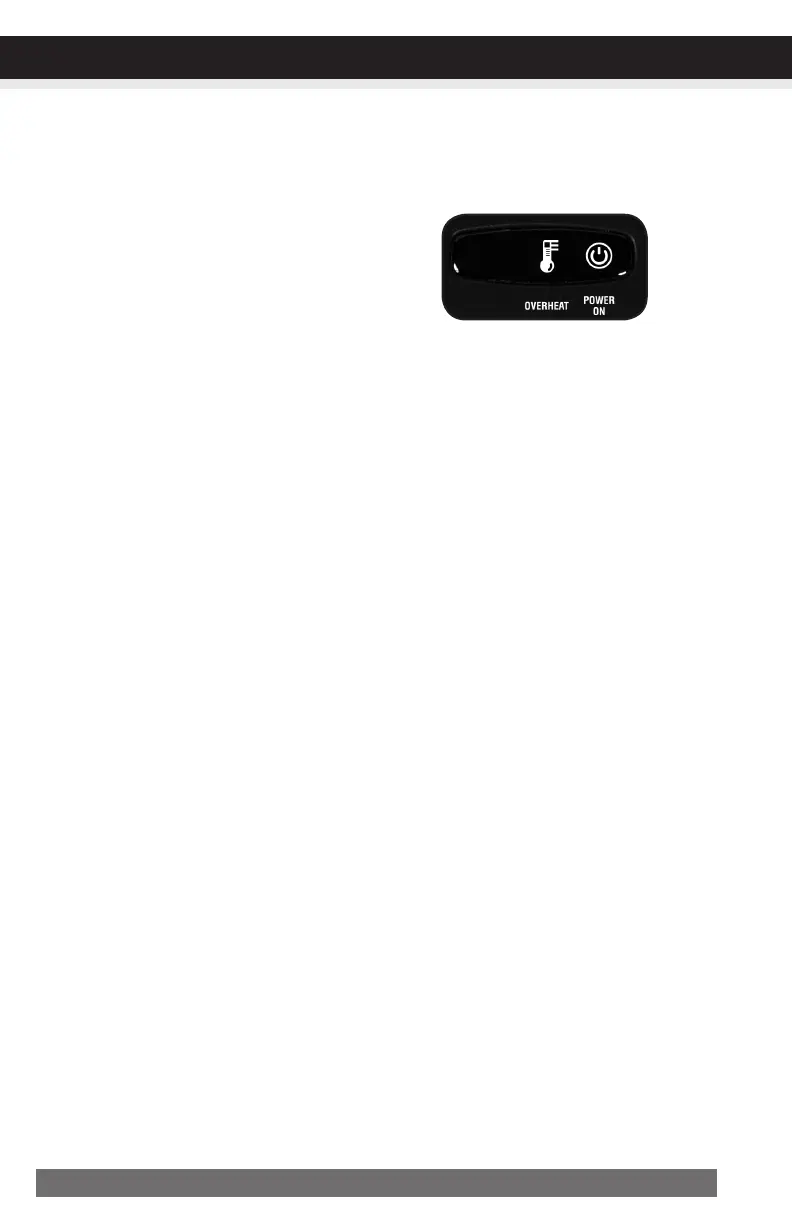
•PowerOn:
The Green LED light indicates the shredder is “On”
and ready to operate when paper is inserted.
•Overheat:
The Red LED light indicates the shredder has shred continuously beyond the maximum running time
and overheating, the unit will automatically shut off. If this happens, switch the shredder Off for 30
minutes or longer before resuming normal operation.
LEDStatusIndicators:
Overheat/
PowerOn


 To Next Page