4 ENGLISH
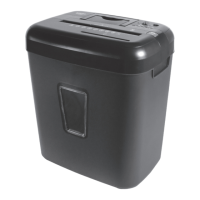
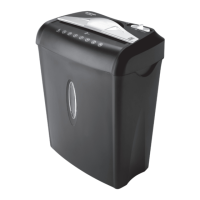
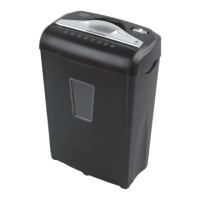
PaperShredder
OperatingInstructions
Installation
Operation
Maintenance
Troubleshooting
Service Center
Limited Warranty
*ONEFOLDEDSHEETOFPAPEREQUATESTO2SHEETSOFPAPER
Heavier paper, humidity or other than rated voltage may reduce shredding capacity.
Sheet Capacity
Paper Shred Size:
Paper Feed Entry Width
Credit Card & CD Capacity
Duty Cycle
Voltage
8 Sheets of 20 lb. bond paper*
1/4” (0.65 cm) wide strips
CD: 4 pieces (1 3/8 in)
8.7" (22 cm)
Only one per pass
2 min. on / 15 min. off
120V~60Hz / 1.2 A
INSTALLATION
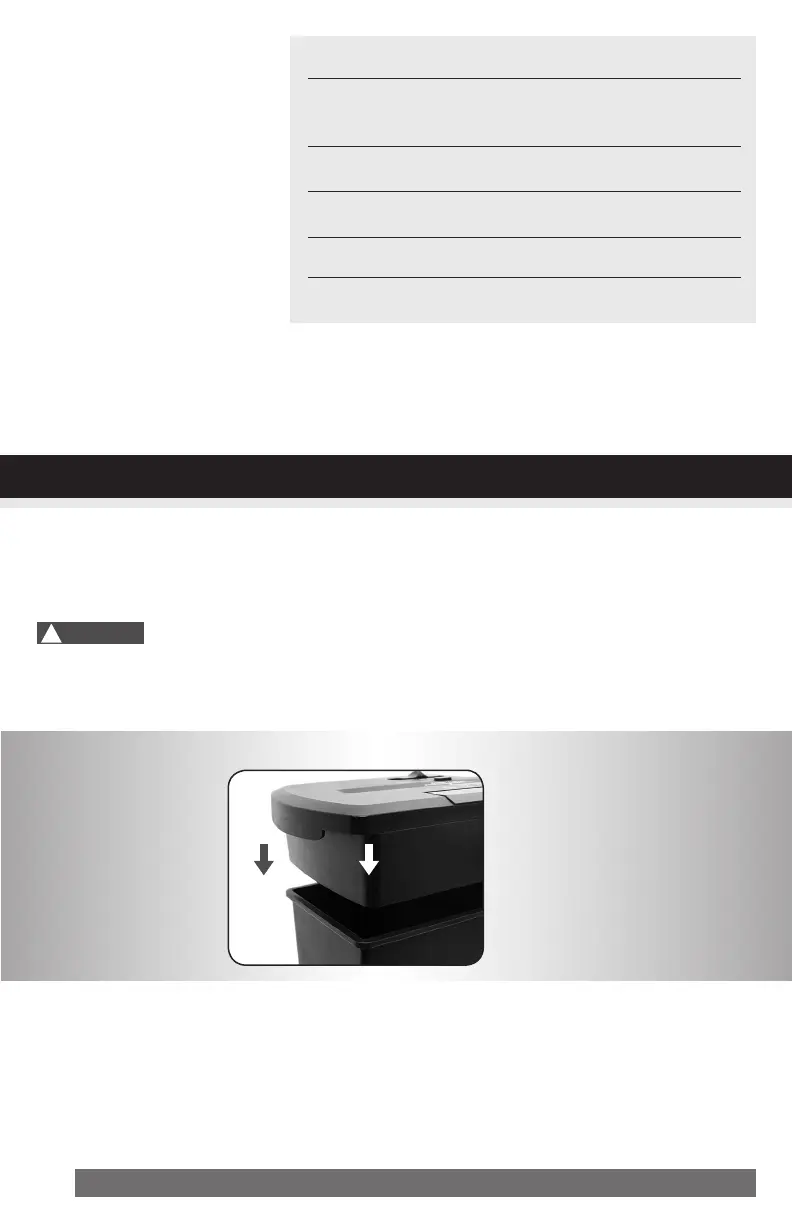
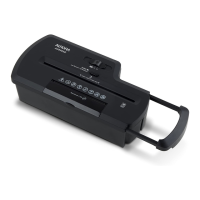
1. Mount the shredder securely to the rim of the waste basket. (FIGURE 1, basket not included)
2. A socket-outlet should be near the equipment and be easily accessible.
3. Connect the power cord to any standard 120 volt AC outlet.
Shredders may have very sharp exposed blades on the underside.
Use care when mounting the shredder on the wastebasket.
!
Caution:
FIGURE1


 To Next Page