8
4. After the battery is installed, the battery
buckles should push back normally
without obvious shaking.
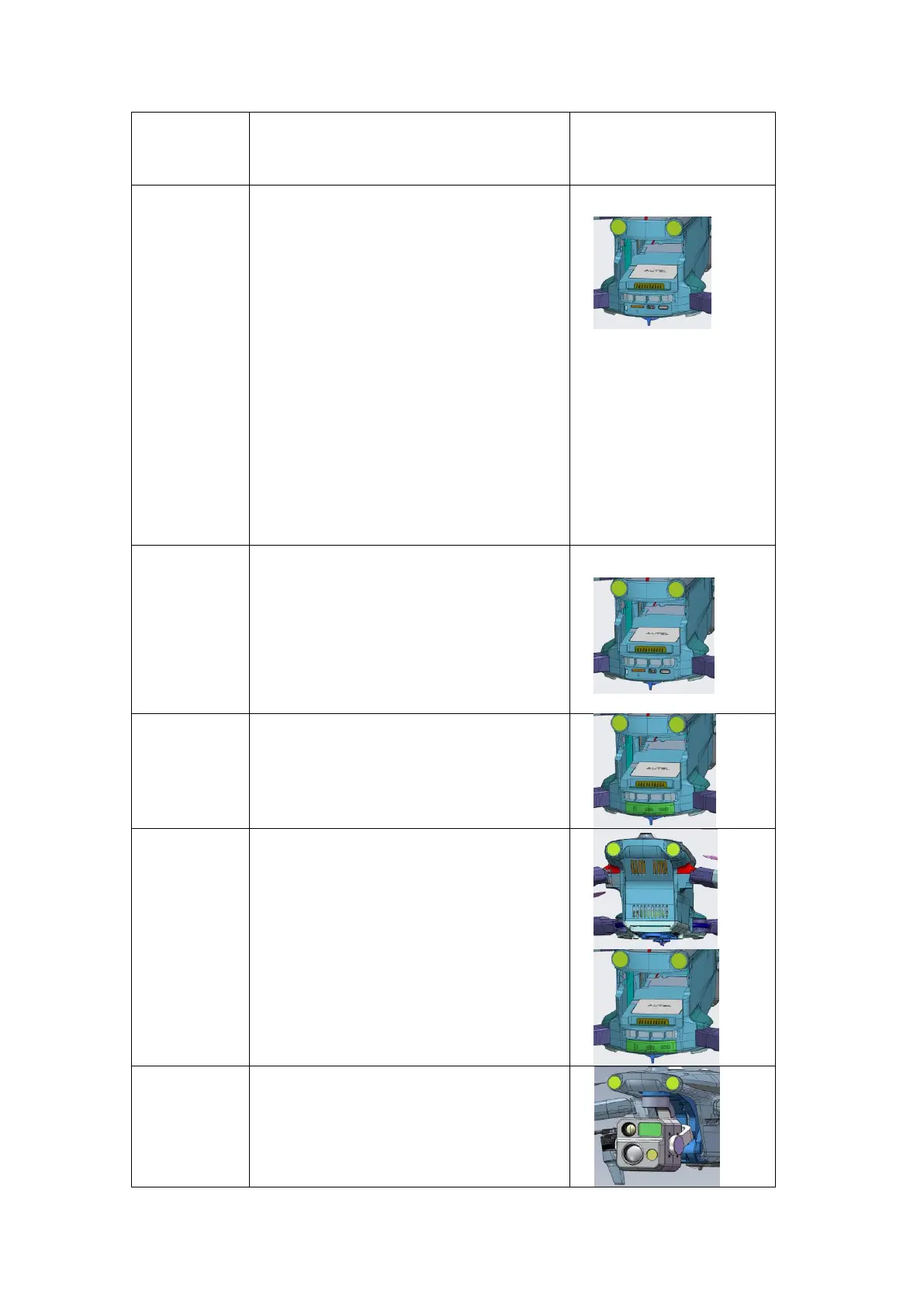
1. Wipe off any foreign debris near the
interface;
2. Check the interface to see whether there
is any foreign matters;
3. Use tweezers to remove any debris in
the interface, such as small stones and
small pieces of paper;
4. Use gauze to wipe off any glue-like
matter at the interface;
5. Tilt the aircraft, with the interface facing
downwards, and use gauze, a small
brush or other tools to remove any other
powdery foreign matter in the interface.
Note that the cleaning method needs to
be from the inside to the outside.
1. Check whether there are foreign objects
in the Micro SD card slot, and whether
the microSD card is removed and
installed normally;
2. Check whether the reading and writing
of the Micro SD card is normal.
1. The plug should not be loose or
damaged.
1. Check whether the cooling vents are
unobstructed, and whether the cooling
fan is stuck or making abnormal noises.
1. Double check if the dampeners are
damaged, loose, aged, softened or
stretched;
2. Check whether the screws on the
connecting plate are loose.












 To Next Page