9
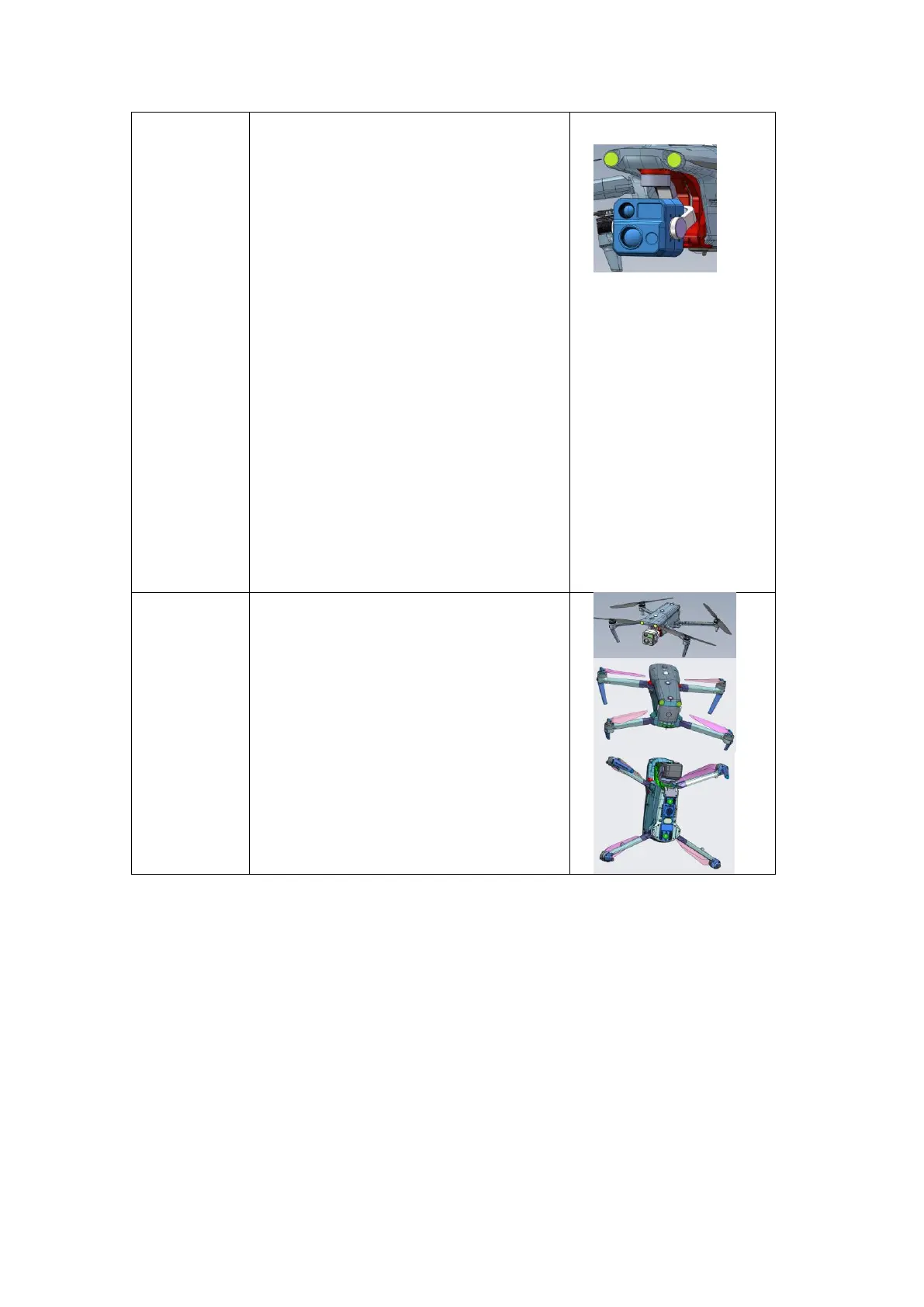
1. Before powering on the aircraft, check
whether the lenses are damaged or
cracked, and make sure the gimbal
camera is in good condition.
2. Power on the aircraft. The gimbal's self-
calibration is complete after 5s, at which
point the camera is pointed directly
forward. Check the gimbal's stability by
shaking the airframe.
3. Turn the gimbal's pitch upwards and
downwards gently to check whether the
gimbal's motor can rotate smoothly
without vibration.
4. Connect the aircraft to a remote
controller, and check whether the
images from the three cameras are
displayed properly on the remote
controller.
If no abnormality is found in the preceding
steps, the gimbal camera works properly.
Infrared
System,
Lenses,
Spotlight,
Strobe
1. Wipe the lenses with a soft cloth;
2. Check whether any lenses have fallen off
or cracked;
3. Whether the lens of spotlight or strobe
are missing, loosened or cracked.
Battery Life
To prolong battery life, please avoid the following situations:
1. Avoid placing the battery in an environment with a temperature above 28℃ for a long time.
The ideal storage temperature is 22-28℃.
2. Avoid storing fully-charged batteries for a long time. In order to protect the battery, BMS has
a self-discharge function, lasting for 2-3 days. It is recommended to charge the battery to
60~75% before storage instead of activating the self-discharge function.
3. Avoid low battery storage. If the power is too low, BMS will enter ultra-low power protection.
The battery itself has self-discharge, and if the battery is too low, it will damage the battery.
4. Avoid placing the battery in a high-humidity and high-salt environment for a long time, which
may damage the interface and shell.












 To Next Page