58
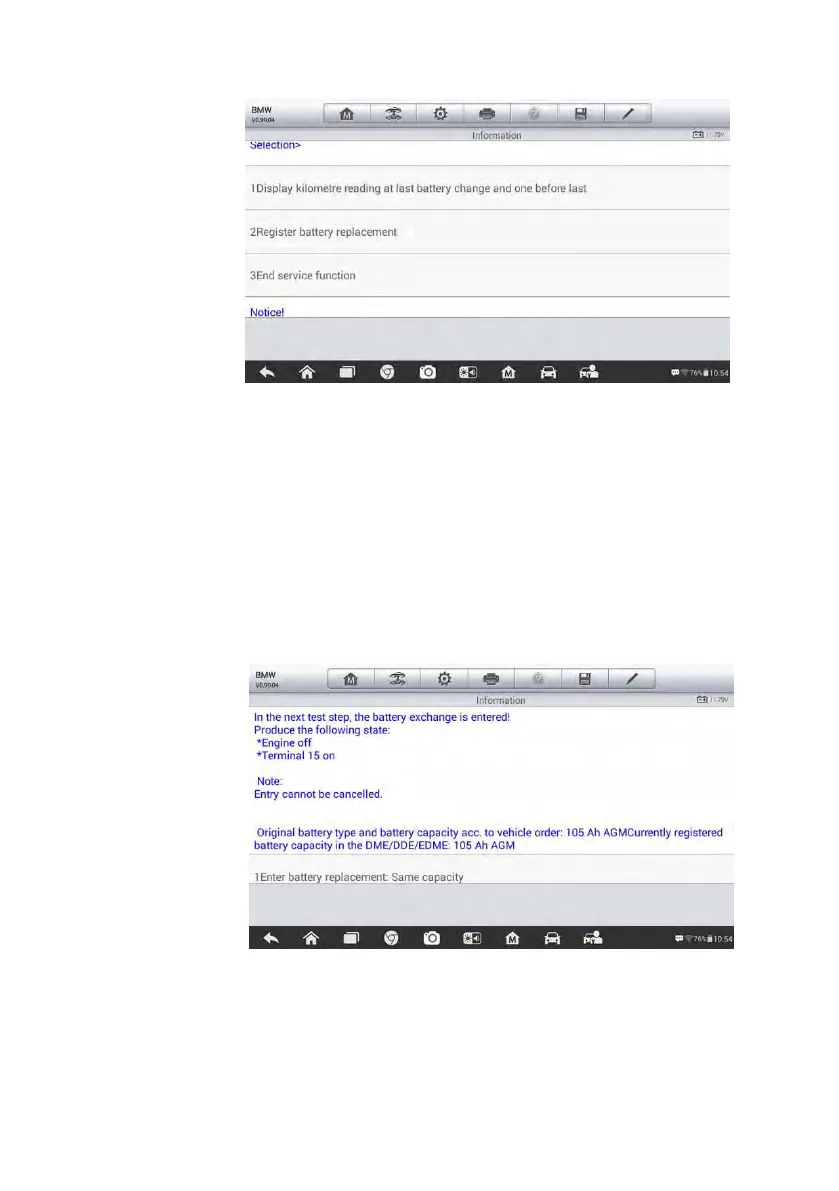
2. Read carefully the information on the screen and scroll through list to
view all functions.
There are four functions listed:
1) Enter battery replacement: Same capacity
2) Enter battery replacement: Different capacity
3) Enter battery replacement: Changing from the normal lead-acid
battery (white housing) to AGM battery (black housing)
Figure 5-14 Sample BMS Screen 5
4) End service function.
Take the first function as an example.
Figure 5-13 Sample BMS Screen 4













 To Next Page