24
3. Enter the vehicle name.
Option 1: The vehicle name can be selected from the pull down menu at the top of the
main screen. (The pull down dialog box only works on the vehicle that has previous
recorder.
Option 2: Enter the vehicle name by pressing the corresponding function key on the
virtual keyboard.
4. Click OK to save or click cancel to exit without saving.
Congratulation! You can now indentify this vehicle from the vehicle record.
Refer to Chapter 4 Scan Diagnostics Applications.-Step 2 -Option 2 on page 15.
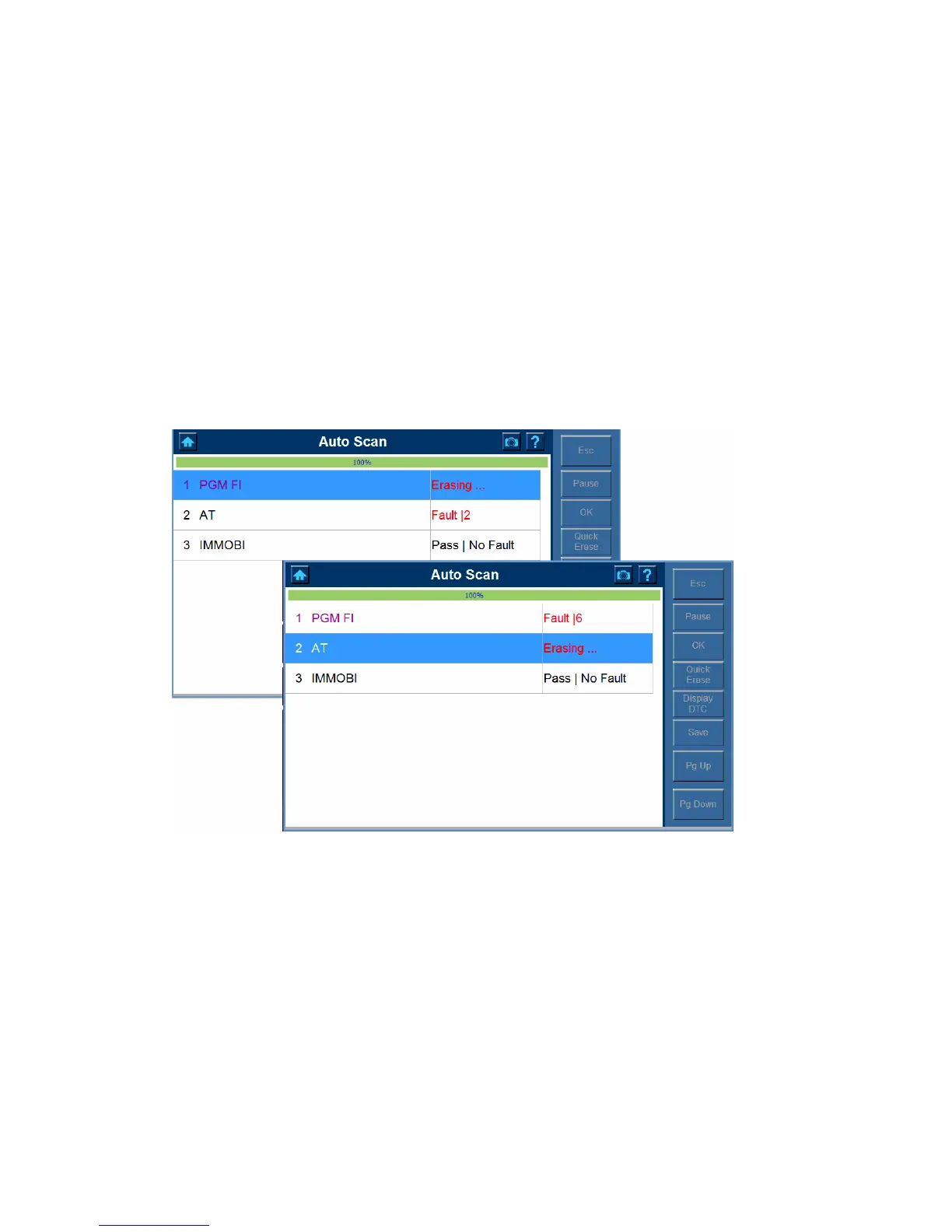
9 To Quick Erase the DTC from the vehicle and ECU being tested.
1. Click Quick Erase button and the following screens show one after another.
2. The screen below shows when the quick erase completes.















 To Next Page