23
3. Auto Scan Layout
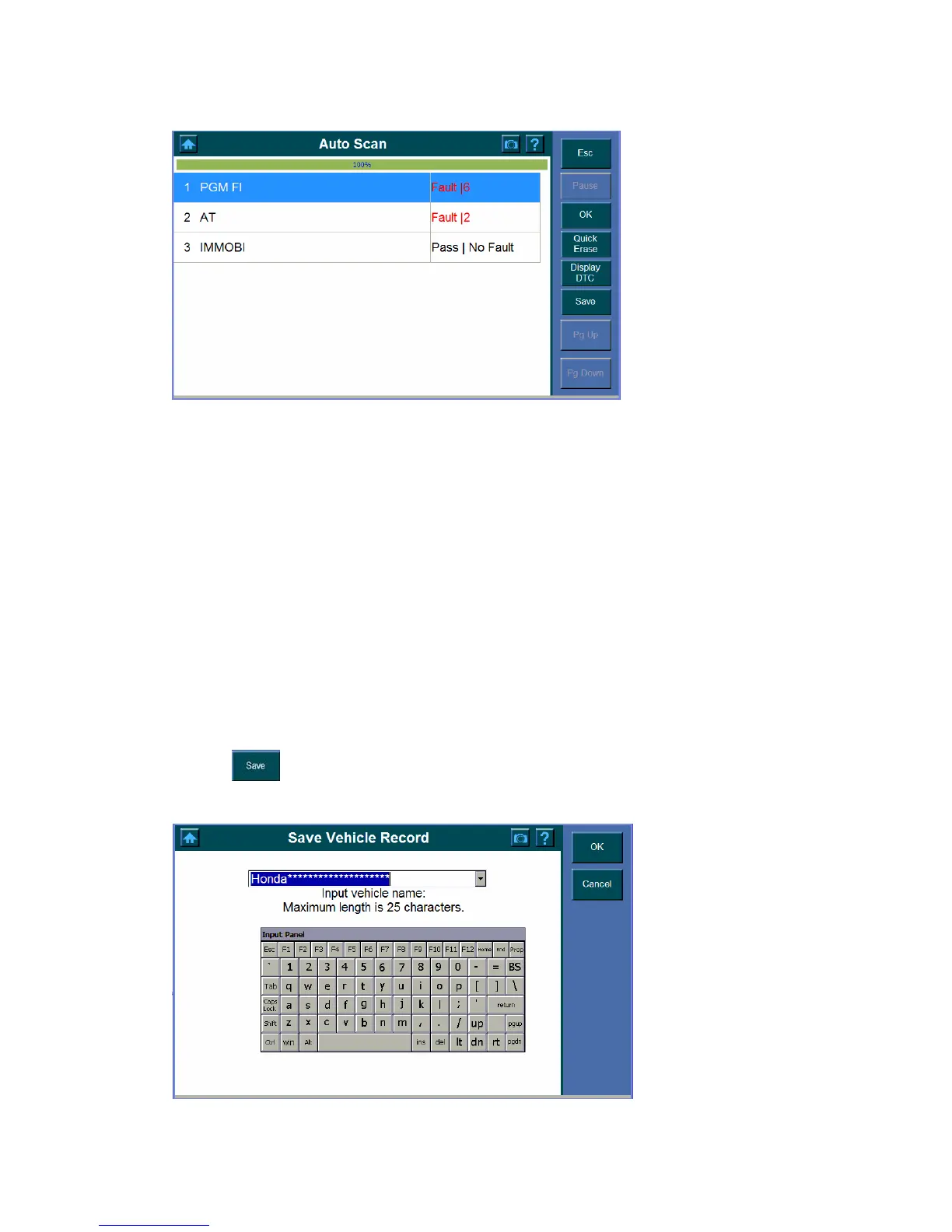
Tool bar
The tool bar displays in the right-hand panel of the screen.
Buttons in Green are selectable, while those which in blue are not selectable.
System location
The system location is displays on top of the screen to assist you to identify the
component location.
Progress Bar
The progress Bar shows the scanning progress.
Components
Items below the Progress bar indicate the components are being scanned.
4. Toolbar Function
Notice the followings about the Auto Scan toolbar.
9 To save the vehicle recorder,
1. Click
.
2. The following screen shows















 To Next Page