22
Chapter 5 Auto Scan (HONDA)
General Information
1. Introduction
The Auto Scan does an automatic test of the ECU being tested and then displays a
summary of the test result. From the summary, you can access to the Function menu
(Refer to the last point in this chapter on page 24) and view detailed test results, such as
DTC descriptions and related repair information.
Note: This option might not be available for certain vehicle and ECU being tested.
2. Icon Description
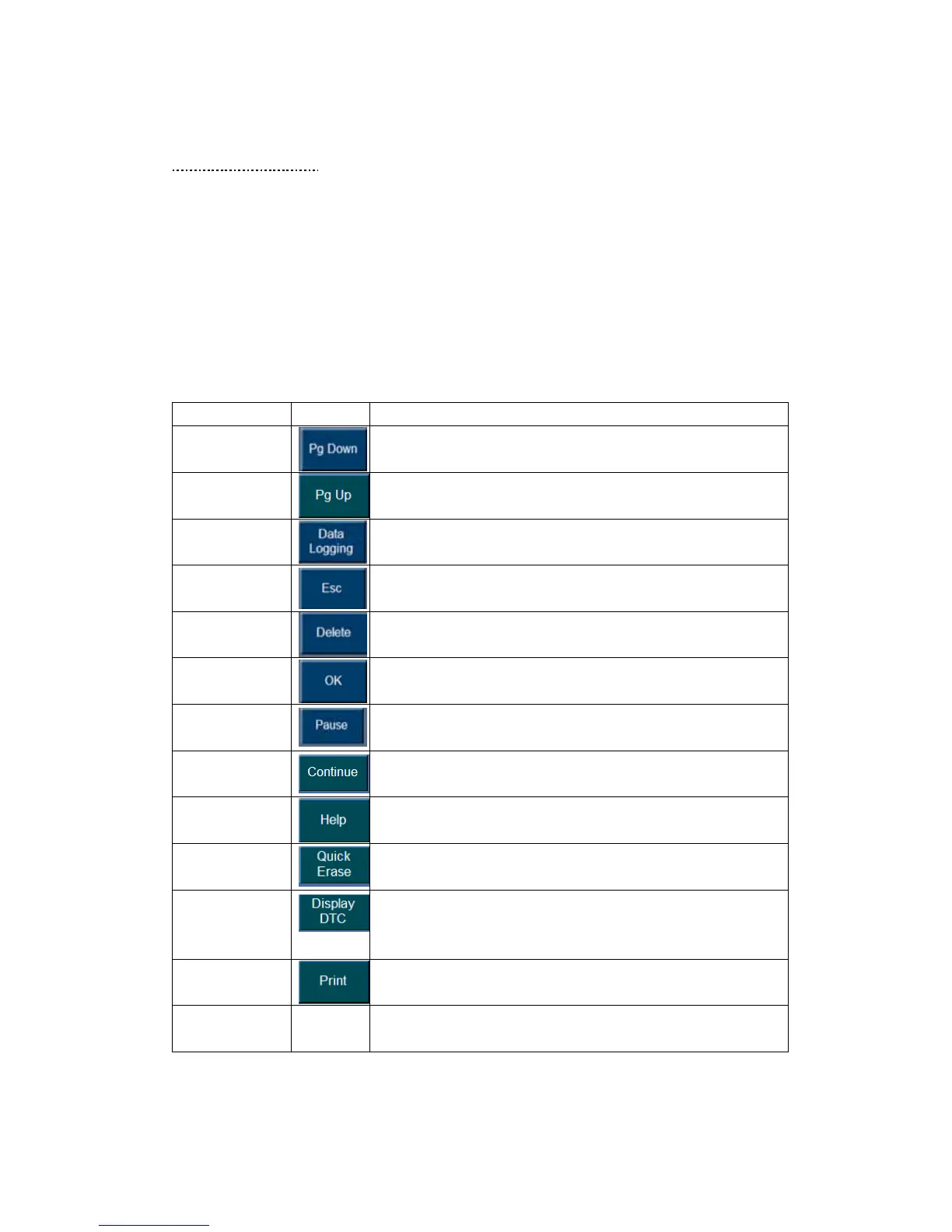
The table below gives brief description of the control button in this chapter.
Name Button Description
Page Down
Used to scroll through the data
Page Up
Used to scroll through the data
Data Logging
See… in Chapter … on Page … for details.
Exit
Click to Exit. (The system may ask for you confirmation,
Click Yes to exit or click NO to stay in the current screen.)
Delete
Click to delete ( The system may ask for your confirmation,
Click Yes to delete or click NO to exit the dialog box.
OK
Click OK to continue and enter to the next screen.
Pause
Temporarily stops the live data readings and lets you view
past data. Refer to
Continue
Click Continue to continue the scanning process.
Help
Click Help to the DTC information and possible failures.
Refer to …
Quick Erase
Click to Erase the DTC in the vehicle’s ECU.
Display DTC
Refer to step3. Notice the followings about the Auto Scan
Report screen in this Chapter on Page …
Print
Click to Print the current Page.
Save
View - To save the vehicle recorder- in Chapter 4. Toolbar
Function on Page















 To Next Page