27
Option 1:
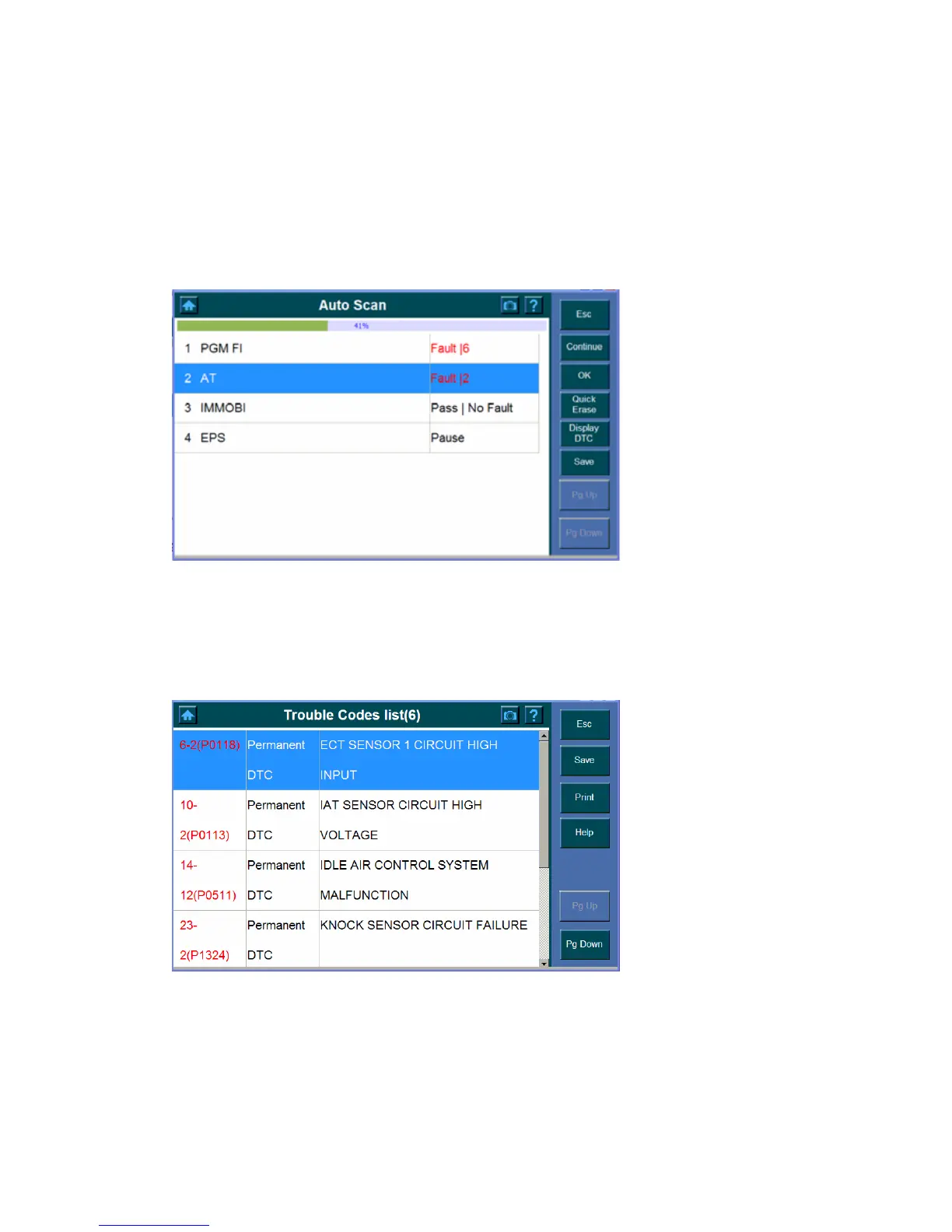
1. Press the Pause button to view the fault without completing the test.
2. Highlight the fault you wish to view and then click OK button.
Option 2:
1. Wait until the scanning process complete.
2. Highlight the fault and then click OK.
Notice the followings about the Auto Scan Report screen,
9 To see the trouble codes,
1. Click the Display DTC button.
2. High the items (You wish to see) and click Help to view the details.















 To Next Page