37
1. Complete List
To view a complete set of data,
1. Click the Complete List button and the following screen shows.
2. Chose one of the items from the toolbar to display in the format (Text, Graph, Graph
merge, analog) as you desired.
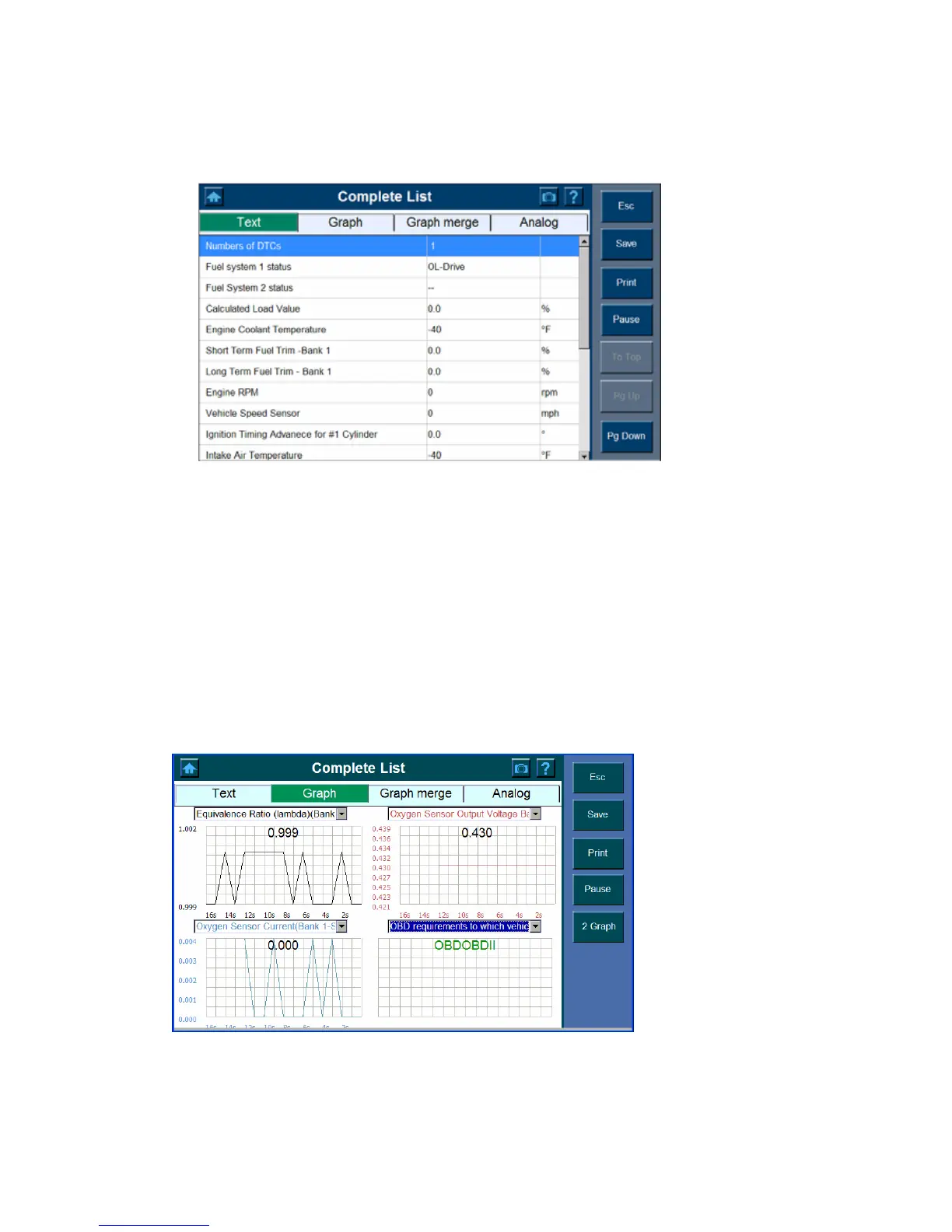
Text
Click Text to show the data list only.
Note: use the Pg Up/ Pg Down or scroll button to view all the codes as needed.
Graph
The Graph view lets you view data in graph format. You can view up to four graphs at a
time according to the option selected from the Scanner toolbar.
To view the parameter in graph format,
1. Select Graph















 To Next Page