38
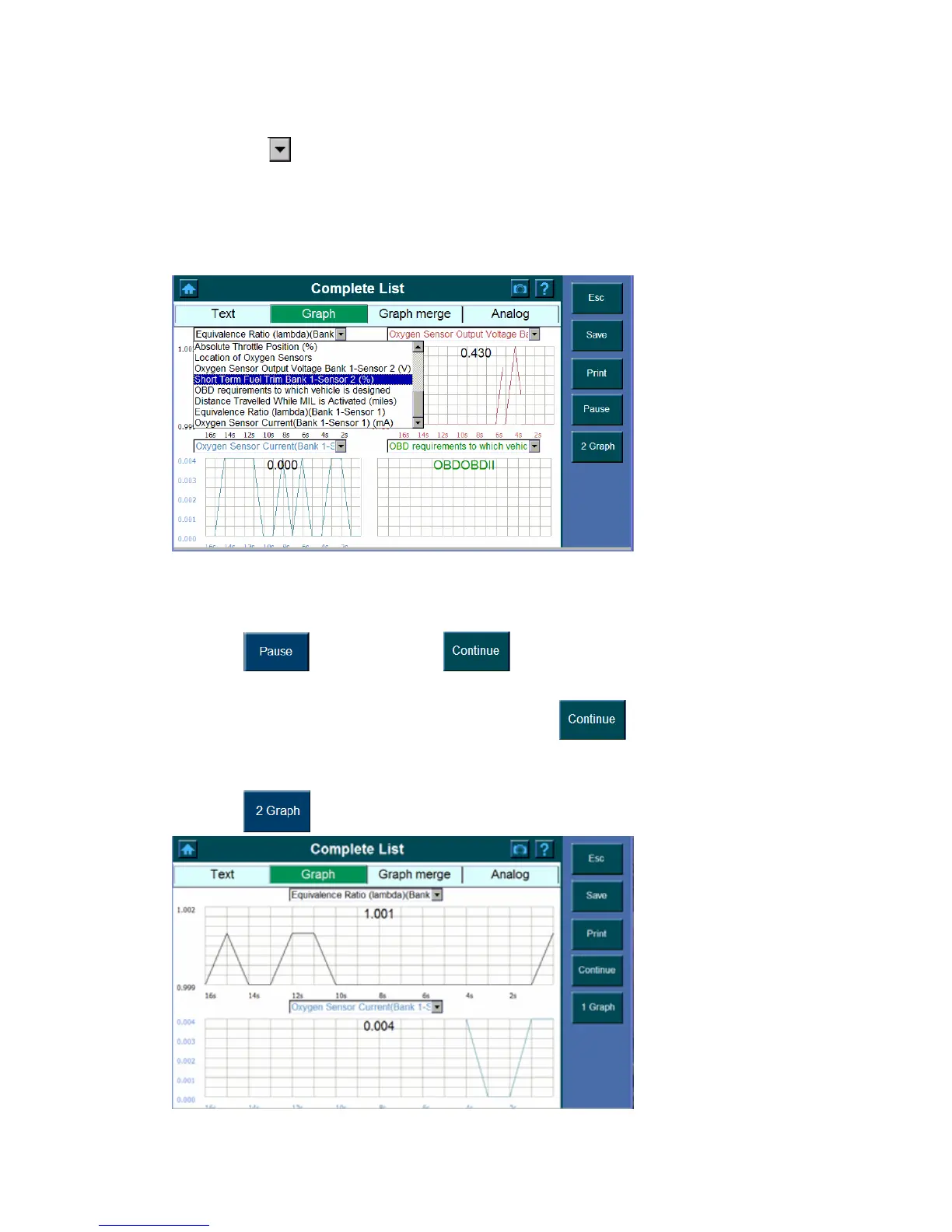
2. The screen with graph shows.
3. Click the
button and highlight the parameter you wish to view from the pull down
dialog box.
Note: The dialog box allows you to determine what each of the four graphs will
display. Note that you must enter the different parameters in each of the
dialog box.
Notice the followings about the Graph screen,
z Click
to stop. Press the button to continue.
Note: You can stop and start the live readings at anytime. When you stop the
readings, the data” freeze” on the screen. The
button appears when
you press Pause.
z Click
to view two graphs at a time.















 To Next Page