41
Analog
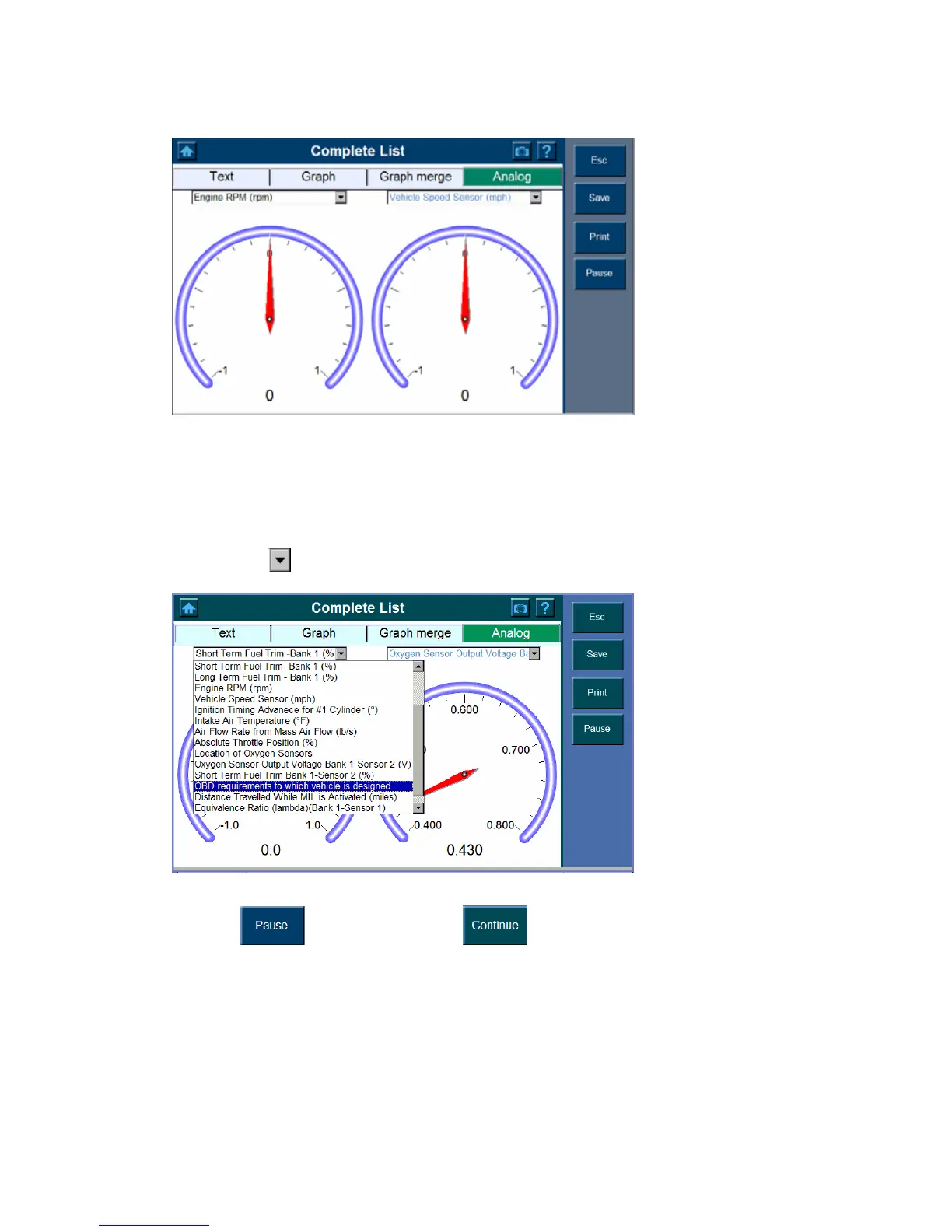
The Analog Function will bring up a display of the gauges that were assigned a function.
These gauges display actual data as provided to the ECU in real time.
You can display two gauges at a time on the screen, to display the data as Analog gauge,
1. Select the Analog from the toolbar.
2. Click the
button and highlight the parameter you wish you view.
Note: The dialog box shows a list of possible selections.
3. Click
to stop and press the button to continue.















 To Next Page