40
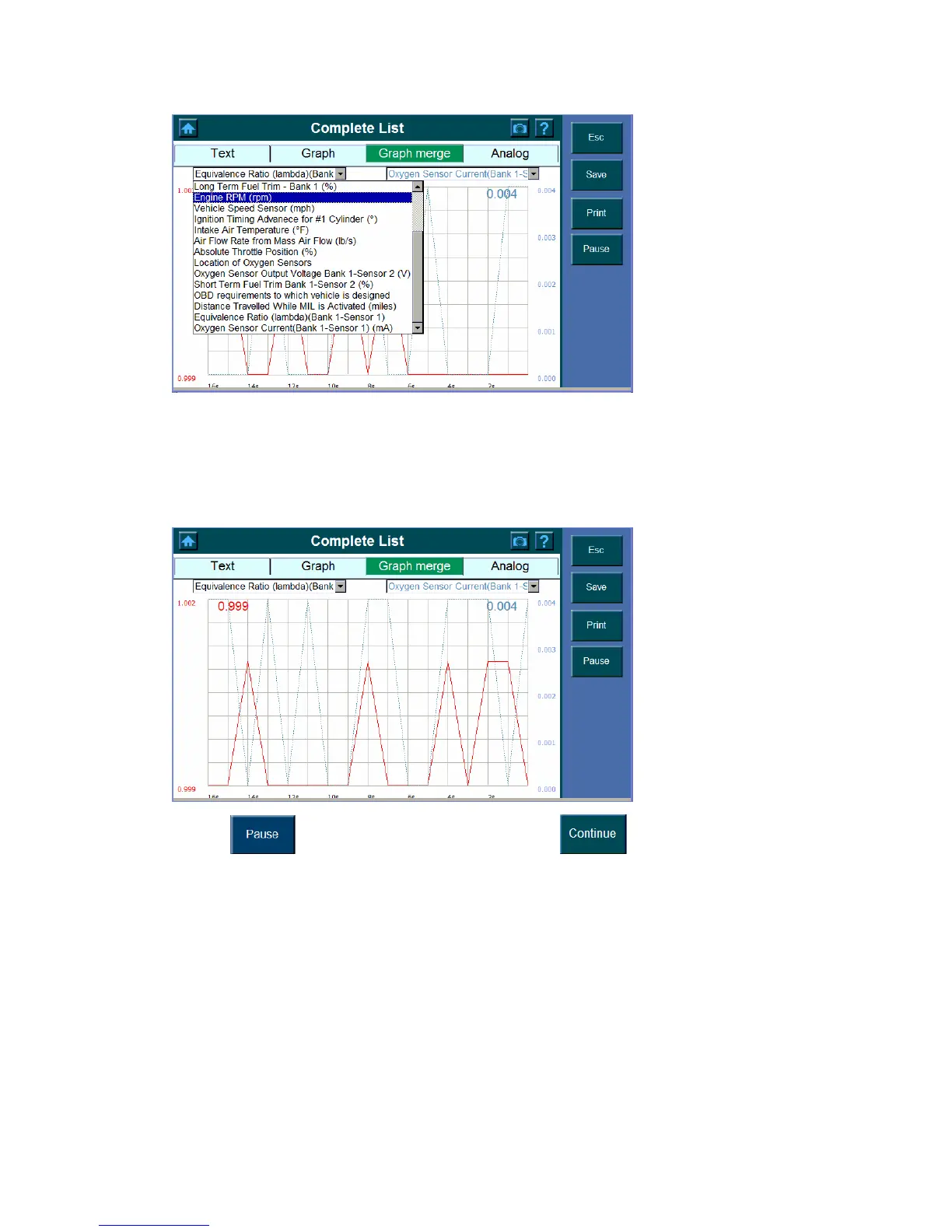
2. The x-coordinate indicates the time spent and the y-coordinate indicates the parameter
value. The left x-coordinate shows the value of the parameter you have entered in the left
dialog box and so does the number in the upper left corner. The right y- coordinate shows
the value of the parameter you have enter in the right dialog box and so does the number
in the upper right corner.
3. Click
to stop and stay in current. Press the button to continue.















 To Next Page