5
Chapter 2 General Information
Introduction
1. Icon Description
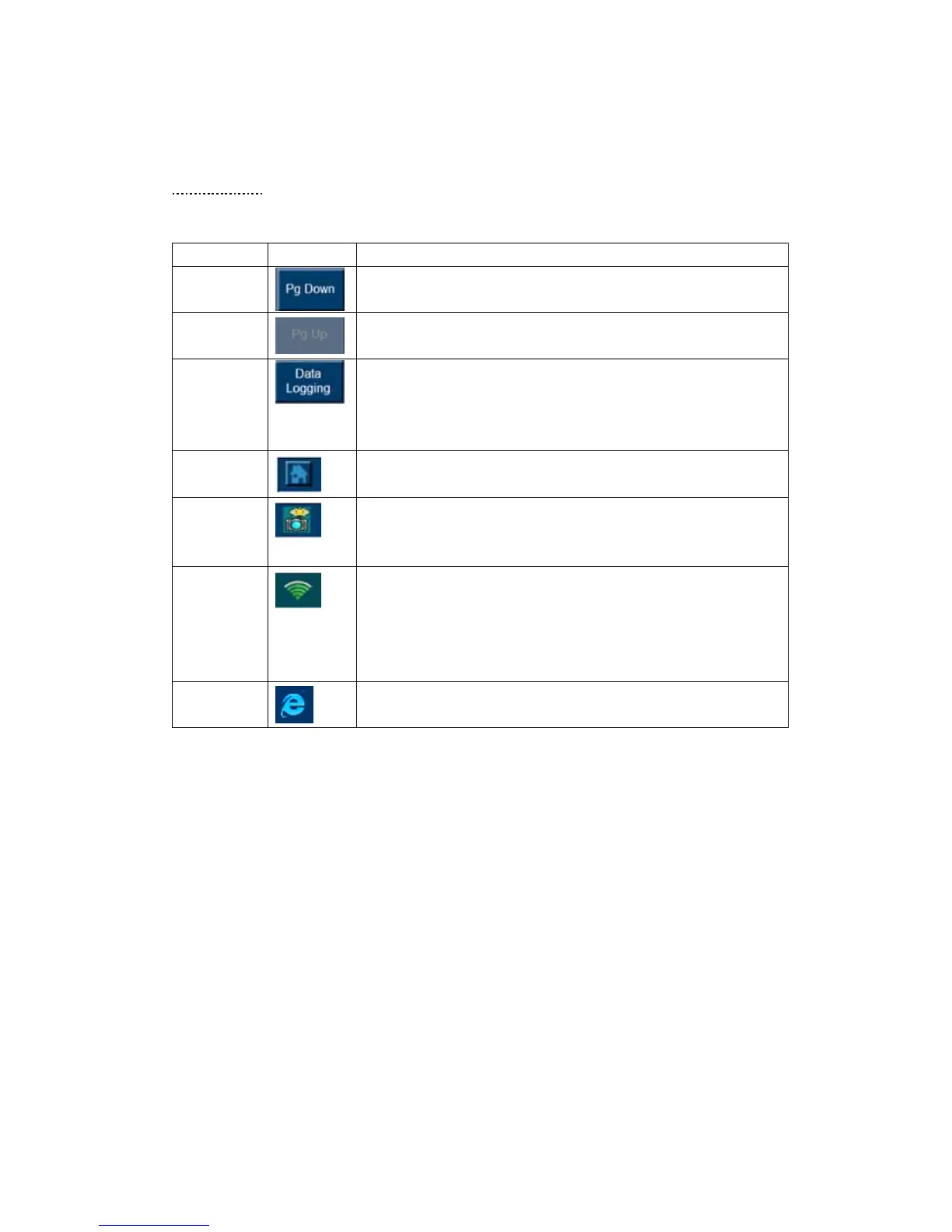
The table below gives brief description of the control button on this software.
Name Button Description
Page Down
Used to scroll through the text and data
Page Up
Used to scroll through the text and data
Data
Logging
Allows you to record the useful data when problems occurred
to your vehicle. These data assists the engineer in updating
the MaxiDAS 708 Software. Refer to Notice the followings
about the MaxiDAS Screen Icon on Page 5 for details.
Snapshot
Used to return to the main menu of the MaxiDAS.
Home
Page
Allows you to save the picture of current screen to the
memory card.
WIFI
The shortcut that allows you to change the internet setting, it
is also a Signal Strength icon shows your current signal
strength. More lines indicate more signal strength. Five lines
indicate maximum strength, and one line indicates least
strength.
Internet
Open a webpage















 To Next Page