62
In General tab, fill in the Description column if it has.
Note: About network type
Two network types can be used in your MaxiDAS: access point and peer-to-peer. Choose
an intended type from the two options. The access point mode, which is also known as the
infrastructure mode, allows you to communicate with a wired network via an access point.
If you attempt to operate this mode, you must indicate the identical network name to make
a communication with the intended access point. On the other hand, the peer-to-peer
mode provides you with the so-called ad-hoc communication, which means each wireless
equipped devices within a group is able to connect with each other as an independent
wireless lan without the use of an access point. Each station within this ad-hoc network
has to define the same network name.
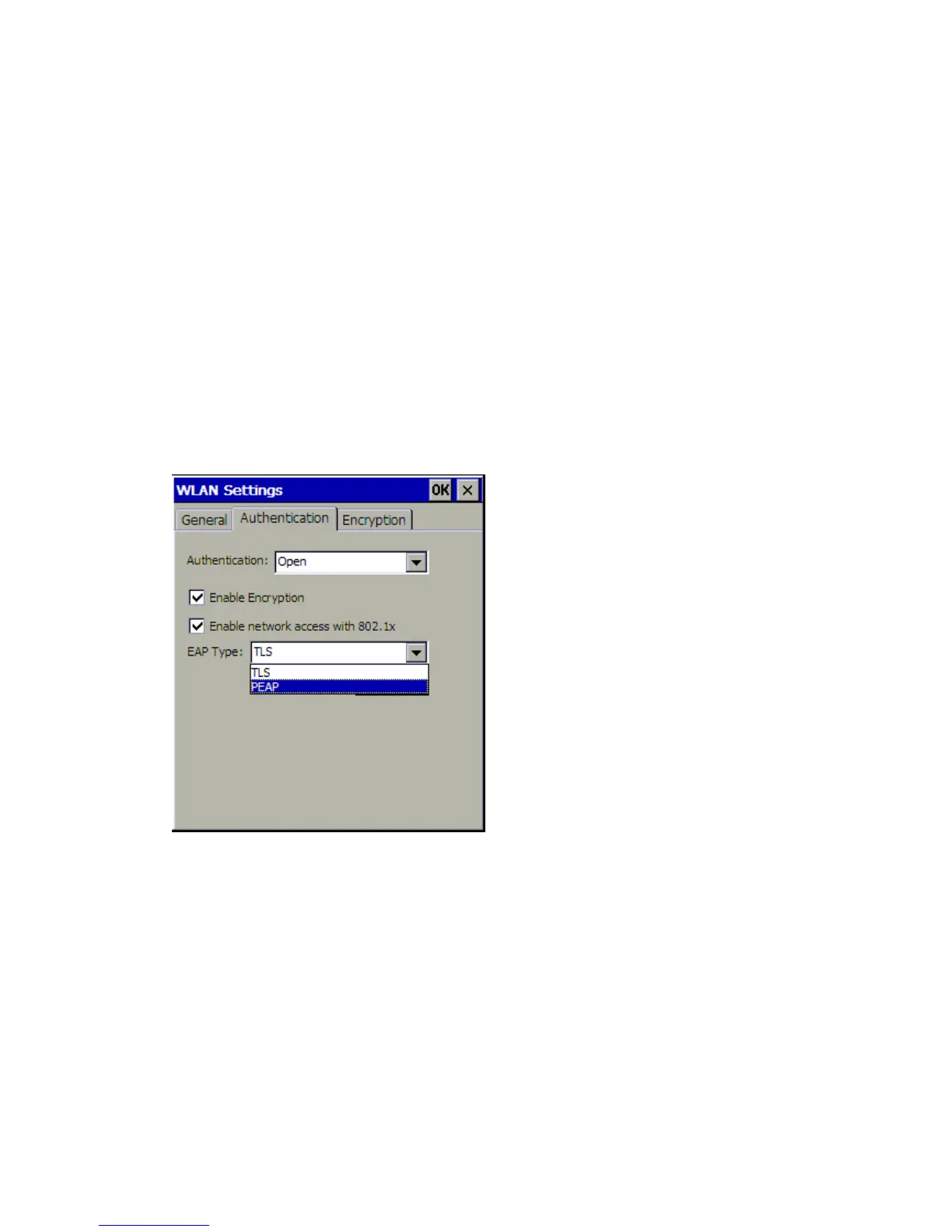
In Authentication tab, select the type of authentication. There are seven options: Open,
Shared, Auto Switch, WPA, WPA-PSK, WPA2, WPA2-PSK. Determine whether to enable
encryption and network access with 802.1x. If the router of your Wi-Fi network supports
802.1x, click “Enable network access with 802.1x” box and select EAP type.
In Encryption tab, select encryption type and number of key ID. Enter the network key. If
there is 1 key ID, input Network key 1 and leave the others blank. If there are 2 key IDs,
input network key 1 and network key 2, leave the others blank. The rest may be deduced
by analogy.















 To Next Page