63
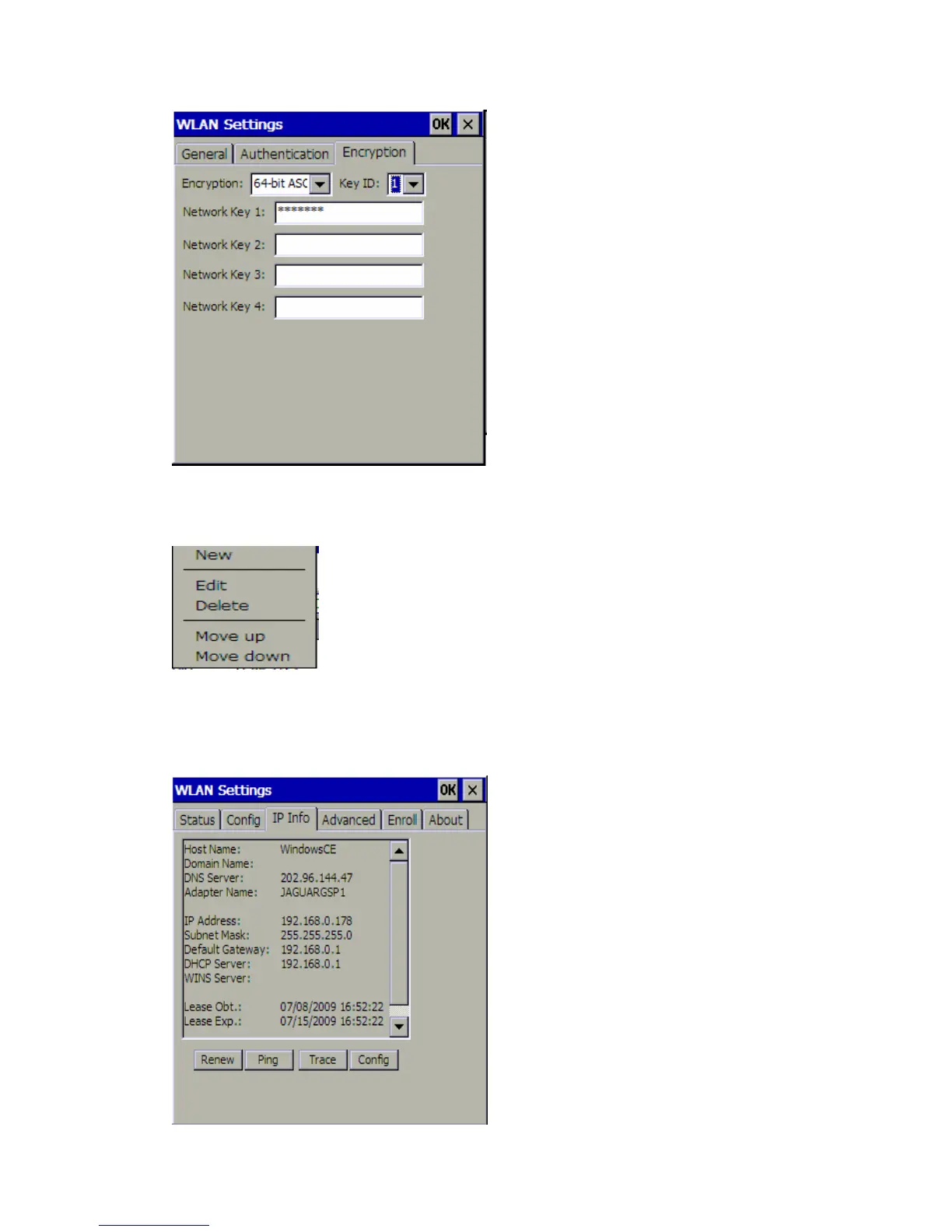
Note: You can press and hold the stylus at the network name in Preferred Networks area
for a few seconds, a menu pops up. You can add a new network into the list, edit or delete
the existing network, and change the order of the networks listed.
3 IP Info
The IP Info tab shows the following information of the Internet Protocol your MaxiDAS
DS708 is connecting:















 To Next Page