84
NOTE
The tablet screen is locked by default when first powered on. It is
recommended to lock the screen to protect the information in the system and
reduce the power consumption.
The touch screen navigation is menu driven enabling quick access to
functions and features by tapping on options headings and answering dialog
windows. Detailed descriptions of the menu structures are found in the
application chapters.
Application Buttons
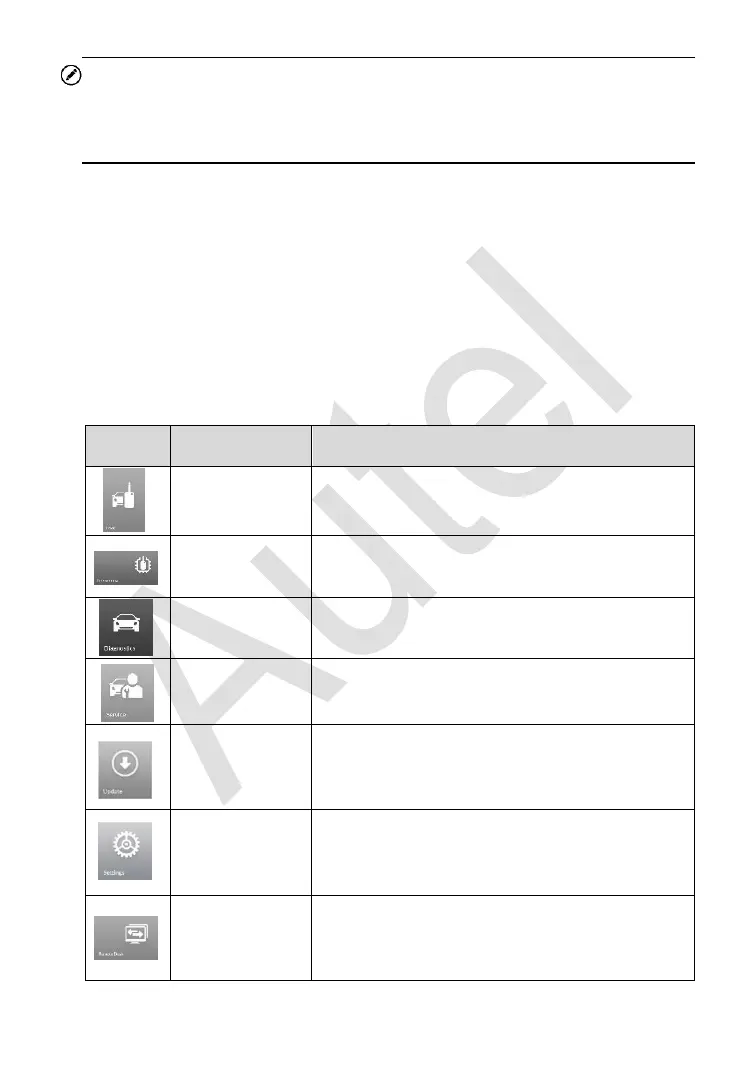
Descriptions of the tool applications are displayed in the table below.
Table 3-1 Applications
Accesses IMMO functions menu. See IMMO
on page 88 for details.
Accesses Programming functions menu. See
Programming on page 111 for details.
Accesses diagnostic functions menu. See
Diagnostics on page 119 for details.
Accesses special functions menu. See
Service on page 139 for details.
Checks for the latest update available for the
MaxiIM system, and performs updates. See
Update on page 158 for details.
Accesses MaxiIM system settings menu and
general tablet menu. See Settings on page
161 for details.
Configures the unit to receive remote support
using the TeamViewer application program.
See Remote Desk on page 169 for details.














 To Next Page