3.7 DTC Lookup
The DTC Lookup function is used to search for definitions of
DTCs stored in built-in DTC library.
1) From Main Menu, use UP/DOWN scroll button to select DTC
Lookup and press ENTER button.
Main Menu
2/6
Diagnostics
►DTC Lookup
Review Data ?
Print Data
System Setup
Tool Information
12
z The number “x/x” to the right indicates total number of items
under this menu and sequence of highlighted item.
z The “?” to the right indicates help information available. Press
HELP button to view help information for selected item.
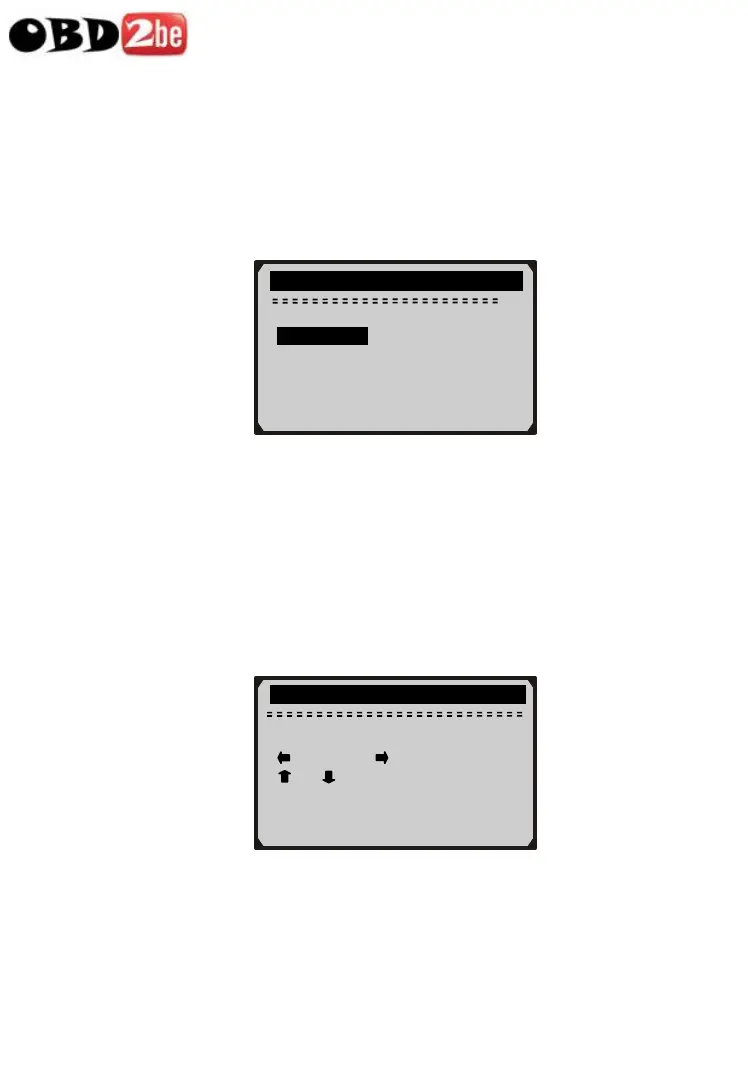
2) From DTC Lookup menu, use LEFT/RIGHT button to move to
the desired character, use UP/DOWN button to change selected
digit/character and press ENTER button to confirm.
DTC Lookup
P 0 0 0 1
[ ] – Left [ ] - Right
[ ][ ]- Change Digit
[ENTER]- Confirm
[ESC]- Exit
3) View the DTC definition on screen. When DTC definition covers
more than one screen, use LEFT/RIHT button to view
additional information on previous/next screens.
http://www.obd2be.com/














 To Next Page