5.9 Viewing Vehicle Information
The Vehicle Info. function enables retrieval of Vehicle
Identification No. (VIN), Calibration ID Nos. (CINs),
Calibration Verification Nos. (CVNs) and In-use Performance
Tracking on 2000 and newer vehicles that support Mode 9.
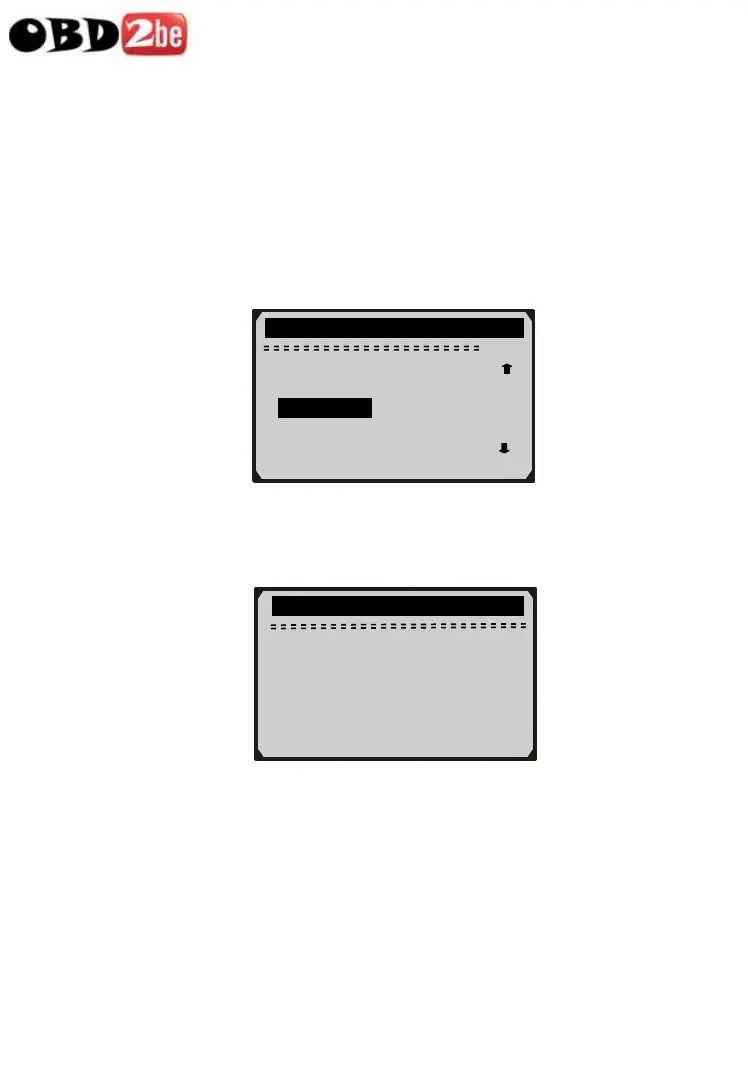
1) Use UP/DOWN scroll button to select Vehicle Info. from the
Diagnostic Menu and press ENTER button.
58
Diagnostic Menu
9/11
On-Board Mon. Test
Component Test
► Vehicle Info. ?
Modules Present
Unit of Measure
2) An advisory message comes up to remind you. Wait a few
seconds or press any key to continue.
Vehicle Info.
Turn key on
with engine off !
Press any key to con.
3) Wait a few seconds while the scan tool reads vehicle information.
http://www.obd2be.com/














 To Next Page