47
5.4 Viewing Freeze Frame Data
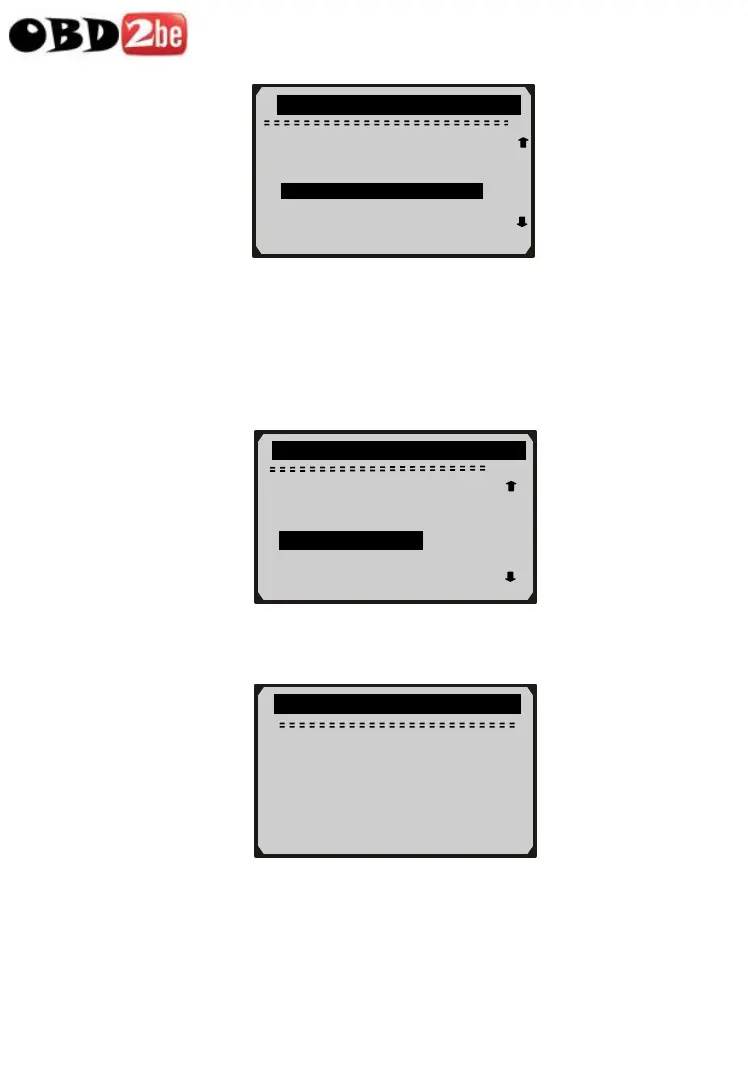
1) To view freeze frame data, use UP/DOWN scroll button to
select View Freeze Frame from Diagnostic Menu and press
ENTER button.
2) Wait a few seconds while the scan tool validates the PID MAP.
3) If retrieved information covers more than one screen, then a
down arrow will appear. Use DOWN scroll button, as necessary,
until all the data have been shown up.
….………View Freeze Frame…………
Reading PID.01
- Please Wait -
...... ...Diagnostic Menu..... ........
4/11
Playback 6/16
4
DTC_CNT 6
FUELSYS1 OL
FUELSYS2 N/A
►LOAD_PCT(%) 0.0 ?
ETC(℃) -40
SHRTFT1(%) 0.0
Read Codes
Erase Codes
Live Data ?
►View Freeze Frame
I/M Readiness
O2 Monitor Test
http://www.obd2be.com/














 To Next Page