46
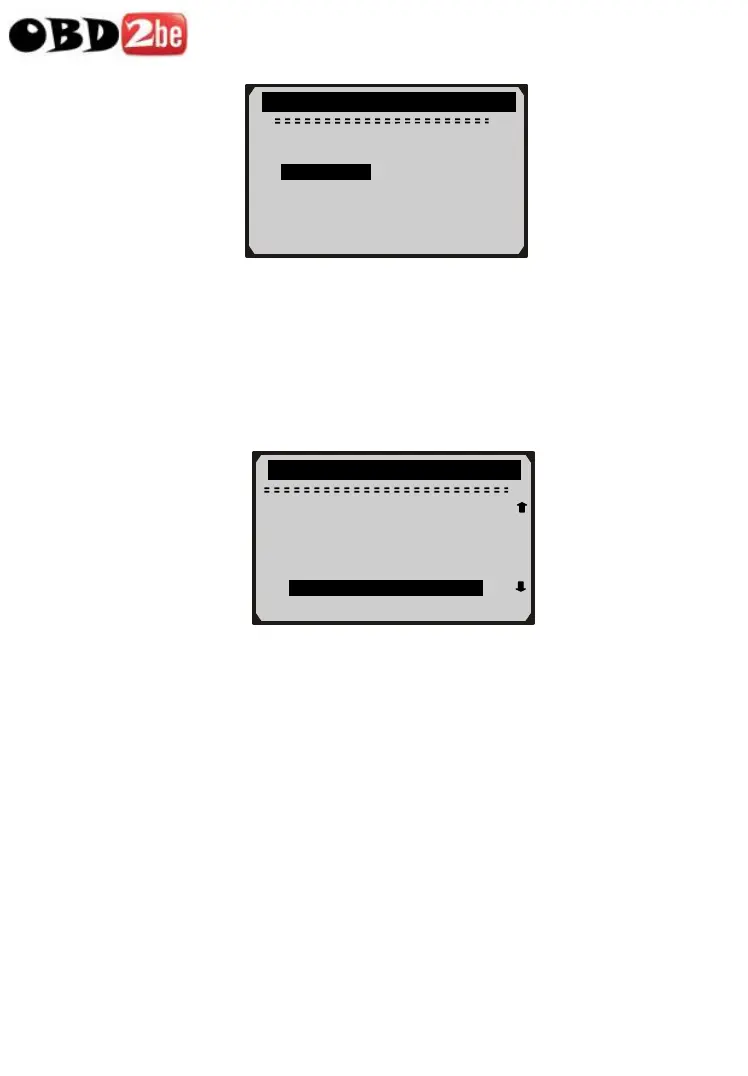
z If there is no recording in selected location, a message “Not
Supported or Stored No Data” displays on the screen.
z For data stored in temporary cache, you do not have to select
memory location.
3) Use UP/DOWN button to view recorded PIDs of each frame.
z The number “x/x” to the upper right corner of the screen
indicates total number of recorded frames and sequence of
frame being displayed.
z Negative frames indicate data recorded prior to trigger event;
and positive frames indicate data recorded after trigger event.
4) Use LEFT/RIGHT button to view PIDs of next or previous
frames.
Playback …. -5/16
6
Select Memory
3/3
Location #1 *
Location #2
►Location #3 * ?
DTC_CNT 6
FUELSYS1 OL
FUELSYS2 N/A
LOAD_PCT (%) 0.0 ?
ETC(℃) -40
►SHRTFT1(%) 0.0
http://www.obd2be.com/














 To Next Page