Diagnostic
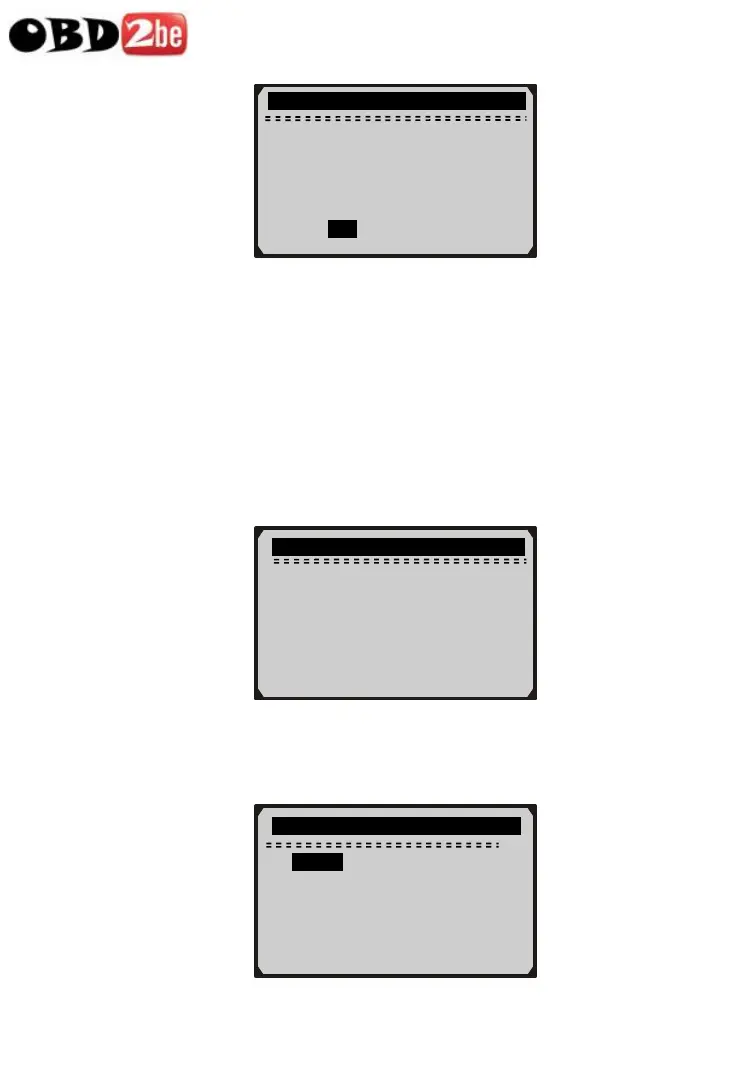
Erase previously
stored data to save
data from this test?
YES NO
26
z If no data is stored in the scan tool, above prompt will not
show up.
8) If you wish to erase the data, press ENTER button; if you do not
want to erase the data, press ESC or use LEFT/RIGHT button
to select NO and press ENTER to continue.
9) View a summary of system status (MIL status, DTC counts,
Monitor status) on screen. Wait a few seconds or press any key
for Diagnostic Menu to come up.
System Status
MIL Status ON
Codes Found 6
Monitors N/A 3
Monitors OK 3
Monitors INC 5
z If more than one module is detected, you will be prompted to
select a module before testing.
Control Module
1/2
► Engine
Module $A4 ?
http://www.obd2be.com/


 To Next Page
 Loading...










