………………….Record Data……… …….
1/3
►Complete Data Set
Custom Data Set
Unit of Measure ?
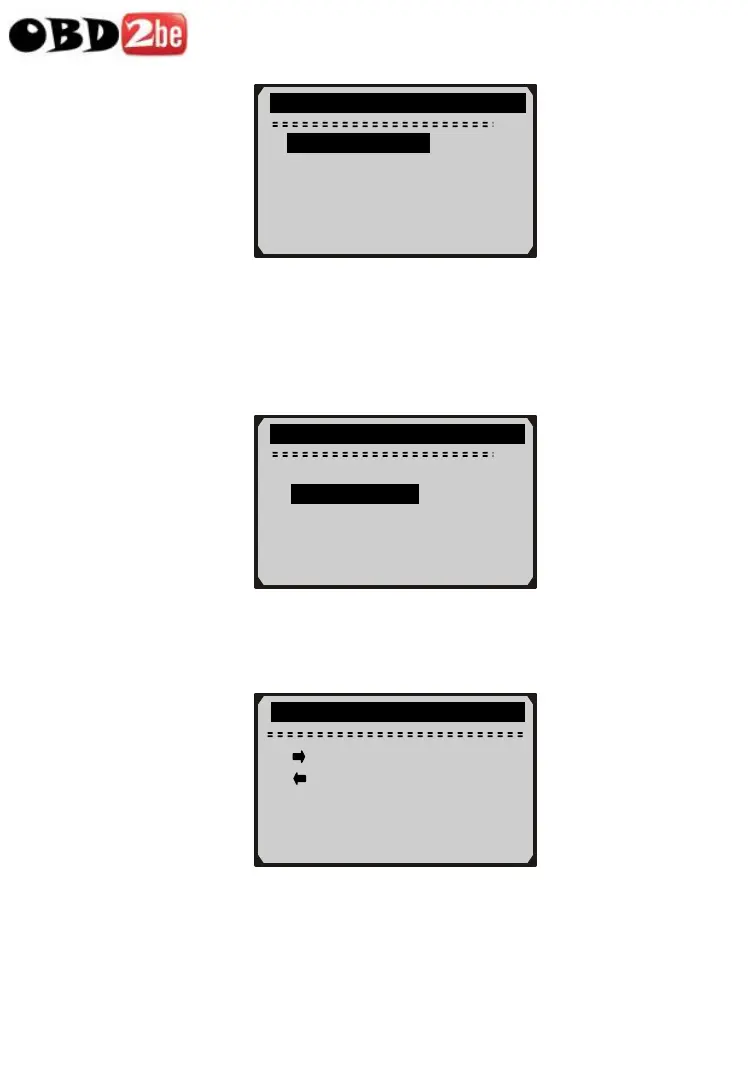
Recording Custom Data Set
8) To record customized data, use UP/DOWN scroll button to
select Custom Data Set from Record Data menu and press
ENTER button.
………………Record Data…………… …
2/3
Complete Data Set
►Custom Data Set
Unit of Measure ?
9) Observe on-screen instructions. Wait a few seconds or press any
key to continue.
……… …Custom Data Set…………
[ ] – Select/deselect
[ ] – Deselect all
[ENTER] – Confirm
[ESC] - Cancel
10) Use RIGHT button select/deselect data parameters. Selected
parameters are marked with solid squares. Press ENTER button
to confirm.
40
http://www.obd2be.com/














 To Next Page