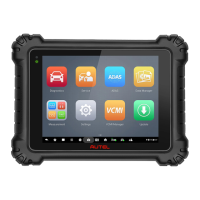
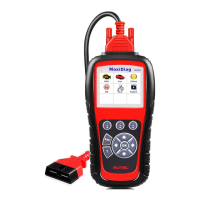
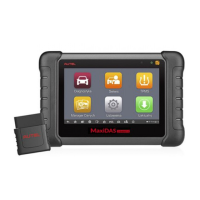
This quickstart guide applies to the MaxiSys
®
Ultra, MaxiSys
®
MS919 and MaxiSys
®
MS909.
QUICKSTART GUIDE
VID - VEHICLE IDENTIFICATION DETECTION
AUTO VIN DETECT (COMPATIBLE W/ VEHICLES 2007 AND NEWER)
AUTO-SCAN
•
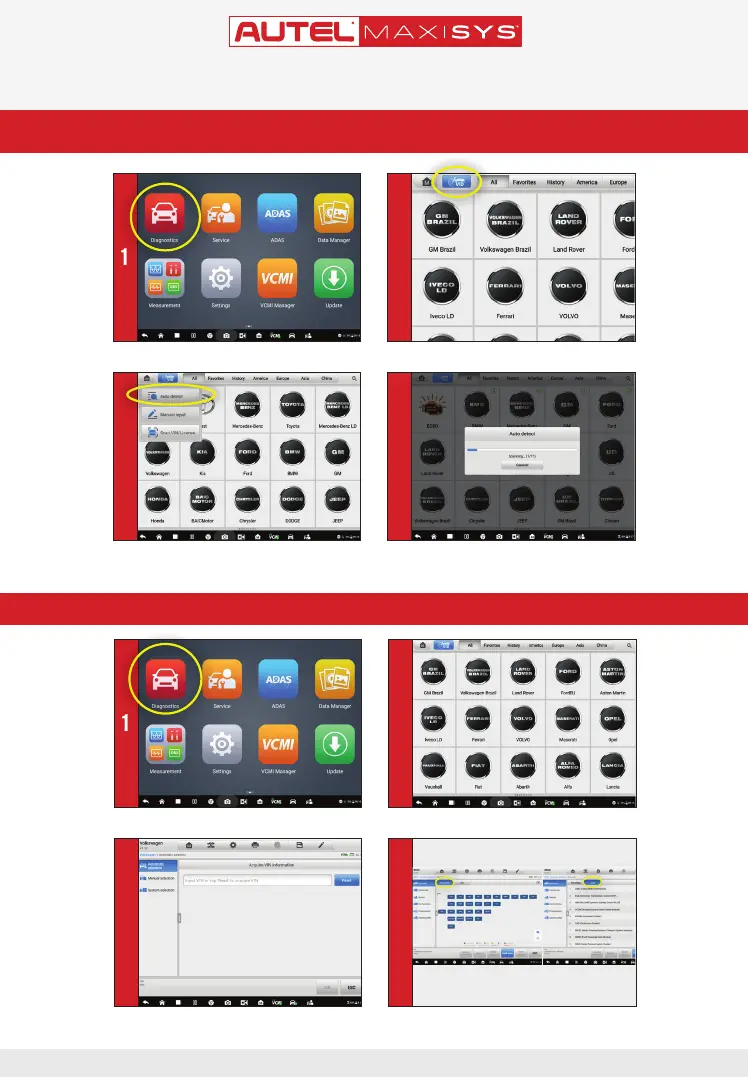
Select the blue VID button on the top left of the screen
• Select the vehicle manufacturer
• Select
Diagnostics
from the Main Menu
• Select Diagnostics from the Main Menu
• Select
Auto Detect
from the drop-down menu - Once the vehicle is successfully identied, the
diagnostic menu will display.
3 4
1 2
1 2
3
4
ONLY REGISTERED AUTEL TOOLS CAN DOWNLOAD SOFTWARE UPDATES
• All available systems will display • Select Automatic Selection to acquire VIN
automatically. Tap Manual input to type in the VIN



 To Next Page