9
4.1.2 Trigger Process
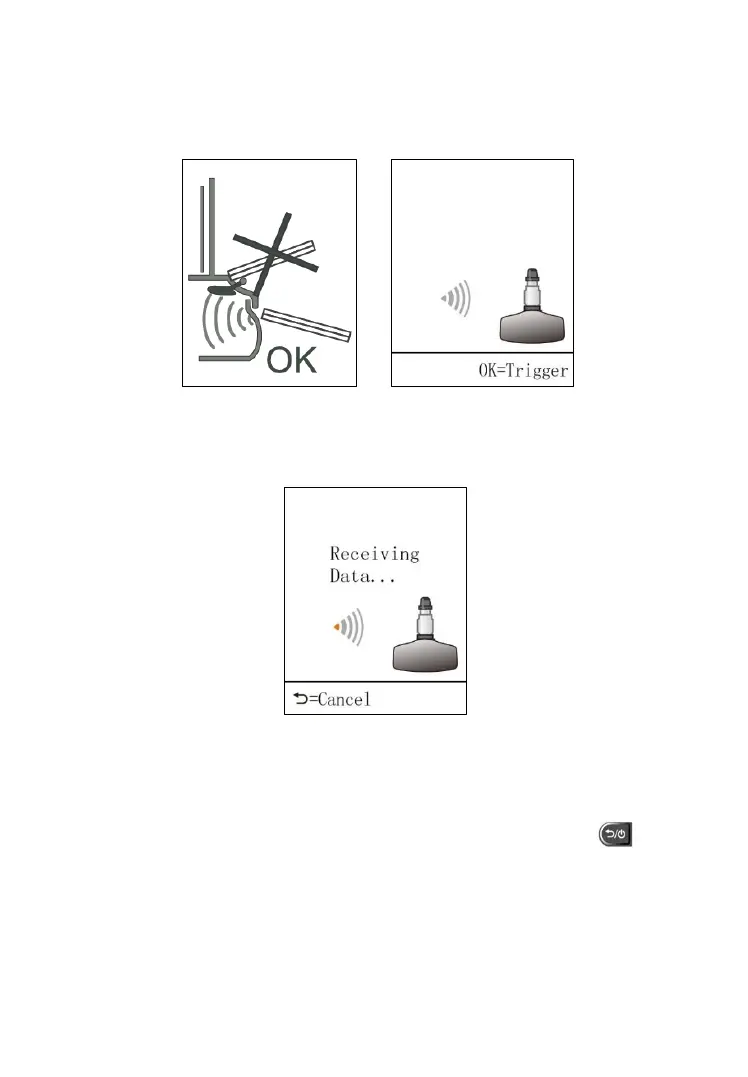
To trigger or activate the sensor, hold the tool no more than 2 inches from the
sensor or from the tire sidewall (Figure 4.4) and press OK button.
Figure 4.4 Figure 4.5
The tool is receiving data from the sensor.
Figure 4.6
If the sensor is triggered successfully, the screen will display the ID and
battery condition of the original sensor and the associated tire’s pressure and
temperature. Press OK button to re-trigger the sensor or press button
to exit.



 To Next Page