22
6.2 Settings
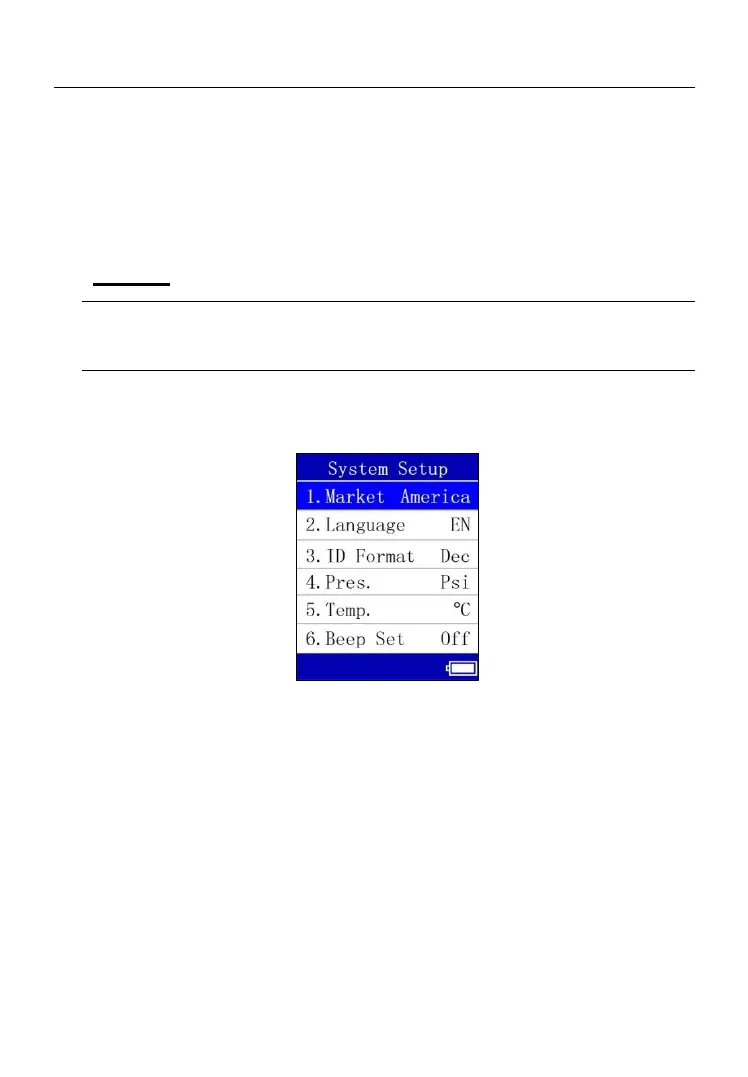
The System Setup function allows you to adjust default settings.
To enter the Setting menu
From MY Tool screen, use the UP or DOWN Arrow button to select Setting,
and press the OK button.
Market
TIPS
The default market is dependent on the region in which the tool is sold.
1) From System Setup screen, use the UP or DOWN Arrow button to
select Market, and press the OK button.
Figure 6.5
2) From Market screen, use the UP or DOWN Arrow button to select the
desired market or tool operating region. Press the OK button to save
your selection and return to the previous screen.



 To Next Page