29
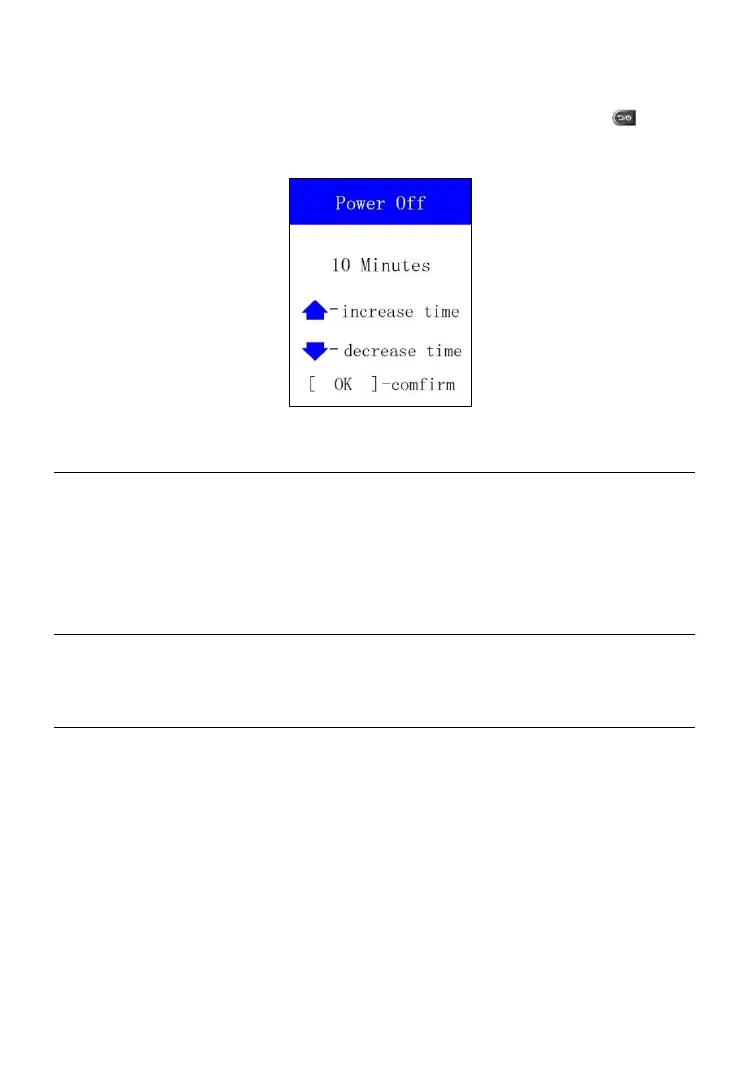
2) From Power Off screen, use the UP or DOWN Arrow button to increase
or decrease the amount of time of inactivity before the tool automatically
powers off. Press the OK button to confirm your change or the button
to cancel and return to the previous menu.
Figure 6.18
NOTE
Before the tool powers off automatically, it will save all the TPMS test data. This
data will be available when the tool is next turned on.
When using external power, the tool stays on until you turn it off. When using
internal battery power, the tool turns off automatically after a set time of inactivity.
6.3 About
This function allows user to view some important information about the tool,
such as its serial number, password, software version and hardware version.
1. From MY Tool screen, use the UP or DOWN Arrow button to select
About, and press the OK button. Wait for the About screen to display.



 To Next Page