19
6 My Tool
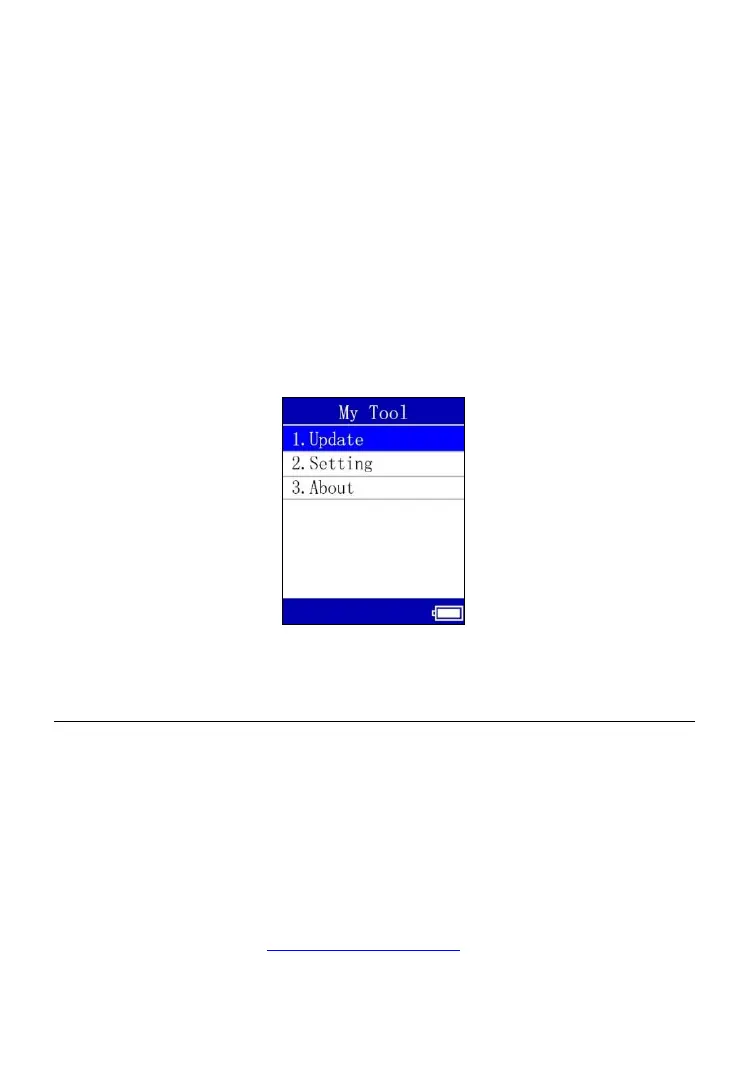
This function allows users to update software, change tool settings and
display tool properties.
To enter the My Tool menu
Use the UP or DOWN Arrow button to select My Tool from Main Menu
(Figure 4.1), and press the OK button to enter the My Tool screen.
Figure 6.1
6.1 Update
This function allows you to update the software on this TPMS tool via your
computer by installing the Maxi PC Suite and attaching the tool to the
computer with the supplied USB cord. Follow the Update the Software
instructions below.
To register the tool
1. Visit the website: http://pro.auteltech.com.
2. On the Sign in page, if you already have an Autel User ID, input the



 To Next Page