24
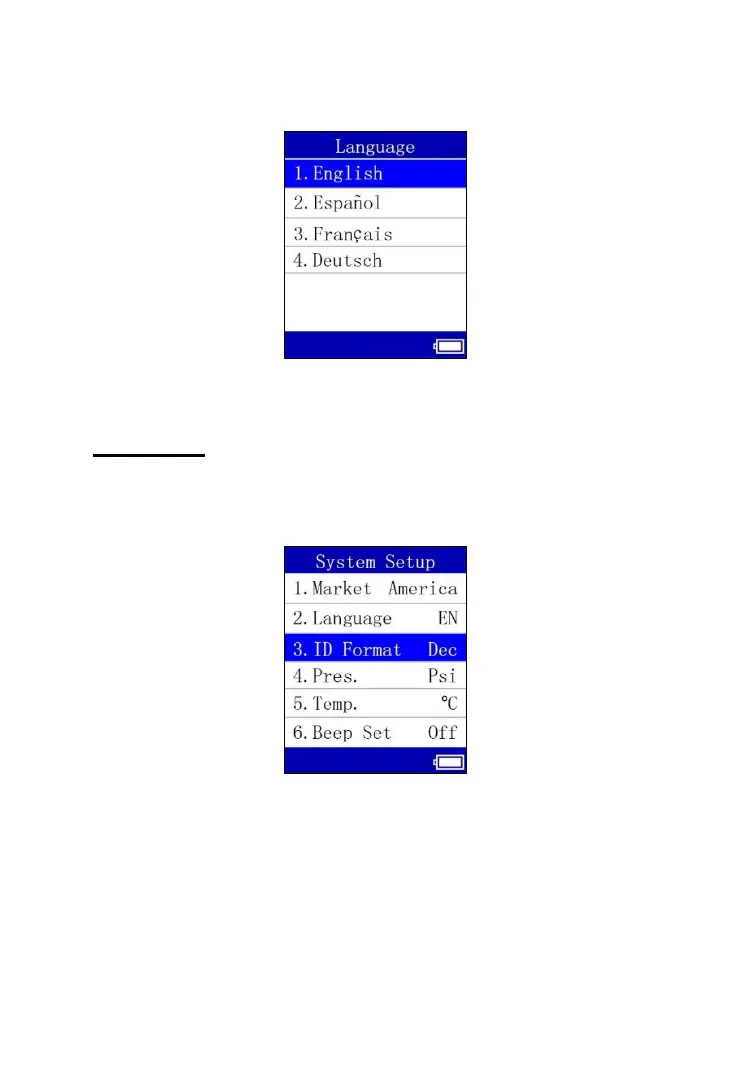
and return to the previous screen. Currently, four language options are
available.
Figure 6.8
ID Format
1) From System Setup screen, use the UP or DOWN Arrow button to
select ID Format, and press the OK button.
Figure 6.9
2) From ID Format screen, use the UP or DOWN Arrow button to select
the desired format of ID.



 To Next Page