EasyManua.ls Logo

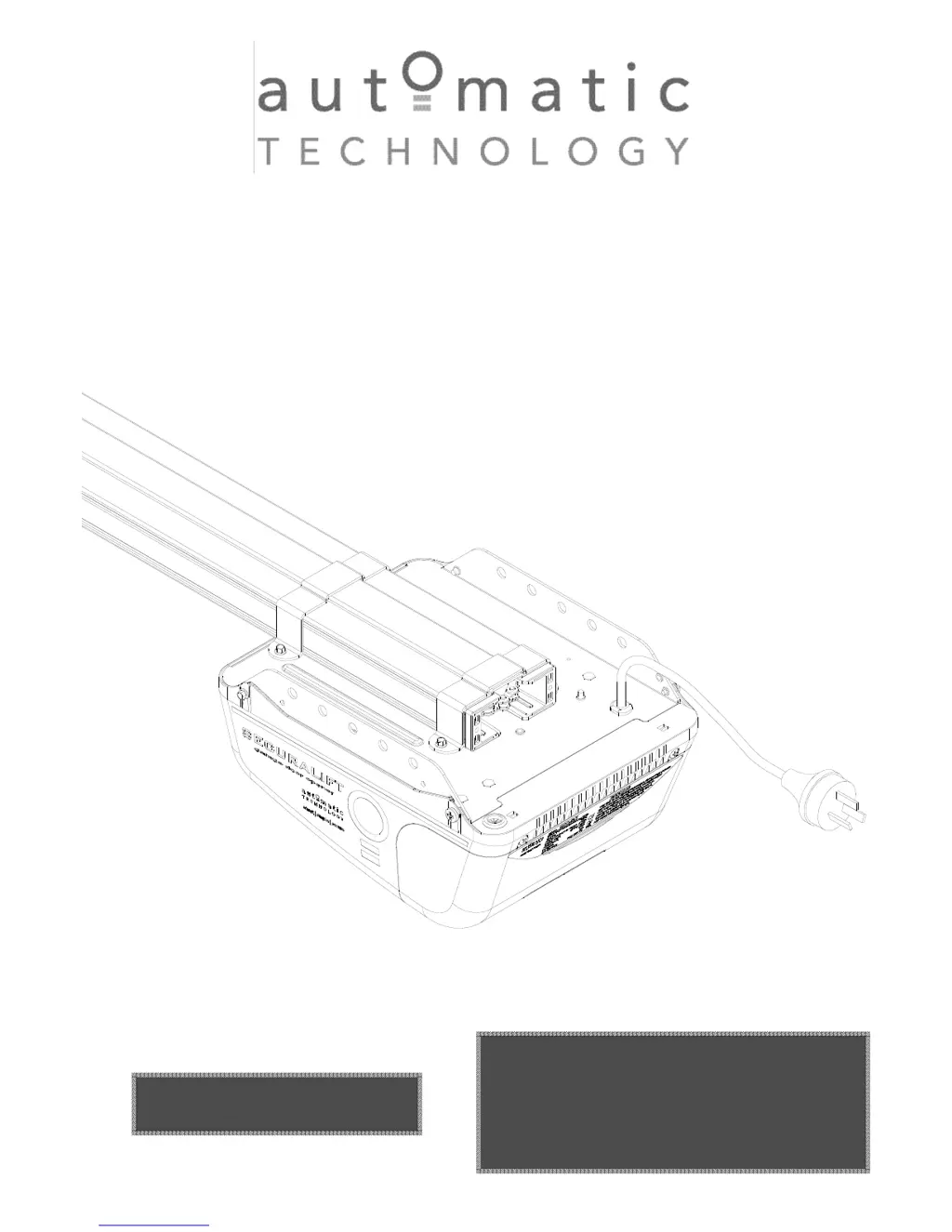
Automatic Technology GDO-9V1 SecuraLift - User Manual

Automatic Technology GDO-9V1 SecuraLift
28 pages
Print Icon
To Next Page IconTo Next Page
Loading...
WARNING
It is vital for the safety of persons to follow all
instructions. Failure to comply with the installation
instructions and the safety warnings may result in
serious personal injury and/or property and remote
control opener damage.
Please save these instructions for future reference.
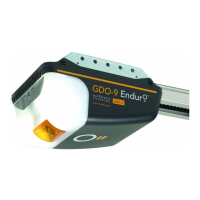
GDO-9V1 SecuraLift
®
Overhead Garage Door Opener
IInnssttaallllaattiioonn IInnssttrruuccttiioonnss
OOWWNNEERRSS CCOOPPYY
P/N 13210

Questions and Answers

Summary

SAFETY PRECAUTIONS

FEATURES

OPERATING CONTROLS

KIT CONTENTS

C-RAIL ASSEMBLY

DETERMINE THE DOOR TYPE

MOUNTING OPENER FOR TRACK TYPE DOOR

STEP 5: Determine Mounting Height

Determining the correct height and marking the wall for opener mounting.

STEP 6: Mount Wall Bracket

Mounting the wall bracket securely to the wall or lintel.

STEP 7: Attach C-Rail Assembly

Attaching the support c-rail assembly to the wall bracket.

STEP 8: Secure Drive Unit to Ceiling

Securing the drive unit to the ceiling using perforated angle.

MOUNTING OPENER FOR SPRING LOADED DOOR

STEP 9: Mark Opener Mounting Location

Marking the wall for opener mounting for spring-loaded doors.

STEP 10: Secure Drive Unit

Securing the drive unit to the ceiling for spring-loaded doors.

STEP 11: Determine Wall Bracket Height

Determining the wall bracket height for spring-loaded doors.

MOUNTING DOOR BRACKET AND ARMS

STEP 12: Mount Wall Bracket and Attach C-Rail

Mounting the wall bracket and attaching it to the c-rail assembly.

STEP 13: Mount Door Bracket

Mounting the door bracket to the door, considering sectional or one-piece types.

STEP 14: Assemble and Connect Arms

Assembling and connecting the bent and straight arms to the door bracket.

EASY ACCESS TRANSMITTER

Removing Cover for Battery

Procedure for removing the cover to access the battery.

Removing the Battery

Instructions for safely removing the battery from its holder.

Replacing the Battery

Steps for correctly inserting a new battery into the transmitter.

SETTING LIMITS: METHOD ONE (CONTROL PANEL)

SETTING TRAVEL LIMITS POSITIONS

Setting door open and close limits using the control panel.

RESETTING DOOR LIMIT POSITIONS

Procedure to delete existing door travel limit positions.

SETTING LIMITS: METHOD TWO (TRANSMITTER)

SETTING TRAVEL LIMIT POSITIONS

Setting door limits using the transmitter controls.

CODING TRANSMITTER FOR SETTING LIMITS

Programming a transmitter to set the door's travel limits.

SETTING LIMITS VIA TRANSMITTER

Detailed steps for setting open and close limits via transmitter.

SETTING SAFETY OBSTRUCTION FORCE

TESTING CLOSE CYCLE

Testing the safety obstruction force during the door's close cycle.

TESTING OPEN CYCLE

Testing the safety obstruction force during the door's open cycle.

ADJUSTING SAFETY OBSTRUCTION FORCE

Instructions for adjusting the safety obstruction force.

TO INCREASE FORCE PRESSURE

Procedure to increase the safety obstruction force.

CODING TRANSMITTERS

STORING THE TRANSMITTERS CODE

Programming remote transmitter codes to the opener.

SETTING TRANSMITTER FOR COURTESY LIGHT

Coding a transmitter to control the courtesy light.

SETTING TRANSMITTER FOR PET MODE

Programming a transmitter for pedestrian mode operation.

SETTING TRANSMITTER FOR VACATION MODE

Coding a transmitter to activate vacation mode.

CODING TRANSMITTERS

STORING TRANSMITTERS FROM REMOTE LOCATION

Storing transmitter codes remotely without panel access.

DELETING PROGRAMMED CODES

Procedures for deleting programmed transmitter codes.

DELETING A STORED TRANSMITTER CODE

Deleting a specific stored transmitter code.

DELETING ALL STORED TRANSMITTER CODES

Clearing all stored transmitter codes from the opener.

PE BEAM AND AUTO CLOSE

FITTING THE SAFETY PHOTO ELECTRIC BEAM SENSOR

Installing the Photo Electric Beam sensor for safety.

SETTING OF AUTO CLOSE TIME

Configuring the automatic door closing timer.

BATTERY BACKUP INSTALLATION

INSTALLATION

Step-by-step guide for installing the battery backup module.

TESTING BATTERY BACK UP

Procedures to test the functionality of the battery backup.

TROUBLE SHOOTING (BATTERY BACKUP)

Common issues and solutions for battery backup operation.

FINAL SET UP

SETTING COURTESY LIGHT TIME

Adjusting the duration the courtesy light stays on.

SETTING PET MODE DOOR OPENING POSITION

Customizing the door opening height for pet mode.

INSTALLATION OF WALL MOUNTED TRANSMITTER HOLDER

Mounting the wall holder for the remote transmitter.

RE-INITIALIZING THE OPENER

Resetting the opener to recalculate force margins.

PARAMETERS

DOOR STATUS INDICATORS

Table explaining the meaning of door status LEDs and beeps.

BUTTON FUNCTIONS

List of buttons and their corresponding functions.

DEFAULT SETTINGS AND SPECIFICATIONS

FACTORY DEFAULT SETTINGS

Table of default opener settings and their adjustments.

TECHNICAL SPECIFICATIONS

Detailed technical specifications of the garage door opener.

TROUBLE SHOOTING

SPARE PARTS LIST

WARRANTY AND EXCLUSION OF LIABILITY

Automatic Technology GDO-9V1 SecuraLift Specifications

General IconGeneral
BrandAutomatic Technology
ModelGDO-9V1 SecuraLift
CategoryGarage Door Opener
LanguageEnglish

Related product manuals