EasyManua.ls Logo

Automatic Technology GDO-9 Dynamo Gen 2 - User Manual

Automatic Technology GDO-9 Dynamo Gen 2
20 pages
Print Icon
To Next Page IconTo Next Page
Loading...
Home Owner’s Manual
Doc #: 160016_00
Part #: 13305
06/05/2013
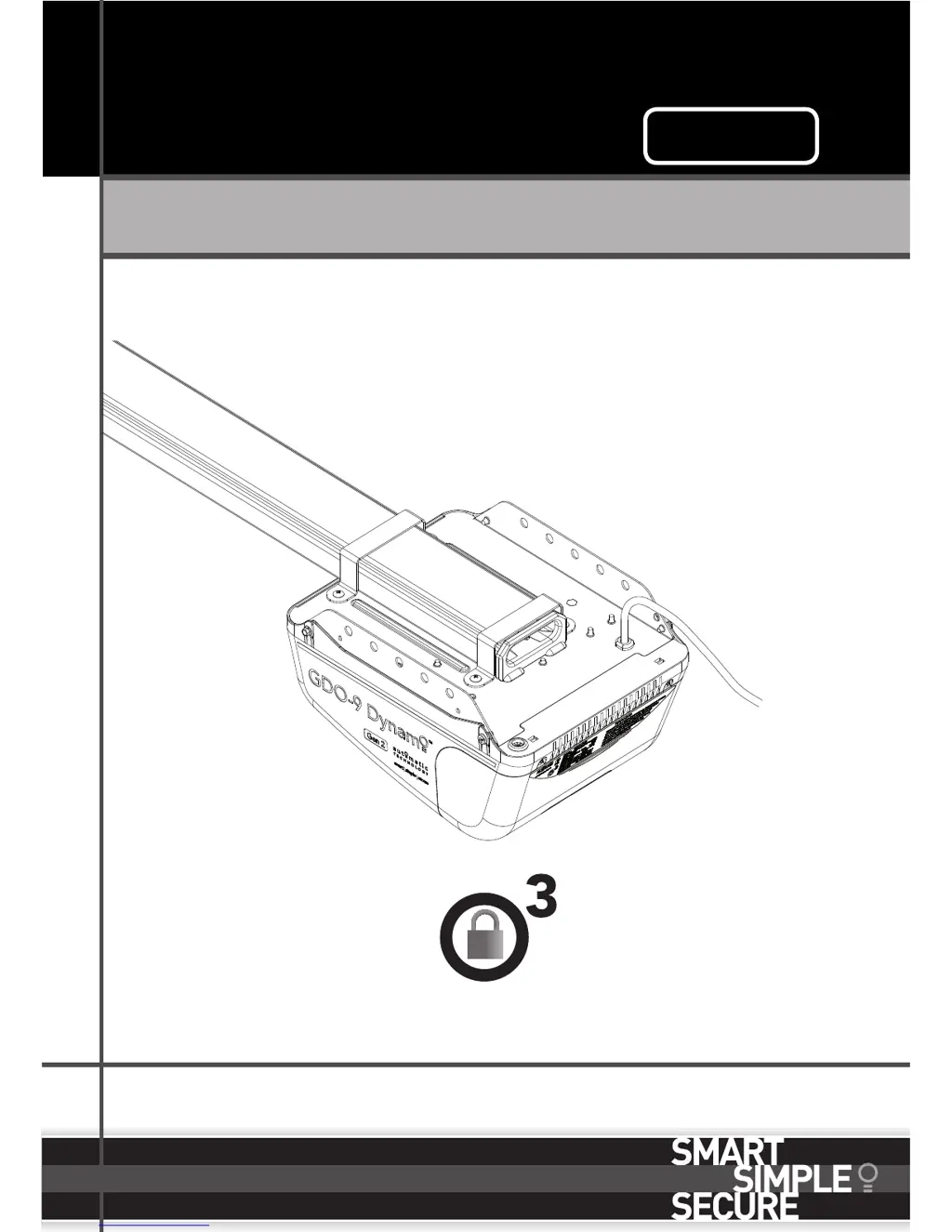
GDO-9 Dynamo
Gen 2
Overhead Garage Door Opener
Featuring TrioCode
Technology

Questions and Answers

Summary

1. Safety Rules

2. Features

3. Specifications

4. Operating your door

5. User Operating Controls

6. Opener Safety & Security

6.1 Manual Door Operation

Explains how to disengage the opener for manual door operation using the string handle and the correct angle.

6.2 Emergency Evacuations

Details how the garage door can be disengaged for manual operation during emergencies, noting cord height.

6.3 Power Failure

Explains the opener's inability to function during a power failure and the need for manual operation.

6.4 Re-Engaging the Opener

Provides steps to re-engage the opener after manual operation, including shuttle assembly and chain index.

6.5 Security - Inbuilt Locking Facility

Highlights the opener's built-in locking facility when engaged, and the security implications when disengaged.

7. Safety Testing

7.1 Test the Close Cycle

Details the procedure to test the automatic safety reverse function by closing the door onto an object.

7.2 Testing the Open Cycle

Explains how to test the safety reverse system during door opening by stopping the door manually.

7.3 Test the Manual Door Operation

Describes periodic testing of manual door operation to ensure smooth movement and acceptable force.

7.4 Test the Battery Back Up (Optional Accessory)

Outlines the steps to test the functionality of the optional battery backup system during power interruptions.

8. Coding Transmitters

8.1 Storing the Transmitter Code

Provides instructions on how to program transmitter codes into the opener's receiver, supporting up to 64 codes.

8.2 Setting the Transmitter to Operate the Courtesy Light

Guides on programming a transmitter button to independently control the courtesy light of the opener.

8.3 Setting the Transmitter to Operate Vacation Mode

Explains how to program a transmitter to activate 'Vacation Mode', disabling the opener's radio receiver.

8.4 To Erase Programmed Codes

Details the procedure for deleting specific transmitter codes or all programmed codes from the opener's memory.

8.5 Installation of the Wall Mounted Transmitter

Provides guidance on mounting the wall-mounted transmitter in a suitable and accessible location.

9. Troubleshooting Guide

10. Door Maintenance

10.1 Door Maintenance

Emphasizes the importance of regular door checks, including cables, springs, and mountings for wear or damage.

10.2 Lubrication (every 3 - 6 months)

Provides recommendations for lubricating guide tracks, hinges, and springs for smooth operation and longevity.

10.3 Door Service and Repair

Recommends professional servicing every 12 months, checking lifting cables, fasteners, and spring tension.

10. Opener Maintenance

10.4 Opener Maintenance

Recommends monthly safety testing and calling a dealer if the door does not operate smoothly.

10.5 Service Indicator

Explains the function of the yellow SERVICE LED and beeps indicating the need for scheduled maintenance.

10.6 Removing the Battery From the Transmitter

Details the type of battery and the procedure for safely removing and testing the transmitter battery.

11. Warranty

12. Optional Accessories

13. Service Schedule

Automatic Technology GDO-9 Dynamo Gen 2 Specifications

General IconGeneral
BrandAutomatic Technology
ModelGDO-9 Dynamo Gen 2
CategoryGarage Door Opener
LanguageEnglish

Related product manuals