EasyManua.ls Logo

Automatic Technology GDO-11V3 Ero - User Manual

Automatic Technology GDO-11V3 Ero
20 pages
Print Icon
To Next Page IconTo Next Page
Loading...
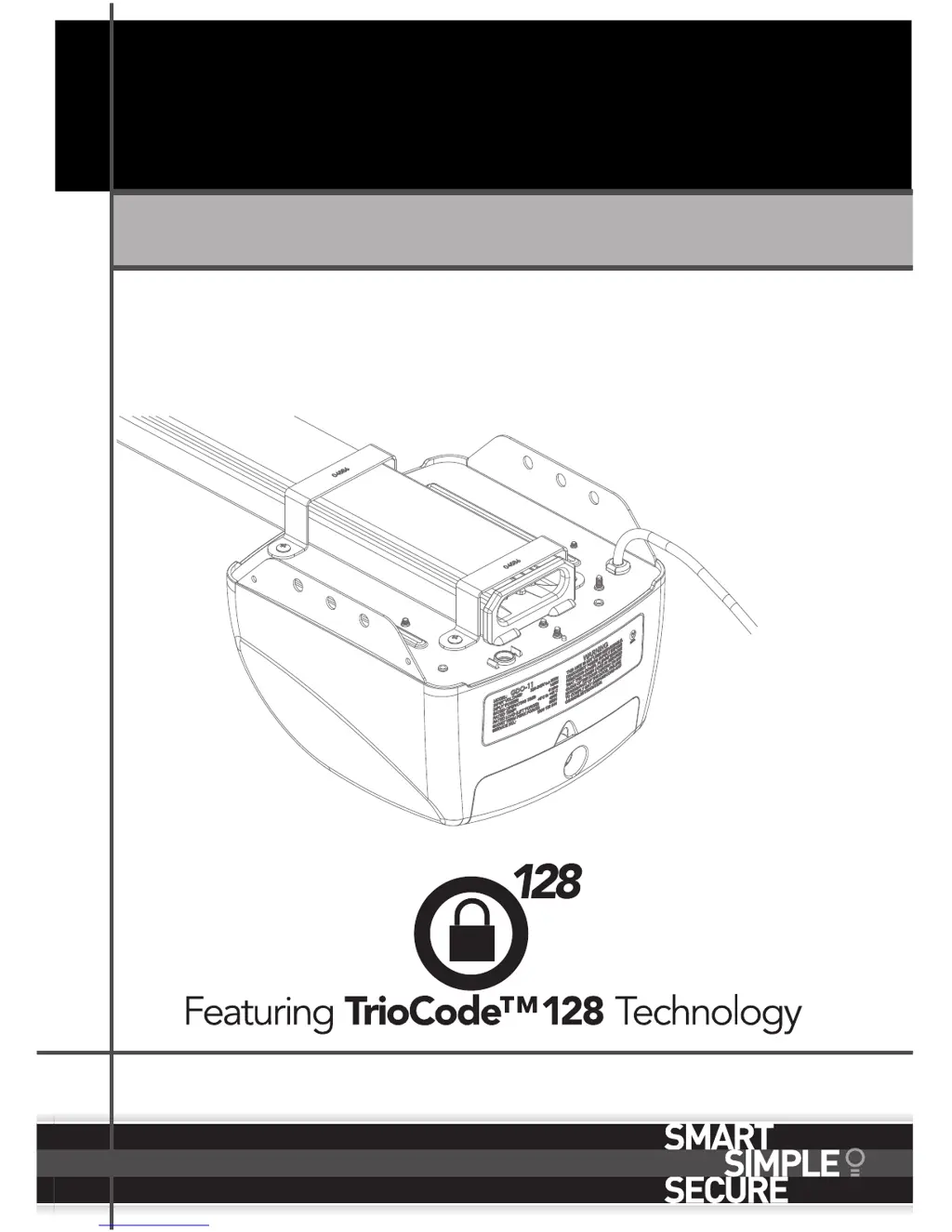
Home Owner’s Manual
Doc #: 160058_01
Part #: 13433
Released: 28/10/2015
GDO-11V3 Ero
Overhead Garage Door Opener

Questions and Answers

  • K
    Kristen RasmussenAug 15, 2025
    How to improve transmitter range of Automatic Technology Garage Door Opener?
    • A
      amatthewsAug 16, 2025
      The transmitter range of your Automatic Technology Garage Door Opener can vary depending on conditions like temperature or external interference. See the instructions for correct transmitter use. Also, the battery life might be exhausted, so refer to the battery status. Finally, try changing the position of the transmitter in the motor vehicle.
  • C
    Cassie CombsAug 19, 2025
    What to do if Automatic Technology Garage Door Opener open (Green) and close (Red) LEDs are flashing alternatively?
    • G
      gparkerAug 19, 2025
      If the Open (Green) LED and Close (Red) LED are flashing alternatively on your Automatic Technology Garage Door Opener, it indicates that the opener is overloaded. Discontinue use and contact your dealer for support.
  • T
    Tammie RamirezAug 21, 2025
    Why does Automatic Technology GDO-11V3 Ero stop or move very slowly?
    • G
      Gary GutierrezAug 21, 2025
      Your Automatic Technology Garage Door Opener might stop or move very slowly because the garage door is in poor condition; for example, the springs may be broken. Check the door’s operation as described in the monthly maintenance section.
  • M
    Michael AguilarAug 27, 2025
    What to do if my Automatic Technology GDO-11V3 Ero courtesy light flashes and beeps 5 times?
    • A
      awilsonAug 28, 2025
      If the courtesy light on your Automatic Technology Garage Door Opener flashes and the opener beeps 5 times after each operation, it means the opener has reached the recommended number of cycles before servicing. Contact your dealer to arrange a door service. Alternatively, you can press the SET button once to reset the service counter.
  • S
    Shannon CooperAug 30, 2025
    What does it mean if the STATUS LED is flashing and beeping on my Automatic Technology GDO-11V3 Ero?
    • S
      Shane RogersAug 31, 2025
      If the STATUS LED on your Automatic Technology Garage Door Opener is flashing and beeping numerous times, it indicates that a fault has been detected. This fault will occur each time you try to operate the door. Record the opener function then press the SET button once to reset the opener. If the fault continues, contact your dealer for support.
  • E
    Elizabeth MercadoSep 3, 2025
    Why does my Automatic Technology GDO-11V3 Ero open (green) LED continue to flash?
    • W
      welchericSep 3, 2025
      If the Open (Green) LED on your Automatic Technology Garage Door Opener continues to flash, it means the door is obstructed when opening. Clear away any obstructions and test that the door opens correctly. If the door is damaged, contact your dealer.
  • J
    John GrantSep 6, 2025
    Why does my Automatic Technology GDO-11V3 Ero close (red) LED continue to flash?
    • H
      harperdonnaSep 6, 2025
      If the Close (Red) LED continues to flash on your Automatic Technology Garage Door Opener, it indicates that the door is obstructed when closing, or the limits may be cleared. Clear away any obstructions and test that the door closes correctly. If the door is damaged, contact your dealer. Remove all power sources (including the battery backup) and wait until all lights are out (10-15 seconds), then reconnect the power. If the Red LED is still flashing, the limits are not set. Contact your dealer immediately and discontinue use.
  • M
    Mr. Billy DelgadoSep 8, 2025
    Why does my Automatic Technology GDO-11V3 Ero reverse for no apparent reason?
    • S
      Selena McleanSep 8, 2025
      Your Automatic Technology Garage Door Opener might reverse for no apparent reason due to environmental conditions such as windy, dusty areas, or extreme temperature changes. Put the door into manual and contact your dealer. Ensure the beam path is not obstructed. If it continues, contact your dealer.
  • R
    Rose GainesSep 12, 2025
    Why is my Automatic Technology Garage Door Opener chain moving but the door remains stationary?
    • R
      Ronald RodriguezSep 12, 2025
      If the chain on your Automatic Technology Garage Door Opener is moving but the door remains stationary, it means the opener is disengaged. Re-engage the opener.
  • T
    Thomas ThomasNov 24, 2025
    Why Automatic Technology GDO-11V3 Ero Garage Door Opener doesn't work from the transmitter?
    • H
      Heather RussoNov 24, 2025
      Your Automatic Technology Garage Door Opener might not be working from the transmitter due to several reasons: * The opener may not have power. To check this, plug a device of similar voltage into the power point to ensure it is working. * The transmitter battery might be flat, in which case you should replace it. * The transmitter may not contain TrioCodeTM 128 Technology. Verify that the transmitter has grey buttons and the model number on the back displays V2. Contact your dealer if it doesn't. * The opener might be in 'Vacation Mode'. If so, turn off 'Vacation Mode'. * The transmitter button may not be programmed to operate the door. If the Door Code LED is flashing but the opener isn't working, follow the coding transmitter procedure and ensure you're pressing the correct ...

Summary

1. Safety Rules

2. Features

TrioCode128 Technology

Proprietary radio technology offering enhanced security and reduced interference.

ISS (intelligent safety obstruction system)

Automatically reverses or stops door on obstruction, with self-adjusting force.

4. Operating your door

Transmitter

Using the transmitter to open, stop, and reverse the door's movement.

5. User Operating Controls

Button (Fig 5.1)

Explanation of control panel buttons for operation and setup.

Door Status Indicators

Meaning of LED lights and beeper sounds for opener status.

6. Opener Safety & Security

6.1 Manual Door Operation

Procedure for disengaging and manually moving the garage door.

6.4 Re-Engaging the Opener

Steps to reconnect the opener to the door after manual operation.

6.5 Security - Inbuilt Locking Facility

Details the automatic locking mechanism and security implications.

7. Safety Testing

7.1 Test the Close Cycle

Procedure to test the safety auto-reverse function with an obstruction.

7.2 Testing the Open Cycle

Procedure to test if the door stops when obstructed during opening.

8. Coding Transmitters

8.1 Setting the Transmitter to Operate the Door

Programming a transmitter button to control the garage door opener.

8.6 To Erase Programmed Codes

Instructions for deleting transmitter codes from the opener's memory.

9. Troubleshooting Guide

The opener does not work from the transmitter

Diagnosing why the transmitter is not operating the opener, checking power and programming.

The STATUS LED has started to flash and is beeping numerous times

Signifies a detected fault condition requiring immediate attention.

10. Maintenance

11. Battery Replacement

Automatic Technology GDO-11V3 Ero Specifications

General IconGeneral
TypeGarage Door Opener
ModelGDO-11V3 Ero
Input Voltage230V AC
Motor Voltage24V DC
Maximum Door Area16.5m²
Control TypeRemote Control
Number of Remote Controls2
Maximum Remote Controls64
Battery BackupOptional
Warranty2 years
Operating Temperature-20°C to 50°C
Radio Frequency433.92 MHz
Safety FeaturesAuto-reverse mechanism
Motor TypeDC Motor

Related product manuals