EasyManua.ls Logo

Automatic Technology GDO-6 EasyRoller - User Manual

Automatic Technology GDO-6 EasyRoller
20 pages
Print Icon
To Next Page IconTo Next Page
Loading...
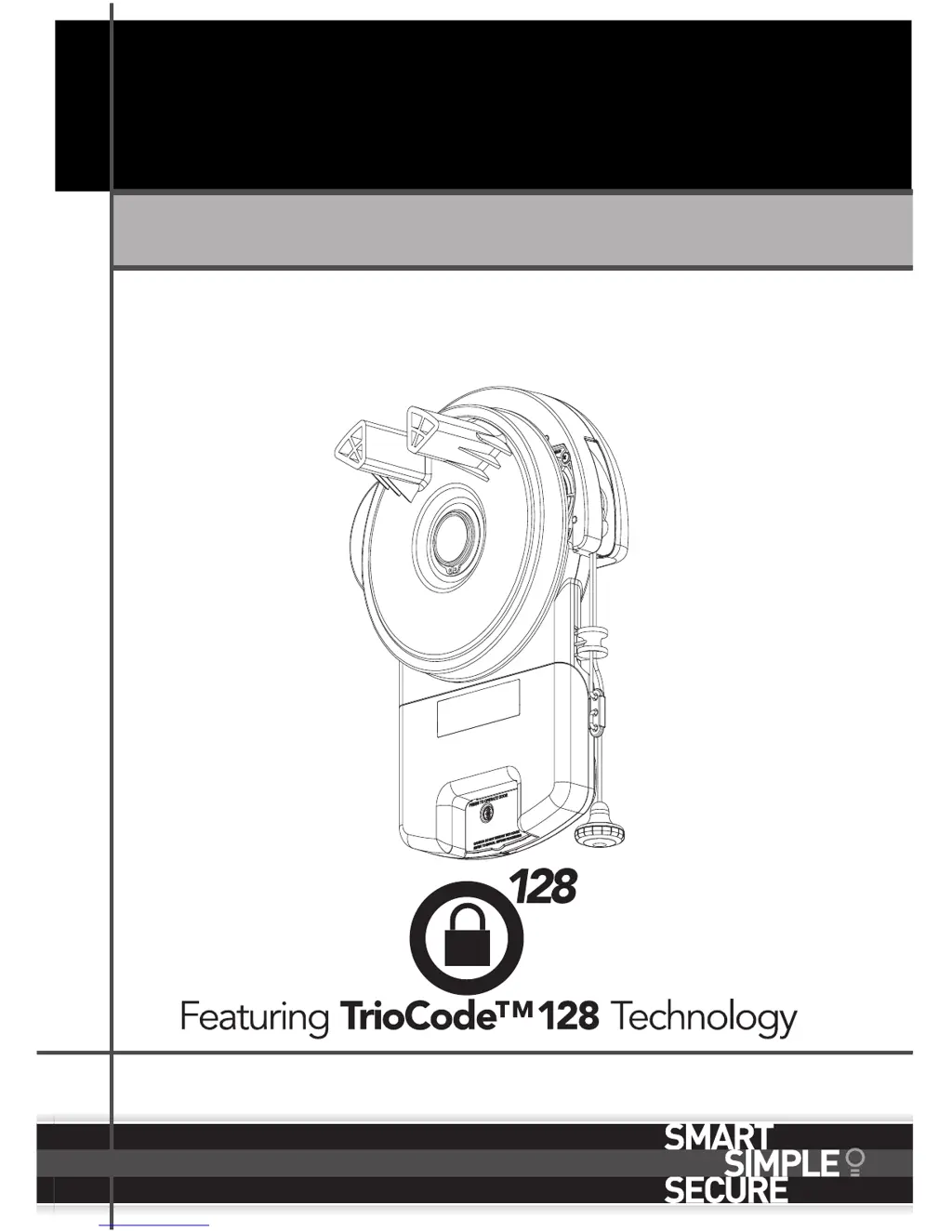
Home Owner’s Manual
Doc #: 160005_01
Part #: 13368
Released: 05/0314
GDO-6 EasyRoller
®
Roll Up Garage Door Opener
GDO-6 EasyRoller
®

Other manuals for Automatic Technology GDO-6 EasyRoller

Questions and Answers

  • C
    Claudia SchmittSep 12, 2025
    Why Automatic Technology GDO-6 EasyRoller Garage Door Opener transmitter range is limited?
    • M
      morganomarSep 12, 2025
      Variations in transmitter range for your Automatic Technology Garage Door Opener are normal depending on conditions such as temperature or external interference. See instructions for correct use of transmitter. The battery life may also be exhausted, so refer to battery status. The position of the transmitter in the motor vehicle can also affect the range, try changing the position.
  • E
    Edward WilliamsAug 25, 2025
    What to do if my Automatic Technology Garage Door Opener doesn't work from transmitter or operate button?
    • V
      Vanessa FinleyAug 25, 2025
      If your Automatic Technology Garage Door Opener door doesn't work from either the transmitter or the operate button, the opener might be disengaged. To solve this, re-engage the opener.
  • W
    whiterodneyAug 26, 2025
    What to do if Automatic Technology Garage Door Opener door reverses?
    • S
      Stephen RodriguezAug 27, 2025
      If your Automatic Technology Garage Door Opener door reverses for no apparent reason, it may occasionally occur due to environmental conditions such as windy or dusty areas, or extreme temperature changes. In this case, put the door into manual and contact your dealer. Also, if safety beams are installed, they may be partially obstructed. Ensure the beam path is not obstructed and if the issue continues, contact your dealer.
  • D
    deannamooreAug 27, 2025
    Why does Automatic Technology GDO-6 EasyRoller beep 5 times?
    • M
      Maria CruzAug 28, 2025
      The reason your Automatic Technology Garage Door Opener is beeping 5 times and the courtesy light flashes after each operation is because the opener has reached the recommended number of cycles before servicing. Contact your dealer and arrange a door service or press the SET button once to reset the service counter.
  • H
    Hector WalkerAug 29, 2025
    Why is the red light flashing on my Automatic Technology GDO-6 EasyRoller?
    • R
      Raven NobleAug 29, 2025
      If the Close (Red) LED continues to flash on your Automatic Technology Garage Door Opener, it indicates that the door is obstructed when closing or the limits may be cleared. First, clear away any obstructions and test the door closes correctly. If the door is damaged, contact your dealer. Then, remove all power sources (including the battery backup), wait till all lights are out (10-15 secs), then reconnect power. If the Red LED is still flashing, the limits are not set. Contact dealer immediately and discontinue use.
  • C
    Charles CarterAug 31, 2025
    Why is the green light flashing on my Automatic Technology GDO-6 EasyRoller?
    • J
      Jacqueline CooperAug 31, 2025
      If the Open (Green) LED continues to flash on your Automatic Technology Garage Door Opener, it indicates that the door is obstructed when opening. Clear away any obstructions and test that the door opens correctly. If the door is damaged, contact your dealer.
  • V
    vwoodSep 22, 2025
    Why does my Automatic Technology GDO-6 EasyRoller Garage Door Opener move slowly under battery power?
    • E
      Eric MillerSep 22, 2025
      If your Automatic Technology Garage Door Opener stops or moves very slowly under battery power (with the optional battery backup), it could be due to a couple of reasons. The batteries may have little to no charge, so connect mains power and allow them to charge for 24 to 48 hours to reach their maximum capacity. Alternatively, a fault may have been detected. Record the opener function (how many beeps?), then press the SET button once to reset the opener.
  • C
    Clayton DouglasNov 20, 2025
    Why Automatic Technology GDO-6 EasyRoller transmitter not working?
    • D
      Dawn ThompsonNov 20, 2025
      If your Automatic Technology Garage Door Opener isn't responding to the transmitter, there could be several reasons. First, the garage door itself might be in poor condition, such as having broken springs, so you should check the door’s operation. Second, the opener might not be getting power; try plugging another device into the power point to check. Third, the transmitter battery could be flat, requiring a replacement. Fourth, the transmitter might not contain the correct TrioCodeTM128 Technology, verify that the transmitter has grey buttons and the model number on the back displays V2. Fifth, the opener might be in 'Vacation Mode,' which needs to be turned off. Sixth, the transmitter button might not be programmed to operate the door, so you should see coding transmitter procedure. Fina...
  • K
    kaylakingSep 9, 2025
    How to fix auto close not working on Automatic Technology Garage Door Opener?
    • J
      johnsoncarolSep 9, 2025
      If the Auto Close feature isn't working on your Automatic Technology Garage Door Opener, it's likely due to a faulty safety beam or wiring. You should repair the safety beam or replace the wiring and realign the optics. Refer to the Safety Beam instructions for further assistance.
  • J
    joseph21Sep 6, 2025
    Why is the Close (Red) LED flashing on my Automatic Technology GDO-6 EasyRoller?
    • B
      Brian WarnerSep 6, 2025
      If the Close (Red) LED on your Automatic Technology Garage Door Opener continues to flash, it indicates that the door is obstructed when closing. Clear any obstructions and test that the door closes correctly. If the door is damaged, contact your door professional. Alternatively, the limits may be cleared. Remove all power sources (including the battery backup), wait until all lights are out (10-15 seconds), then reconnect the power. If the Red LED is still flashing, the limits are not set; reset them.

Summary

Safety Rules

Operating Your Door

User Operating Controls

Manual Release; Security

Manual Door Operation

Procedure for disengaging the opener to manually operate the door.

Re-Engaging the Opener

Steps to re-connect the opener after manual operation.

Safety Testing

Test the Close Cycle

Procedure to test the auto-reverse safety feature during closing.

Testing the Open Cycle

Procedure to test the door stopping mechanism during opening.

Test the Manual Door Operation

Check for smooth manual operation and required force.

Coding Transmitters

Setting Transmitter to Operate Door

Procedure to program transmitter buttons for door control.

Troubleshooting Guide

Opener Not Working From Transmitter

Diagnosing issues when the transmitter fails to operate the opener.

SERVICE LED Flashing and Beeping

Interpreting service fault indicators on the opener.

Door Reverses for No Apparent Reason

Troubleshooting unexpected door reversal during operation.

Door Opens But Will Not Close

Diagnosing issues when the door fails to close properly.

Door Stops;Moves Slowly on Battery

Troubleshooting slow operation when using battery backup.

Door Maintenance

Opener Maintenance

Warranty

Service Schedule

Automatic Technology GDO-6 EasyRoller Specifications

General IconGeneral
BrandAutomatic Technology
ModelGDO-6 EasyRoller
CategoryGarage Door Opener
LanguageEnglish

Related product manuals