EasyManua.ls Logo

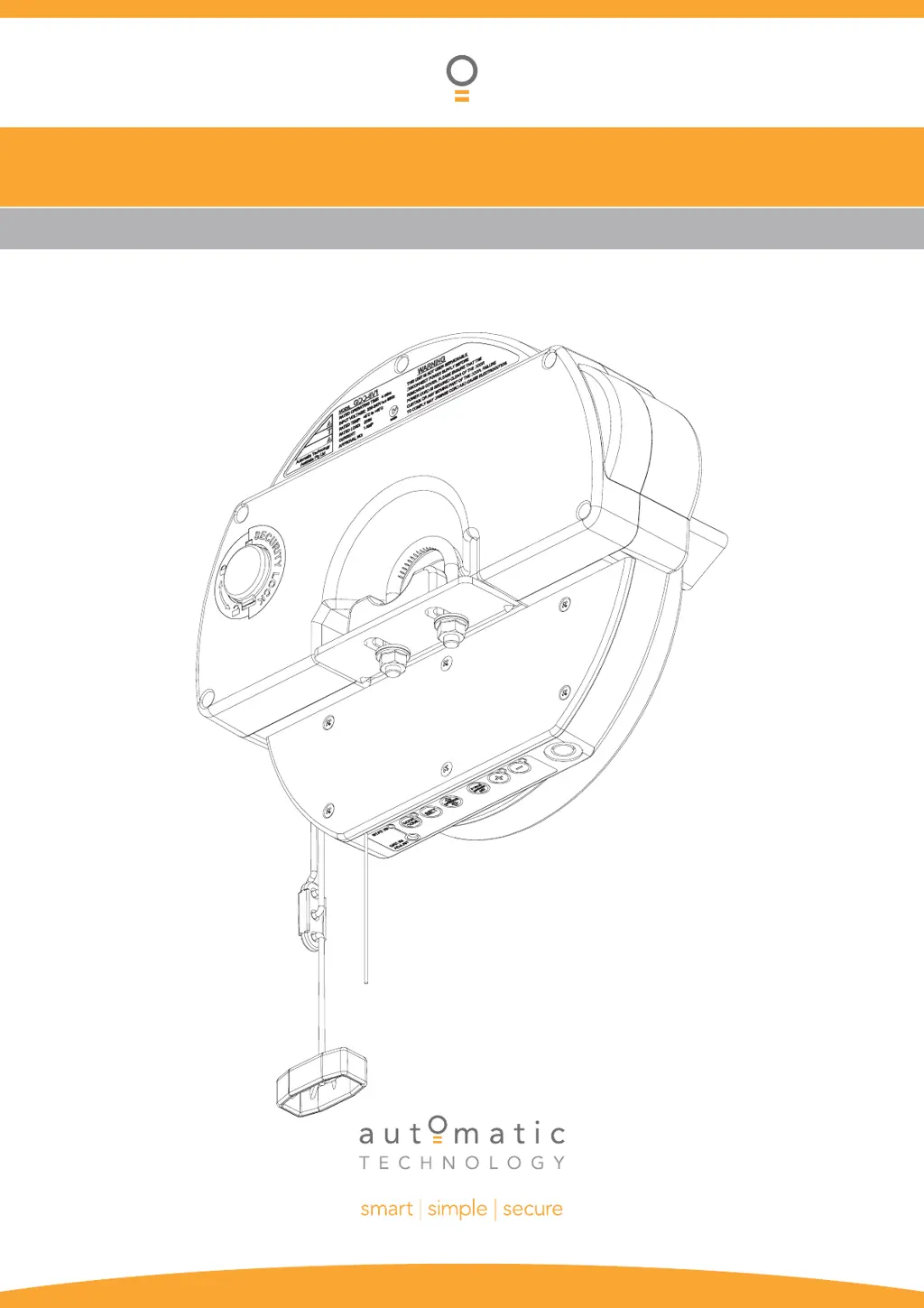
Automatic Technology GDO-8v1 EasyRoller II - User Manual

Automatic Technology GDO-8v1 EasyRoller II
24 pages
Print Icon
To Next Page IconTo Next Page
Loading...
GDO-8v1 EasyRoller
®
II
INSTALLATION INSTRUCTIONS | OWNERS COPY
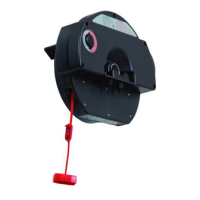
Weather Resistant Roll Up Door Opener

Questions and Answers

  • T
    tmitchellAug 8, 2025
    How to troubleshoot Automatic Technology GDO-8v1 EasyRoller II Garage Door Opener that will not operate?
    • B
      burkekarenAug 8, 2025
      If your Automatic Technology Garage Door Opener door will not operate, check the following: * Ensure the mains power is switched on. * Make sure there are no obstructions blocking the door's path; remove any if found. * Verify that the door is unlocked and not jammed; unlock it or remove any jam. * Inspect the door tracks and hardware for damage; if damaged, a qualified technician should service or repair the door.
  • A
    Austin ReeseAug 12, 2025
    How to fix Automatic Technology GDO-8v1 EasyRoller II Garage Door Opener that won't fully open or close?
    • H
      Hayley JenkinsAug 12, 2025
      If your Automatic Technology Garage Door Opener will not open or close fully, the door limits position may need to be reset.
  • A
    Ashley DonovanAug 16, 2025
    Why does my Automatic Technology GDO-8v1 EasyRoller II Garage Door Opener reverse when closing?
    • E
      eleeAug 17, 2025
      If your Automatic Technology Garage Door Opener starts to close but then automatically reverses to the open position, it might be due to adverse weather conditions, such as wind or cold, causing the door to stiffen and bind in the tracks. You can try increasing the force margin setting. Alternatively, there may be an obstruction in the doorway that needs to be removed.
  • K
    Kayla IrwinAug 21, 2025
    What to do if my Automatic Technology GDO-8v1 EasyRoller II Garage Door Opener works with the button but not the remote?
    • N
      Nicholas HillAug 21, 2025
      If your Automatic Technology Garage Door Opener operates from the drive unit button but not from the transmitter, the issue could be that the transmitter code is not stored in the opener's memory. Try coding the transmitter into the opener's memory. Another possibility is a flat battery in the transmitter. Replace the battery with an A23 Alkaline 12V battery.
  • R
    richardleAug 26, 2025
    Why is my Automatic Technology GDO-8v1 EasyRoller II not working with PE installed?
    • K
      Kimberly SampsonAug 26, 2025
      If your Automatic Technology Garage Door Opener door is not working with the PE installed, the PE beam or wiring might be faulty, so you should repair the PE beam or replace the wiring. It's also possible that the PE beam is not aligned correctly; in that case, realign the optics. An obstruction in the path of the PE could also be the reason; remove any obstruction. Finally, check whether the door is obstructed when closing and remove any obstructions.
  • D
    Deborah PittmanAug 29, 2025
    What causes my Automatic Technology GDO-8v1 EasyRoller II Garage Door Opener to overshoot or not reach limits?
    • M
      Marcus JohnsonAug 30, 2025
      If your Automatic Technology Garage Door Opener is overshooting or not reaching its limits, the datum position may not be set correctly. Reset the datum position.
  • M
    Michelle LesterSep 3, 2025
    Why can't I set limits on my Automatic Technology GDO-8v1 EasyRoller II?
    • D
      Dr. Eric ReynoldsSep 3, 2025
      If you cannot set limits on your Automatic Technology Garage Door Opener, the datum position may not be set correctly. Reset the datum position.

Automatic Technology GDO-8v1 EasyRoller II Specifications

General IconGeneral
Power SourceElectric
Max Door Weight100kg
Drive TypeChain Drive
Remote ControlYes
Input Voltage230V AC
Motor Voltage24V DC
Radio Frequency433.92 MHz
Memory Registers64
Motor TypeDC Motor
Remote Controls Included2
SecurityRolling Code Technology
Maximum Door Size16.5m2
Operating Temperature-20°C to 50°C (-4°F to 122°F)
Horsepower0.5 HP
Safety FeaturesAuto-reverse mechanism, photoelectric sensors

Related product manuals